Low-memory phones waste the storage left for photos and apps once the operating system and the preinstalled apps are already on the device. Android Go is the configuration Sagar Kamdar declared ready on December 5, 2017: Android Oreo (Go edition) for Android Oreo devices with 512MB to 1GB of memory, built from operating-system changes, lighter Google apps, and a Play Store that still allows any app while highlighting ones tuned for those phones. Named 2018 handsets stay in the 2018 Android Go device record; the earlier low-memory platform work is Android 4.4 KitKat for low-memory devices; both sit on the Android history hub.
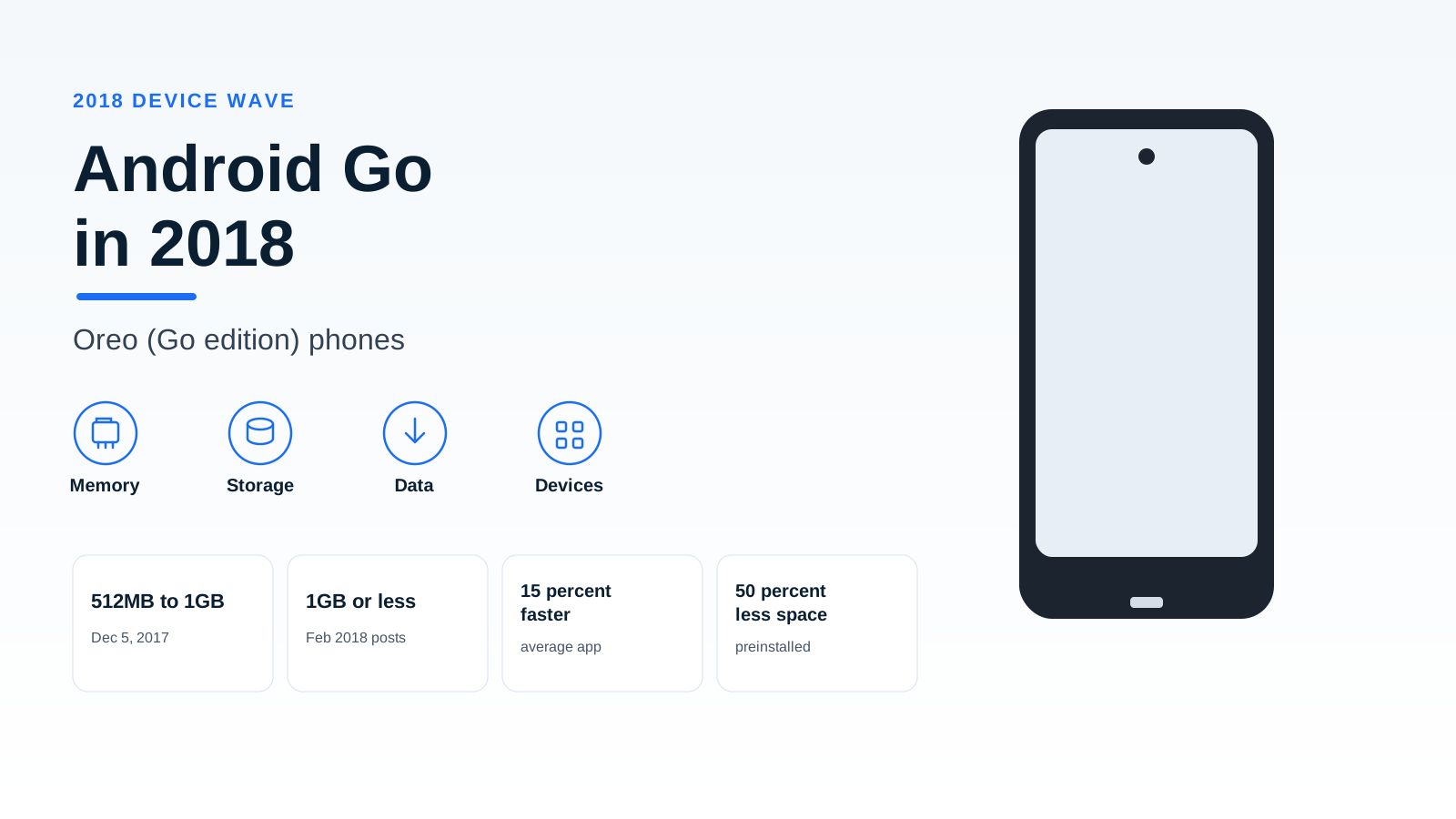
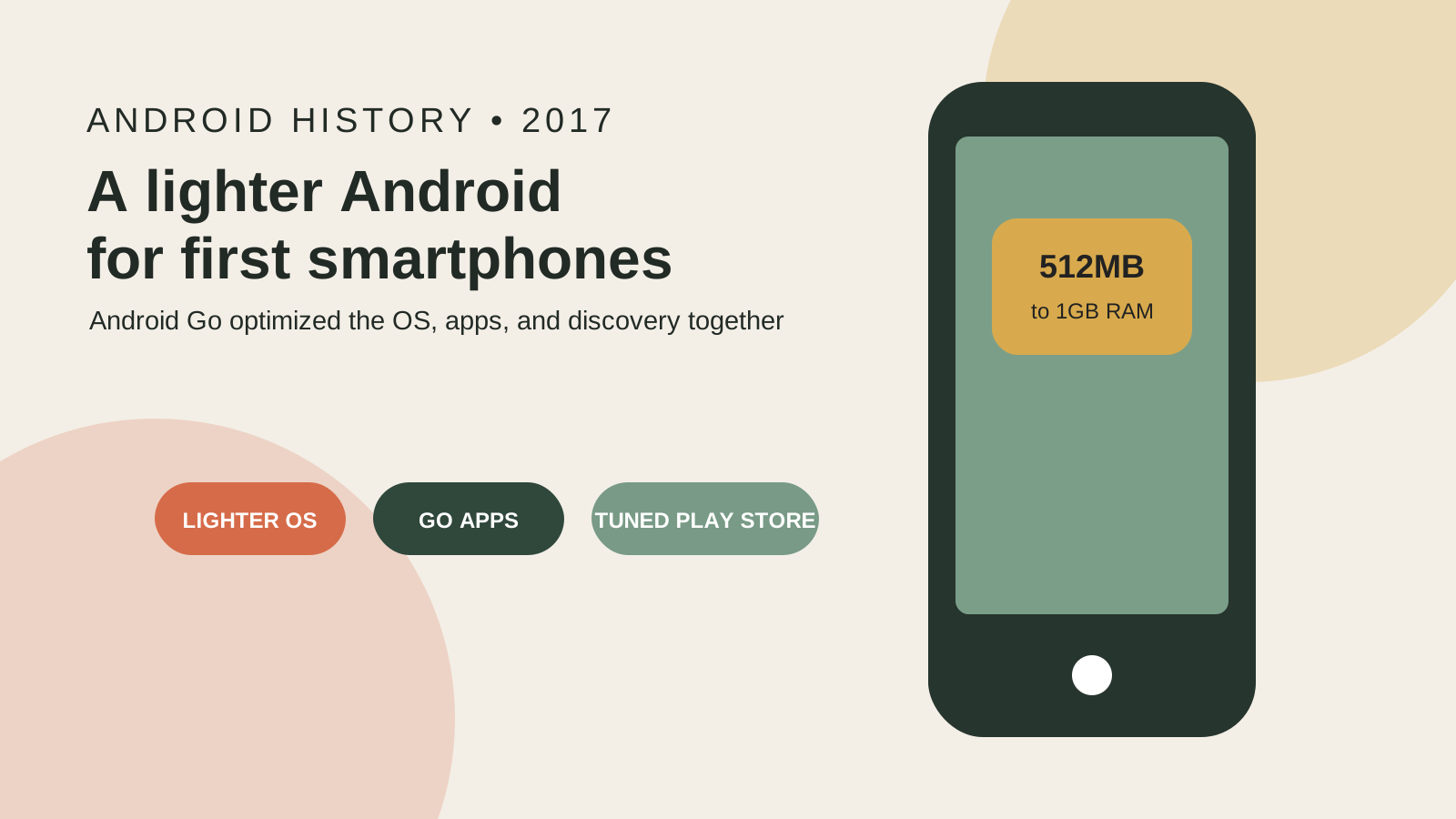
Android Go is how Google built Android for low-memory phones, by changing the operating system, the preinstalled Google apps, and Play Store discovery together. On December 5, 2017, Sagar Kamdar said Android Oreo (Go edition) was ready and would launch with Android 8.1 the next day. Android Oreo devices with 512MB to 1GB of memory get those optimizations. He prints a 15 percent faster average app on this edition, 50 percent less space for the OS and preinstalled Google apps, and doubled available storage, and he does not print a gigabyte capacity. Jason Titus on May 17, 2017 named the project and printed no RAM figure. Hiroshi Lockheimer on February 22, 2018 prints 1GB of RAM or less. On September 25, 2019, Kamdar describes the 2018 launch as 1.5GB of memory or less. Use the figure from the post that prints it.
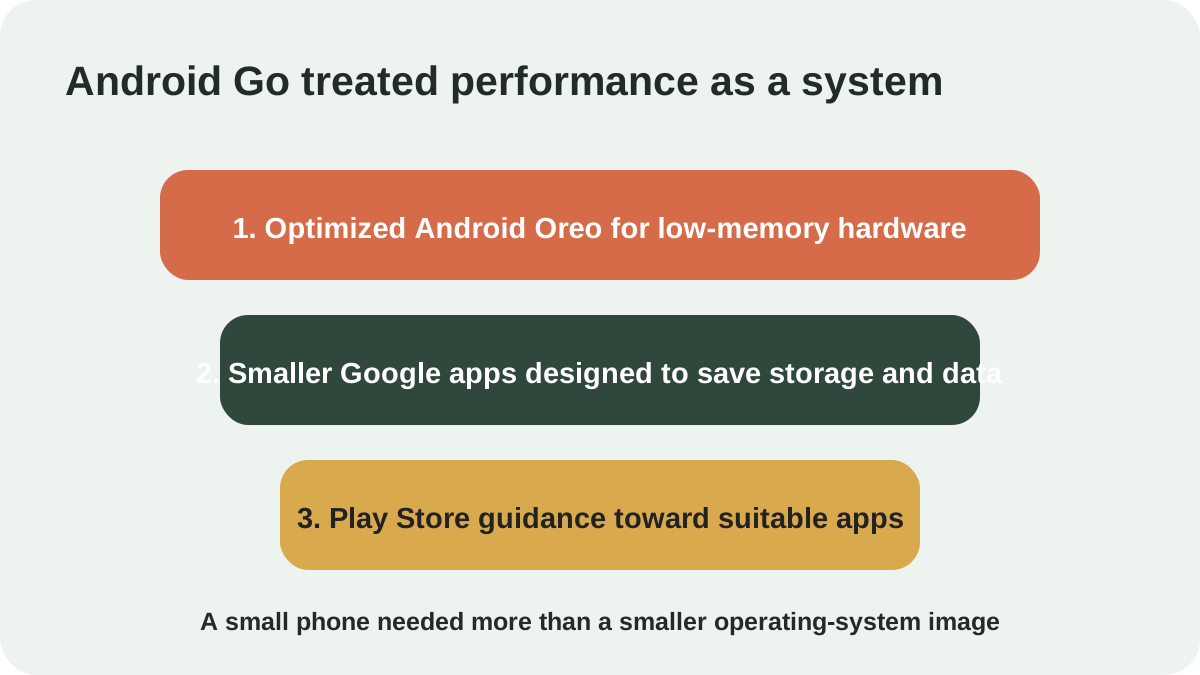
What did the December 5, 2017 post put in Android Go?
Sagar Kamdar said on December 5, 2017 that Android Oreo (Go edition) was ready and launching as part of the Android 8.1 release tomorrow.
Launch day = December 5, 2017 + 1 day = December 6, 2017. That sum is calendar arithmetic. The post prints the word tomorrow, not the date December 6.
He assigns each of the three components a job. Performance, storage, data management, and security sit on the operating system. The app bundle is the lighter Google set for people coming online for the first time. Play still allows any download, and it adds a highlight for software meant to run on that hardware. Farther down, he calls the highlight a section of popular apps tuned for entry-level devices.
| Layer | Dominant failure mode | Prevention |
|---|---|---|
| Operating system | The OS and preinstalled apps leave very little storage for music, apps, and photos. Kamdar states that condition on December 5, 2017. | Performance and storage improvements. Data Saver on by default, including control of which apps use background data. The same Oreo security features, plus Play Protect scanning installs while offline. OS and preinstalled Google apps take 50 percent less space. He states that available storage doubled. |
| Google apps | A large app or unchecked background data spends the storage and the data allowance the OS change freed. | Google Go: data optimization up to 40 percent, install weight under 5MB. Files Go recommends removing spam, duplicate images, or unused apps. Chrome Data Saver, for the average user, is above 600MB a year. |
| Play Store | Any app can still be installed, including one outside the highlighted set. | The highlighted section for apps tuned to entry-level devices. The post says partners use the building for billions guidelines to optimize an existing app or create a new one. |
The bundle contains Google Go, Assistant Go, YouTube Go, Maps Go, Gmail Go, Gboard, Play, Chrome, and Files Go. The same page also uses the longer assistant name, Google Assistant for Android (Go edition), for messages, calls, alarms, voice, and a single touch.
The 15 percent line has two populations. On phones running this edition, the average app is 15 percent faster. His wider illustration applies that same 15 percent to every entry-level Android device and puts the savings at a cumulative one million hours a day. The post prints no seconds for one app and no handset count under that daily total.
Time after = Time before * (1 - 0.15) = 0.85 * Time before. Time before is not printed, so this page does not solve the million hours for a launch count. That line is arithmetic.
Kamdar says partners will soon ship the release on entry-level devices around the world, and that devices will reach shelves in the coming months. The sentence prints no month and no model. The handset names from the later partner announcements are in the 2018 Android Go device record.
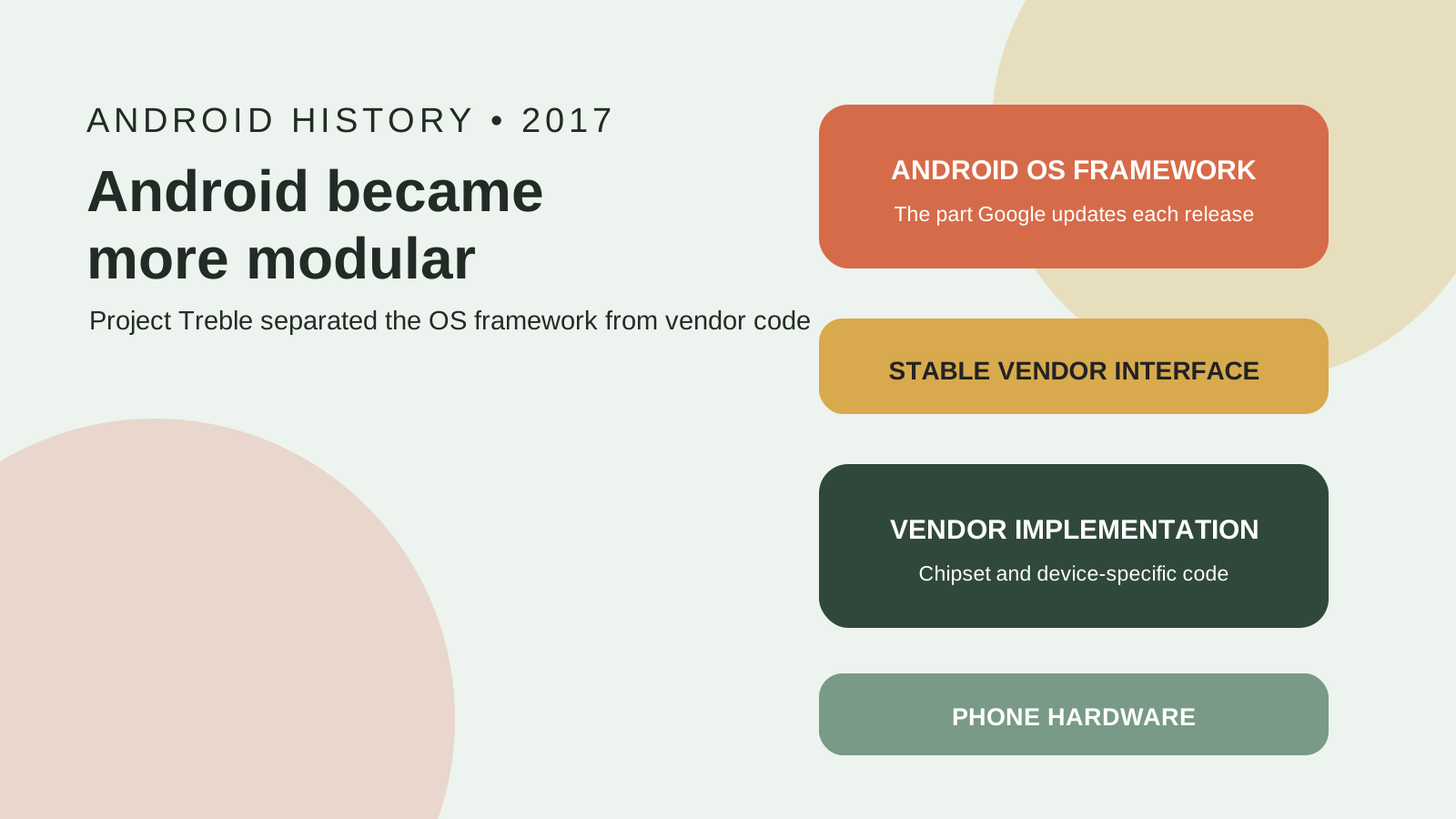
Jason Titus, on May 17, 2017, had given the early look Kamdar mentions. The Android Go bullet says Google is optimizing Android to run smoothly on entry-level devices, starting with the O release, and designing Google apps to use less memory, storage space, and mobile data. The apps in that bullet are YouTube Go, Chrome, and Gboard. The bullet prints no RAM band and no Play Store section. The same note lists Project Treble as its own item, a framework to cut the time and effort for a device maker to upgrade a phone, starting with Android O. That architecture is why Project Treble changed Android update delivery.
Which memory figure belongs to which date?
The dominant failure mode is pasting one memory ceiling onto every year. Prevention: keep each figure on the post that prints it, and leave the storage cell empty when that post prints no gigabyte capacity.
Rule of thumb. If the memory figure is 512MB to 1GB, it is Kamdar’s December 5, 2017 band for Android Oreo devices that ship with the Go optimizations. If the figure is 1GB of RAM or less, it is Hiroshi Lockheimer’s February 22, 2018 ceiling. If the figure is 1.5GB of memory or less, it is Kamdar’s September 25, 2019 description of the 2018 launch.
| Post | Memory figure printed | Storage capacity printed |
|---|---|---|
| December 5, 2017, Sagar Kamdar | 512MB to 1GB of memory | |
| February 22, 2018, Hiroshi Lockheimer | 1GB of RAM or less | |
| September 25, 2019, Sagar Kamdar | 1.5GB of memory or less, as his description of the 2018 launch | 4GB or 16GB, as variety then shipping |
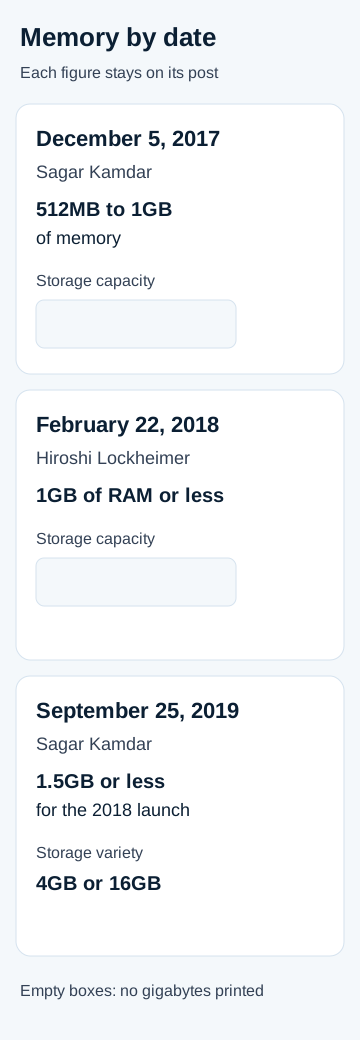
Lockheimer also says those phones have a smaller amount of storage and processing power. He prints neither a gigabyte capacity nor a clock speed, so both cells stay empty. The same paragraph discusses production cost and retail price. This page does not copy a price.
A setting that compresses memory, or that reserves storage and presents it as extra RAM, is a different mechanism from these posted bands. See why Android virtual RAM is reserved storage, not extra chips.
What do the storage and data lines equal?
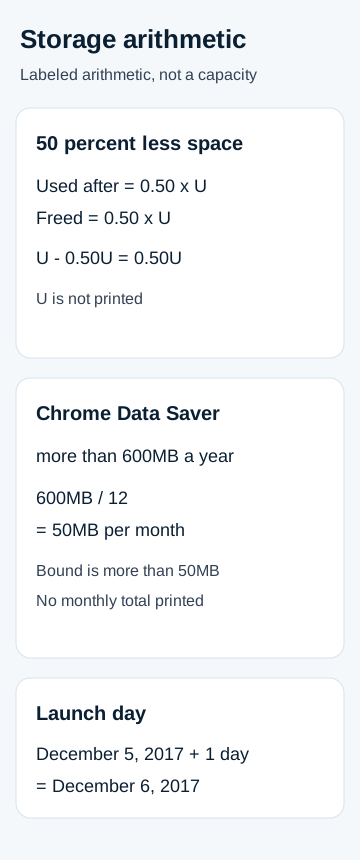
Kamdar prints two storage results and no byte count for either. Android Oreo (Go edition) and the preinstalled Google apps take 50 percent less space. The net result he states is doubled available storage on entry-level devices.
Worked example, arithmetic. Let U be the space the OS and preinstalled Google apps used before that cut. The December 5, 2017 post does not print U.
Used after = U * (1 - 0.50) = 0.50U
Freed = U - 0.50U = 0.50U
Doubled available storage is his stated net result. The previous free-space figure is not printed, so 0.50U stays in symbols.
Worked example, arithmetic. Data Saver in Chrome saves the average user more than 600MB of data per year, and Data Saver is on by default.
Monthly bound = 600 / 12 = 50
The unit is megabytes per month. Because the post says more than 600MB, an even split is more than 50MB per month. The post does not print a monthly total, so 50MB is the arithmetic floor of that “more than,” not a second Google statistic.
| Line | Figure the December 5, 2017 post prints |
|---|---|
| Average app on Android Oreo (Go edition) | 15 percent faster |
| If all entry-level Android devices gained that 15 percent | one million hours every day |
| OS and preinstalled Google apps | 50 percent less space |
| Available storage, stated net result | doubled |
| Chrome Data Saver, average user, on by default | more than 600MB per year |
| Google Go | data optimized by up to 40 percent; less than 5MB |
Google Go is the example he gives for a smaller, faster app that finds information through a tappable interface. Files Go is the file manager that extends the storage work: recommendations for spam, duplicate images, or unused apps.
Where do Go and Android One split?
Hiroshi Lockheimer’s February 22, 2018 post treats Android Oreo (Go edition) and Android One as two programs that tell a buyer what to expect.
For Go, the post’s ceiling is smartphones with 1GB of RAM or less. He pairs that ceiling with the current Android release, Play Protect, and areas in Play set aside for apps suited to the edition. The Google apps there are built to consume less memory and less storage. Examples on that page: Google Go for finding information, YouTube Go for limited connectivity, and the assistant for messages, calls, alarms, voice, and one touch. People would see the first phones the following week, and purchase would follow that appearance. No retail calendar day is printed here, and the model names are not repeated here. They are in the 2018 Android Go device record.
Android One, in the same post, is the program for quicker OS updates and Google services, ongoing security patches, and a simpler interface. He prints a two-year OS window, and he includes Google’s then-current AI work inside that window, plus a three-year security window, Play Protect, and a streamlined interface that includes YouTube, the assistant, Maps, and Photos. Hardware in that program is performance-tested.
The two-year and three-year windows are One sentences. Kamdar’s December 5, 2017 Go post prints neither window for Go edition. The separate program is Android One’s history as a device program.
What did the September 25, 2019 post add?
Sagar Kamdar’s September 25, 2019 post looks back at an Android (Go edition) launch he dates to 2018 and describes that launch as built for phones with 1.5GB of memory or less. The same post is where he introduces Android 10 (Go edition). The 1.5GB line leaves the December 5, 2017 band of 512MB to 1GB where it is.
Inside the Android 10 (Go edition) section, app switching is quicker and uses memory more carefully, and app launch is 10 percent faster than on Android 9 (Go edition). He prints no start date for the Android 9 configuration and no millisecond timing for a switch.
Adiantum is the new encryption in that section, built to run without specialized hardware. He says that up to that date, not every entry-level phone had been able to encrypt data without affecting performance. With Adiantum, he says Go edition users get the same data security as any Android device, without compromising performance. Phones carrying Android 10 (Go edition) were expected later that fall. No day is printed.
Gallery Go, from Google Photos, is listed at 10MB. It sorts pictures by people and objects on the device itself and still runs with no network. Keep that 10MB away from the December 5, 2017 Google Go size, which is under 5MB. The same post adds read-aloud and Lens to Google Go, and it passes on reports of less buffering and lower data use in YouTube Go. Across the prior year, he says Uber, Facebook Messenger, Twitter, and Spotify were redesigned to be Go-ready.
His tally for the prior 18 months: manufacturer count above 500, model count above 1,600, and a reach of 180 or more countries. The countries he names are India, South Africa, Nigeria, Brazil, and the United States. Those phones, he says, were over 80 percent of the entry-level Android phones activating when he wrote. Storage in that variety sentence is 4GB or 16GB, beside either a high-definition or a regular screen and either 3G or 4G. He does not pin any of those storage sizes to the December 5, 2017 configuration.
Window start = September 25, 2019 minus 18 months = March 25, 2018. That subtraction is calendar arithmetic. He prints the phrase “the last 18 months” and does not print March 25, 2018. He also does not say the 1,600 models are the February 2018 announcements.
When this does not apply: a 4GB or 16GB phone in the 2019 variety sentence is not evidence for a storage total on the December 5, 2017 row. That cell stays empty.
How this page was checked
Read on October 18, 2026 from the four posts linked in the source list. Library queries on Android Go and on Oreo Go edition missed those posts. The stored SERP index had no rows for android go, so no new pull was purchased. Rows marked arithmetic are arithmetic. Where a saved page is silent on gigabytes or on a price, the cell is left empty.