
product guides
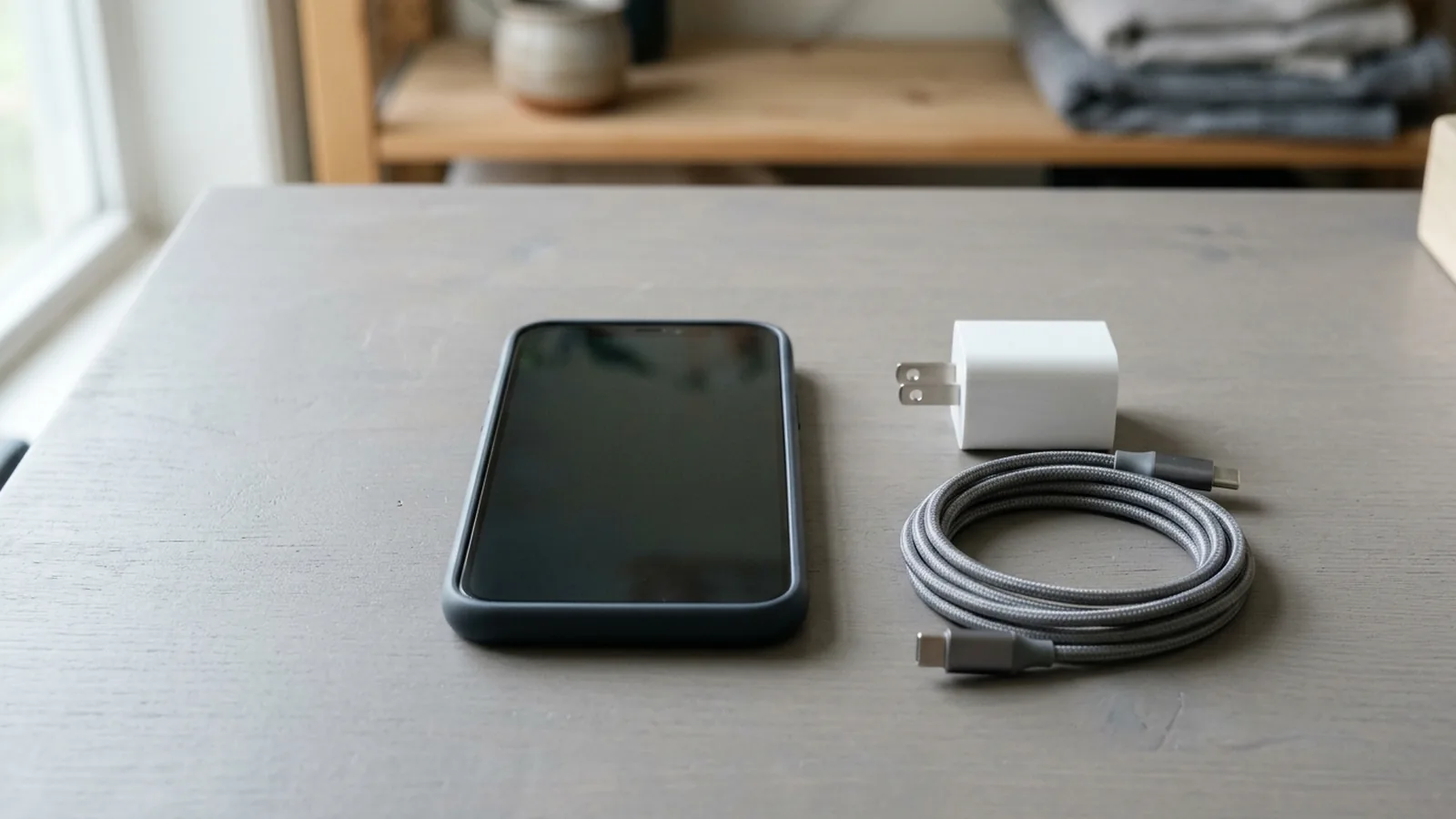
Why Is My Phone Charging Slowly: Cable, PDO and Heat Checks
Work through Android slow-charging checks across the cable and USB port, power adapter negotiation, device temperature, and battery settings.
Read guideAndroid, made easier
Clear Android guides, practical tips, phone comparisons and platform history for everyday users. Learn what features mean, how phones differ and how Android evolved.
Work through Android slow-charging checks across the cable and USB port, power adapter negotiation, device temperature, and battery settings.
What you'll find
Learn what features and settings actually do.
Compare phones without getting lost in specifications.
Follow clear steps for common Android problems.
Knowledge base
Work through Android slow-charging checks across the cable and USB port, power adapter negotiation, device temperature, and battery settings.
Read guide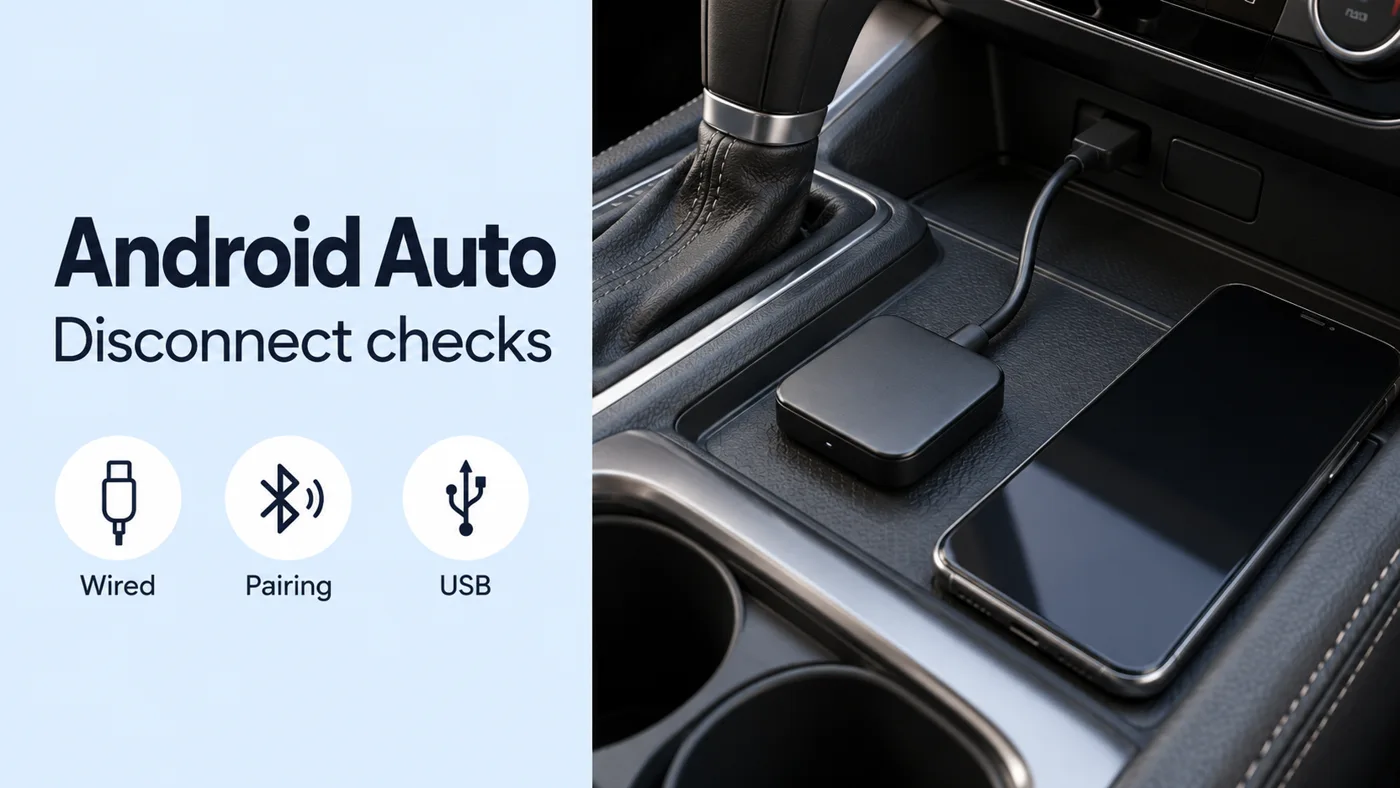
Work through wireless Android Auto adapter disconnect checks, from the wired connection and Bluetooth pairing to model-specific USB and standby settings.
Read guide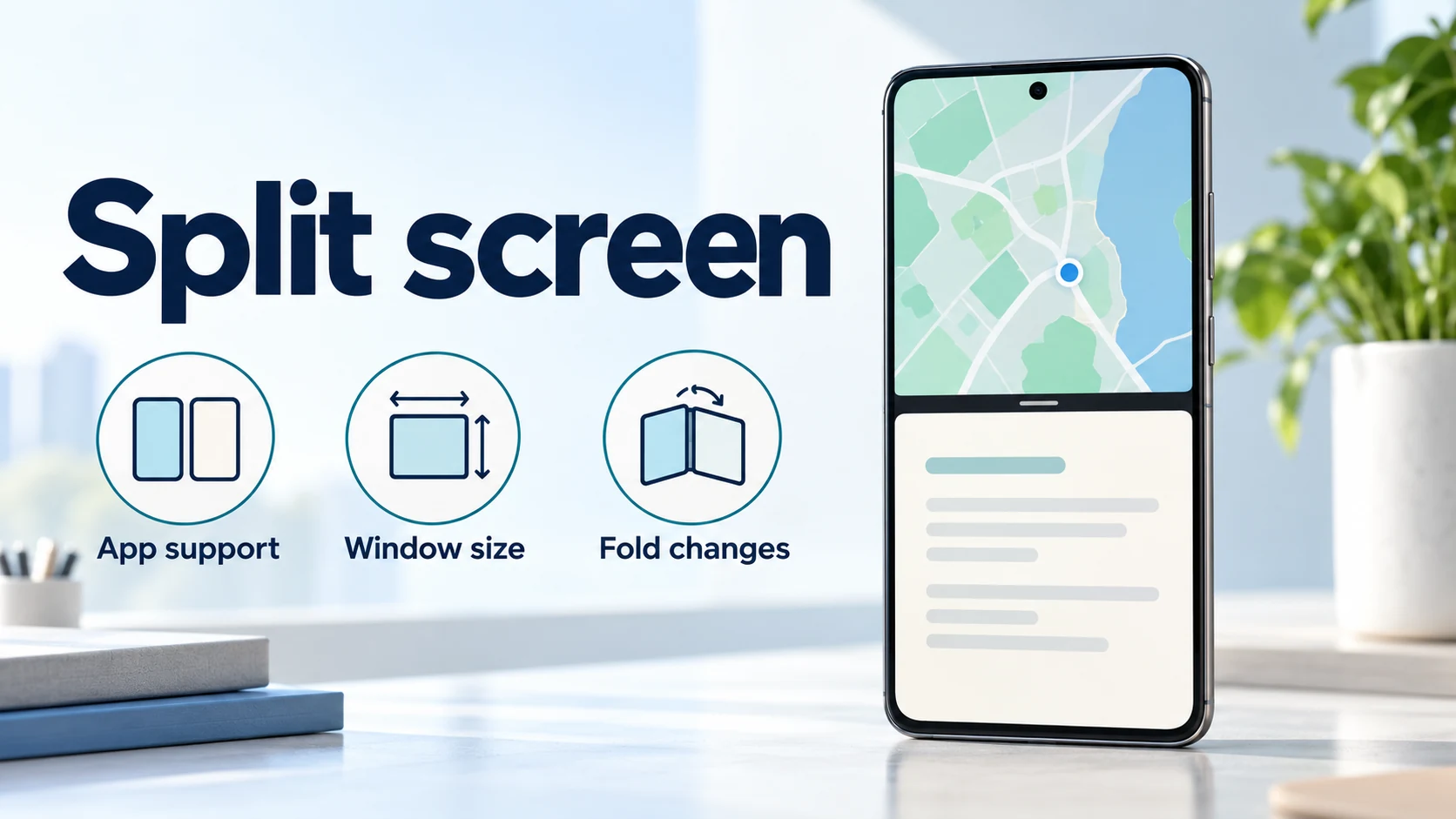
Use split screen on Android and diagnose missing controls, app rejection, cramped windows, and foldable layout changes with a practical checklist.
Read guide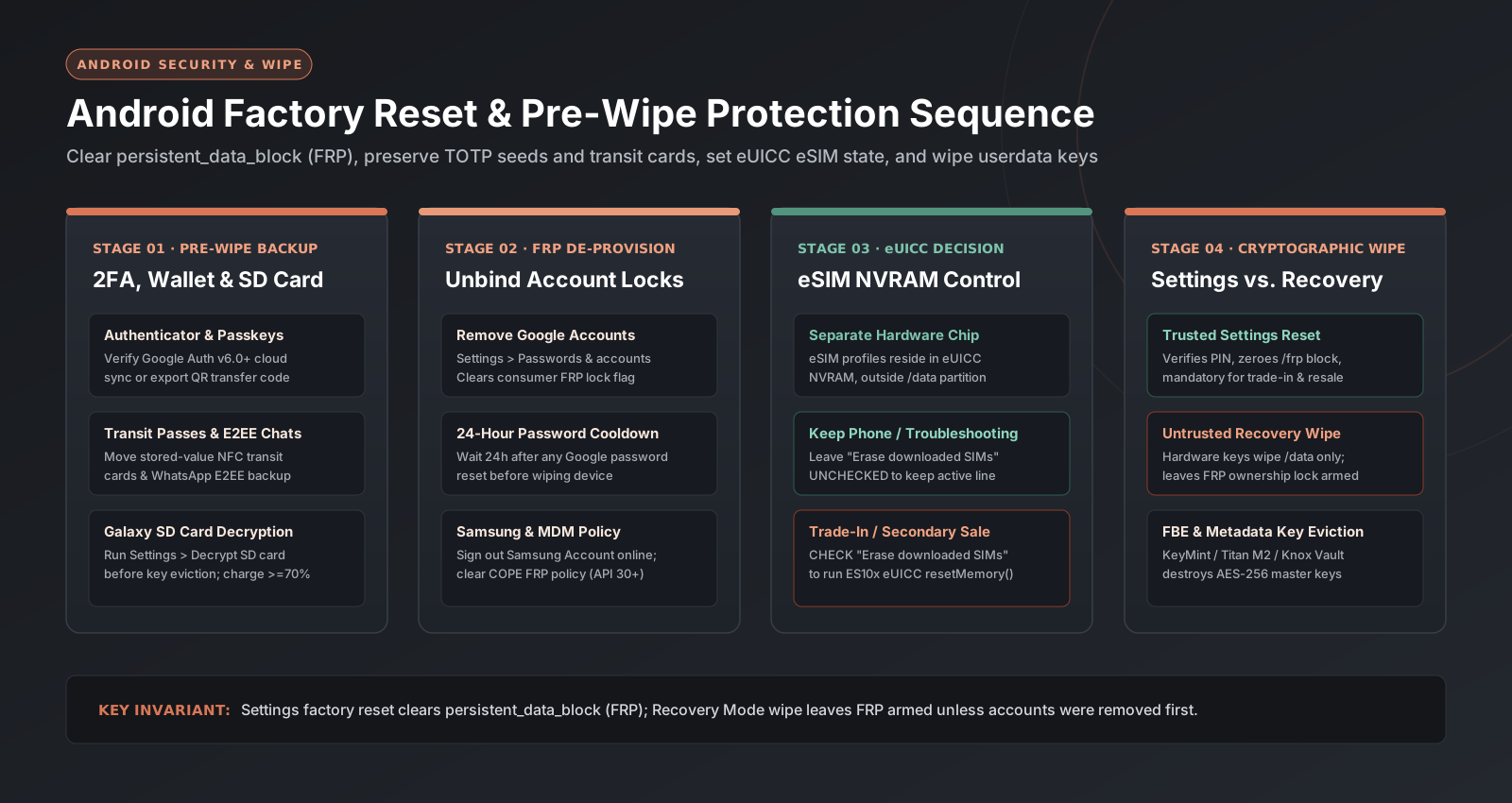
Factory reset an Android phone safely for trade-in, repair, or troubleshooting: remove Google and Samsung FRP locks, migrate 2FA codes, manage eSIM erasure, and use Recovery Mode.
Read guide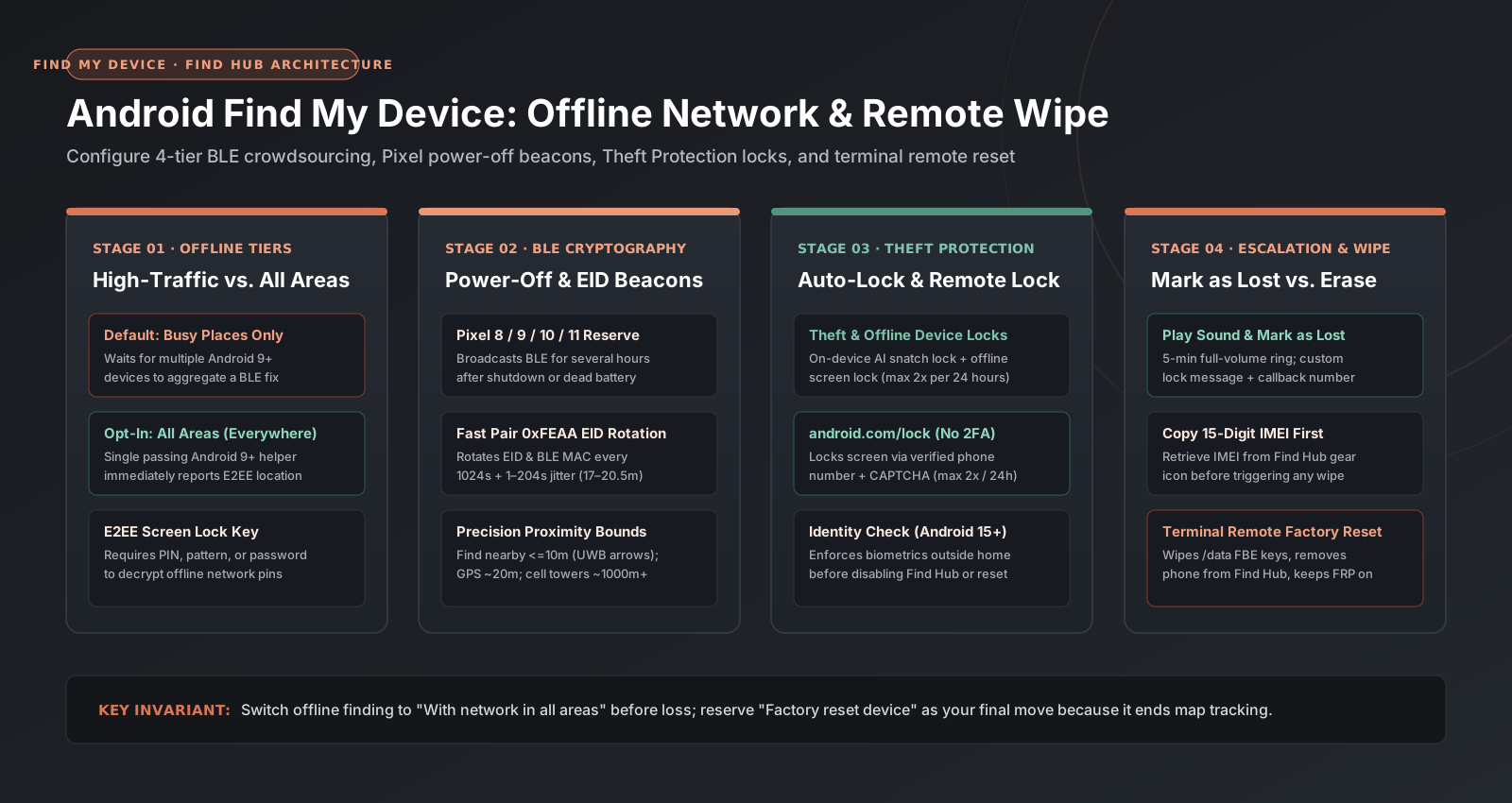
Configure Android Find My Device (Find Hub) before losing your phone: switch offline finding from high-traffic to all areas, enable Pixel power-off tracking, use Remote Lock, and execute remote wipe.
Read guide
Clear cache deletes temporary Android app files. Clear storage deletes that app's saved data. Read the button, then the storage math, before you confirm.
Read guideExplore the archive