A ring that never reaches the handset, or an erase that runs first, wastes the chance to find a lost phone.
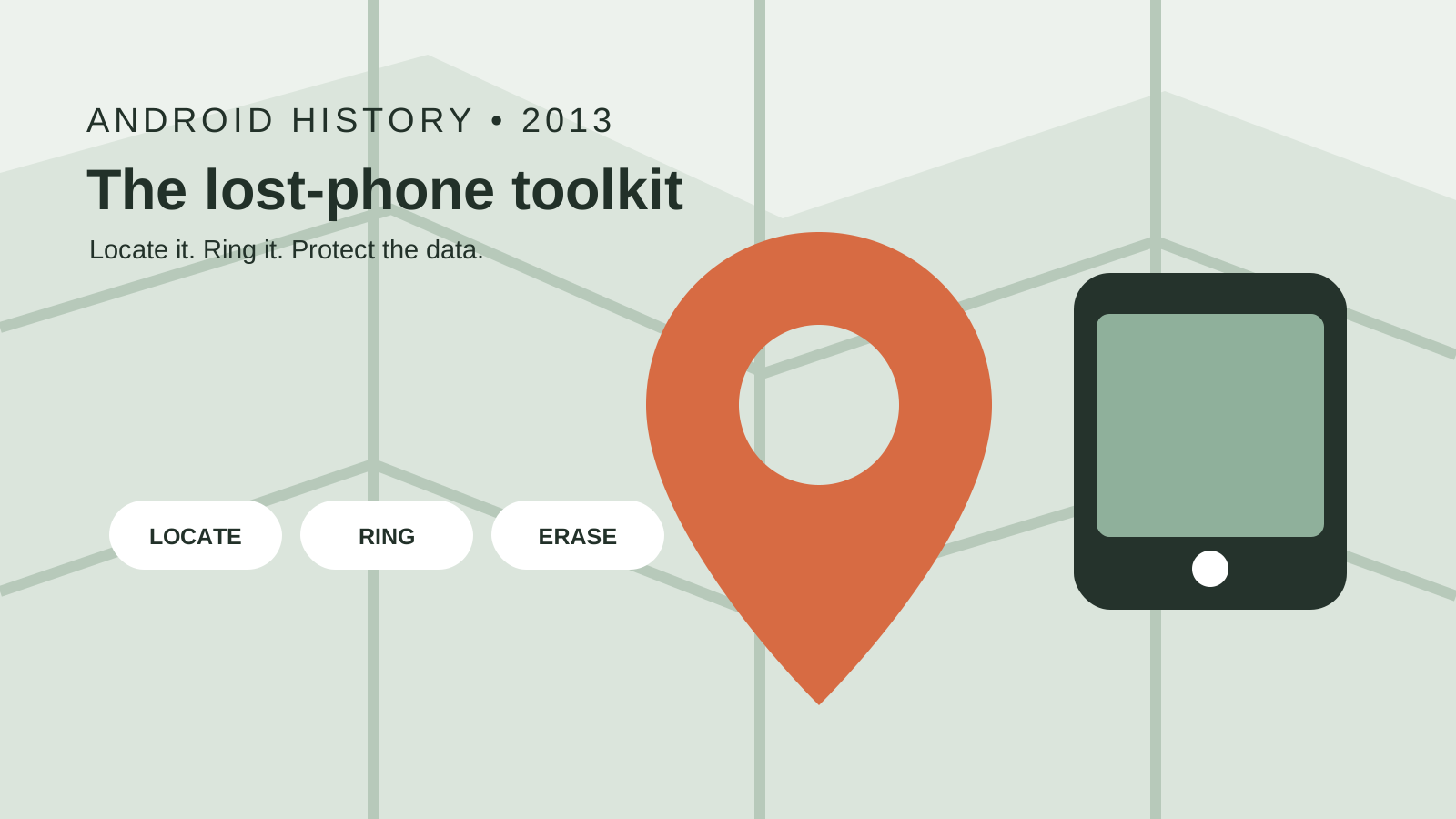
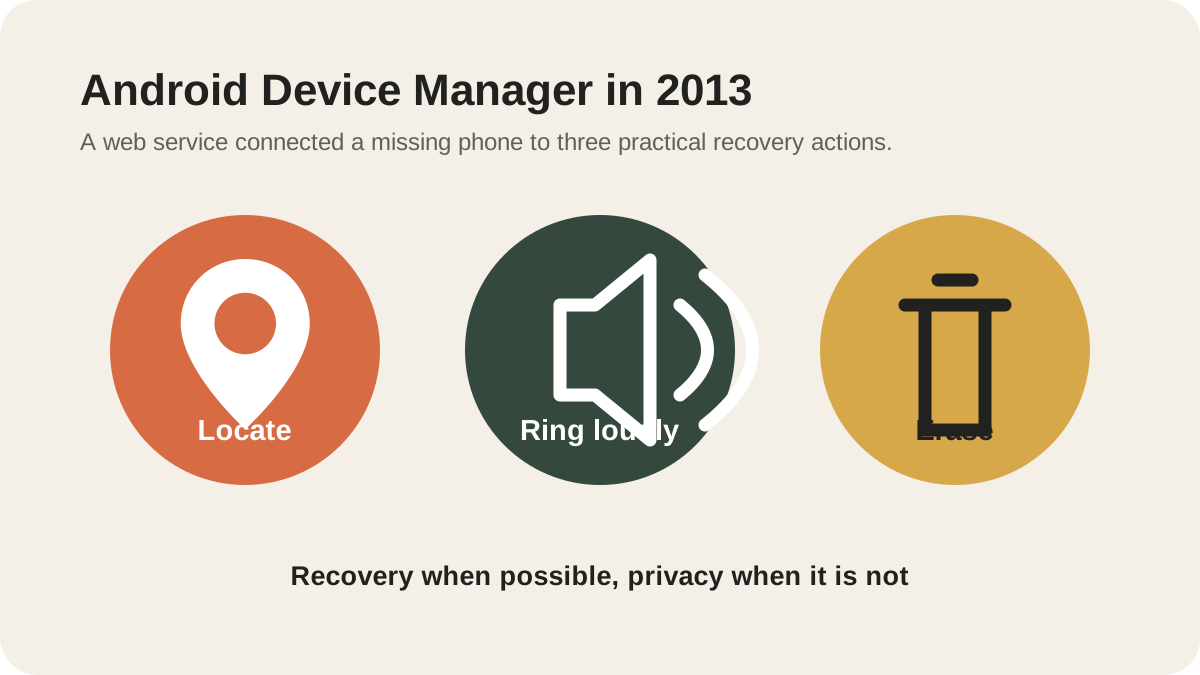
Android Device Manager is the 2 August 2013 service that rings that phone at maximum volume, places it on a map, and erases the data when recovery has failed.
Android Device Manager is the lost-phone service Adrian Ludwig named on 2 August 2013 and Benjamin Poiesz described the same day: it rings the handset at maximum volume even when silenced, shows it on a map in real time, and erases its data if the phone cannot be recovered or has been stolen. Ludwig wrote that it would arrive later that month for devices on Android 2.2 and above, as part of Google Play. The Android blog page, fetched 18 October 2026, adds a 7 August line that availability was then reflected at www.android.com/devicemanager, and a 24 September line for remote screen lock. Account Help fetched the same day calls the current service Find Hub and gives that name no launch date. The record sits in the Android history timeline.
| Input or item | Value and source | Why it matters |
|---|---|---|
| Keyword post | 2 August 2013, Adrian Ludwig | Names the service and says later that month |
| Android blog | Friday, 2 August 2013, Benjamin Poiesz | Ring, live map, erase, plus two update lines |
| Android version | 2.2 and above | Both posts |
| Delivery | As part of Google Play | Ludwig’s sentence, not a new OS version |
| Sign-in | Google Account, Android blog availability section | Required on the fetched page |
| Current name | Find Hub, Account Help fetched 18 October 2026 | The page prints no launch date for the name |
| Play sound | Full volume for 5 minutes, same help page | A current duration, absent from the 2013 posts |
| GPS bound | Up to around 20 meters | Account Help, not a 2013 spec |
| Find nearby | Within 10 meters | Account Help |
| Factory reset | Deletes device data, device leaves Find Hub | Do this after the map stops helping |
What actions do the 2 August 2013 posts name?
Ludwig’s post, item 3, is the announcement. Later that month, Android Device Manager would ring the phone at maximum volume so you can find it even if it has been silenced, or locate it on a map in real time. If the phone cannot be recovered, or has been stolen, you can erase all of the data so it does not end up in the wrong hands. He points readers to the Android blog for the full announcement.
Poiesz, Product Manager, Android, published “Find your lost phone with Android Device Manager” the same Friday. The couch-cushion case is the ring at maximum volume, including a silenced phone. The restaurant case, when the phone is out of earshot, is the live map. If the phone cannot be recovered, or has been stolen, the post says you can erase all of the data.
The same Android blog page, as fetched on 18 October 2026, also says you can remotely add a screen lock, or change an existing lock, after the phone is already lost. The page’s own note reads: “Updated September 24 to reflect ability to remotely add screen lock through Android Device Manager.” Keep that lock on 24 September 2013. Ludwig’s 2 August item 3 stops at ring, map, and erase.
Ludwig’s item 1 is a local screen lock you set while the phone is still in hand: Settings, then Personal, then Security, then Screen Lock, using a PIN, password, pattern, or face. Item 2 is the Play scan that offers to check an app from outside Google Play. Those two steps sit beside the new service.
On 31 October 2013, a Google roundup of popular safety tips from that month listed, fifth, learning how to locate and remote wipe a mobile device if it is lost or stolen. That bullet does not name Android Device Manager.
Which phones, and which date, did those posts attach to it?
Ludwig’s availability line is specific. Android Device Manager will be available for devices running Android 2.2 and above, as part of Google Play, later in August 2013. The sentence places it inside Google Play, on Android 2.2 and above.
The Android blog’s availability section, beside the 7 August update, says the service is now available on Android 2.2 or above, and that you need to be signed in to your Google Account. The update line says: “Updated August 7 to reflect availability of Android Device Manager. Access it at www.android.com/devicemanager.” The same section still says there will also be an Android app to find and manage devices, and tells readers to stay tuned. The posts leave that app as forthcoming.
When this does not apply: a phone that is not signed in to a Google Account is outside that availability section. A build outside Google Play is outside Ludwig’s “as part of Google Play” line.
Where does a locate, ring, or erase command fail?
The 2 August posts describe a live map and a ring that has to reach the phone. The crowdsourced offline network is a later method, covered in the Find My Device network history, while step-by-step configuration of the four offline network modes, Pixel power-off finding, Remote Lock, and remote wipe is detailed in our Android Find My Device offline network and remote wipe guide.
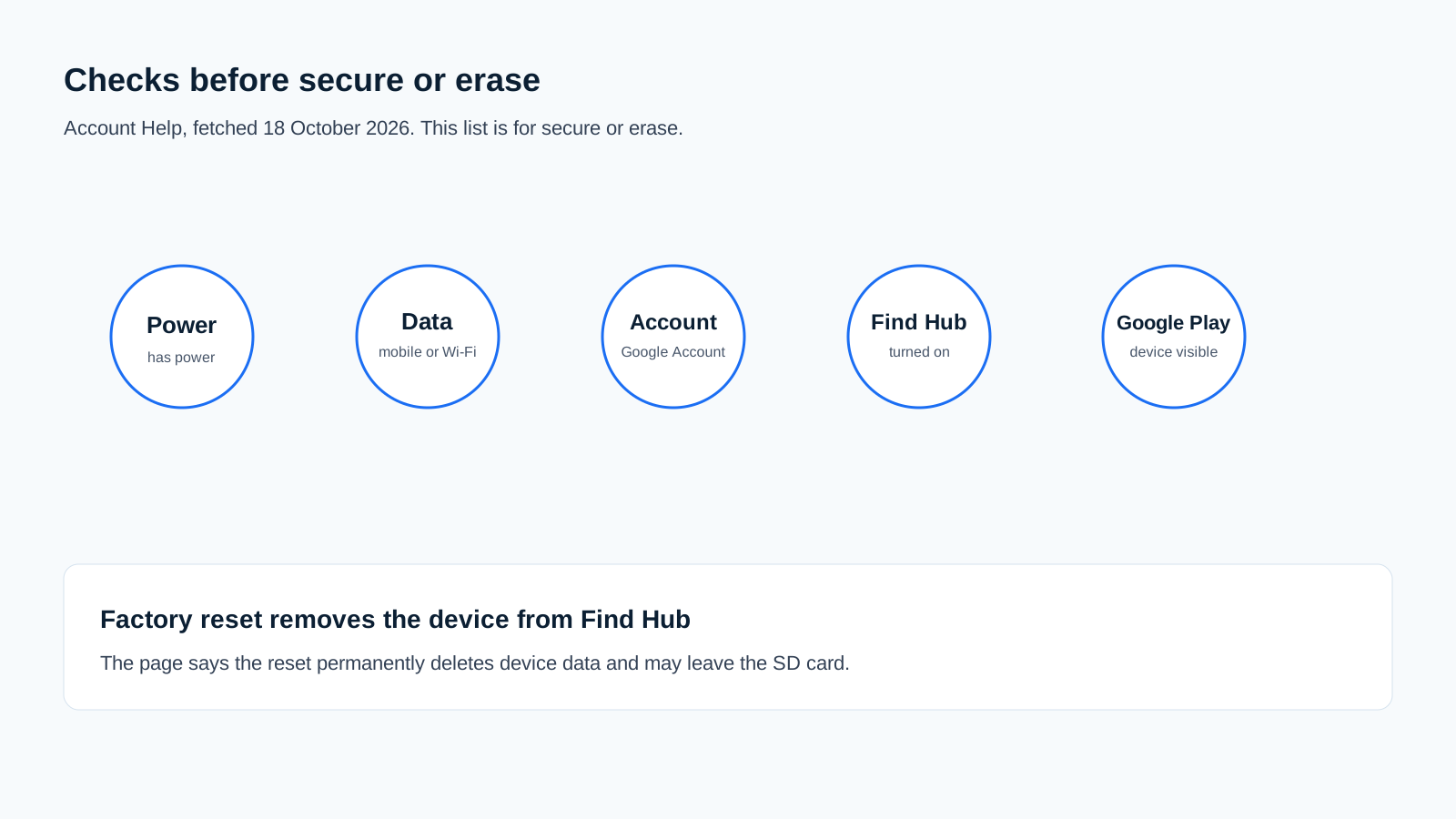
Account Help, fetched 18 October 2026, separates the current limits. To secure or erase, the device needs power, a mobile-data or Wi-Fi connection, a Google Account, Find Hub turned on, and visibility on Google Play. Play sound is a different control on that page: it rings at full volume for 5 minutes, even when the phone is set to silent or vibrate. If the current location cannot be found, the page says a last known location can still appear. Selecting the device sends it a notification.
Rule of thumb: If secure or erase is the job, Account Help requires all five checks: power, mobile data or Wi-Fi, a Google Account, Find Hub on, and visibility on Google Play. With any one of them missing, leave erase alone and use the last known location when that page still shows it.
Worked example. Account Help states that Play sound rings at full volume for 5 minutes. End = start + 5 minutes. A command that reaches the phone at 14:10 is specified to ring until 14:15, including when the ringer is on silent or vibrate. The 2 August 2013 posts say maximum volume and a silenced phone. The minute count, and therefore 14:15, belongs to the help page fetched 18 October 2026.
The same help page states two distances. Find nearby applies when the device is within 10 meters. GPS is described as up to around 20 meters, and as sometimes inaccurate inside buildings or underground. Gap = 20 meters - 10 meters = 10 meters. A point sitting on that stated GPS bound is 10 meters outside the Find nearby case. Cell towers, on the same page, can be accurate up to a few thousand meters. The radius around the pin is the page’s confidence mark, not a street address.
| Action | Source sentence | Dominant failure mode and prevention |
|---|---|---|
| Ring | Maximum volume even if silenced, 2 August 2013. Current Play sound: 5 minutes. | The command never arrives. Prevention: the phone still needs a path that can receive it. The five-check list below is what Account Help attaches to secure and erase. |
| Live map | Real time, when the phone is out of earshot, Poiesz | A cell-tower estimate, or a last known point, read as the spot where the phone is now. Prevention: read the radius. Use Find nearby for the stated within-10-meter case. |
| Erase | All data, if the phone cannot be recovered or is stolen, both 2 August posts | Factory reset removes the device from Find Hub, so later map checks on that service end. Prevention: ring and read the map first. |
| Remote lock | 24 September 2013 update line | Using today’s Mark as lost steps as if they were printed on 2 August. Prevention: keep the September 2013 lock and the current Mark as lost as separate controls. |
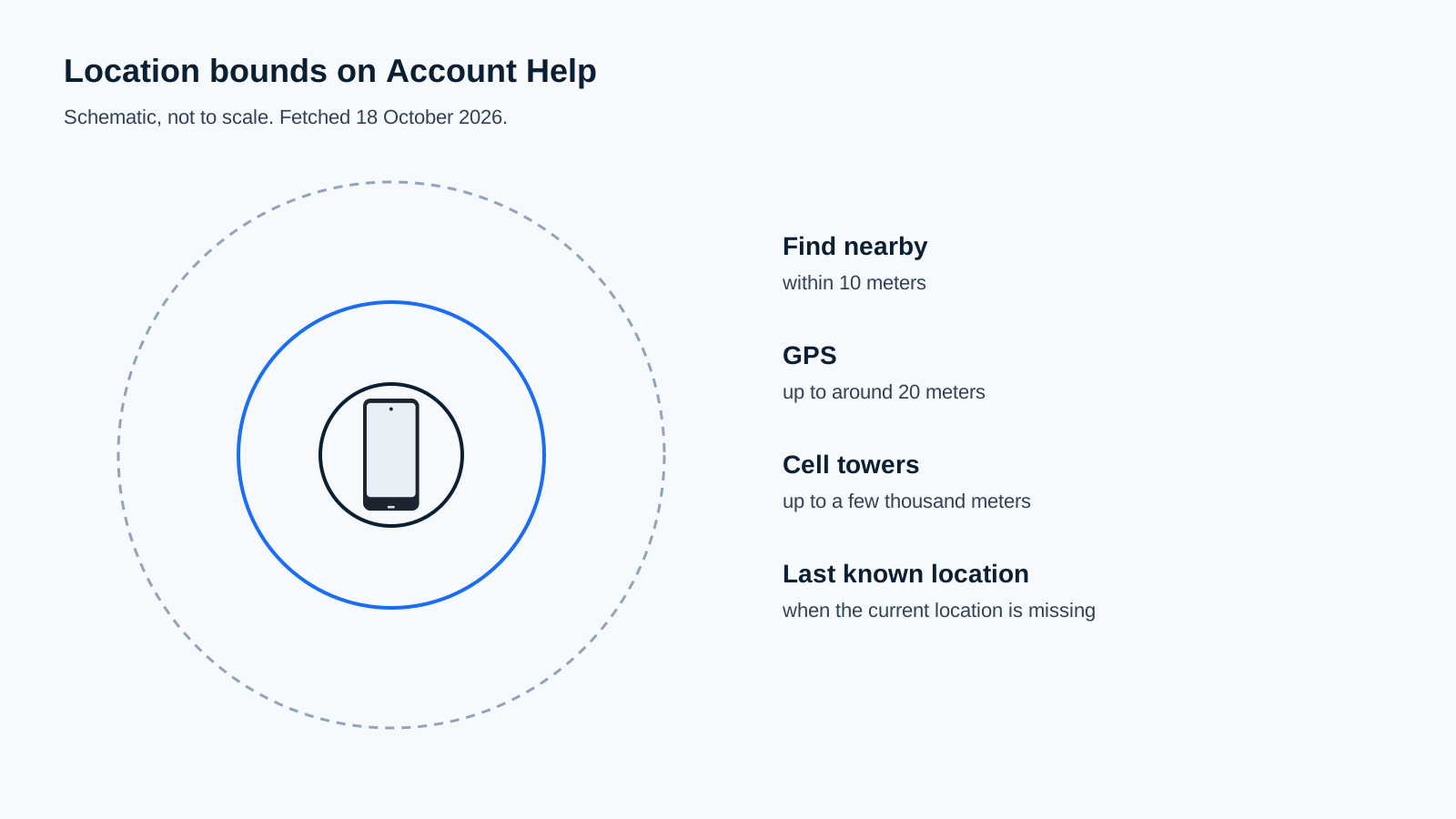
Common mistake: walking the pin as if it were a door number. GPS up to around 20 meters, and cell towers up to a few thousand meters, are the page’s own bounds. Personal safety outranks retrieving the hardware. For a theft, the carrier and local authorities are the safer next call.
Account Help says the factory-reset steps permanently delete all data on the device, but may not delete SD cards. When you factory reset a device, it will no longer be available in Find Hub. If you find the phone after that erase, the page says you need the Google Account password to use it again. Reset is the step that spends the remaining remote path.
What does the current Find Hub help page add, without a launch date?
The help page fetched on 18 October 2026 is titled “Find, secure, or erase a lost Android device,” and the body calls the service Find Hub. If you have added a Google Account, Find Hub is automatically turned on. The most recent location is available to the first account activated on the device. Opening https://www.google.com/android/find on the same day lands on a Find Hub page. The fetched pages use the name Find Hub and print no launch date for it.
Play sound, Mark as lost, and factory reset are the current controls that line up with the 2013 ring, lock, and erase jobs. Mark as lost locks the device with the PIN, pattern, or password, and the page lets you add contact info and a message for the lock screen. On Android 9 or higher, locating can ask for the device PIN. On Android 8 or lower, or when the device has no PIN, it can ask for the Google password.
A later theft-protection layer, including locks that are not the 24 September 2013 screen-lock note, is covered in the Android 15 theft-protection history.
What do you check while the phone is still in hand?
Android Help, fetched 18 October 2026, puts the current switch at Settings, then Security, then Find Hub, with “Allow device to be located” turned on. When that switch is on, the page says you can ring, locate, secure, and erase the lost device. On Android 5.0 and lower, the same page says the Find Hub settings are under the Google Settings app. That sentence uses today’s product name for those older versions.
Set the local screen lock Ludwig described, under Settings, then Personal, then Security, then Screen Lock, before the phone leaves your hand. Confirm the Google Account sign-in the Android blog requires. Leave erase for the case both 2 August posts name: the phone cannot be recovered, or it has been stolen.
How this page was checked
The pages above were fetched on 18 October 2026 and saved with the article task. A local library search returned no 2013 primary post, so the quotes come from those live pages. The cached SERP list for this topic was empty, and no new SERP pull was bought.