On May 10, 2023, Google announced the Pixel Fold at Google I/O. Preorders opened that day, with shipping planned for the following month. It was Google’s first foldable Pixel, not the first Android foldable: Samsung’s Galaxy Fold family and devices from Motorola, Oppo, Xiaomi, Vivo and others had already established the category.
That distinction makes the Pixel Fold more interesting, not less. Google had spent the previous years adapting Android through 12L and Android 13. By building its own foldable, it became responsible for joining the hinge, two displays, first-party apps and platform software in one product. Large-screen Android was now a Google hardware problem as well as a partner ecosystem project.
What did Google actually announce in May 2023?
The Pixel Fold announcement described a phone-shaped outer display and a 7.6-inch inner display that opened like a compact tablet. It used Google’s Tensor G2 chip, included an IPX8 water resistance rating and supported Pixel camera and call-assistance features.
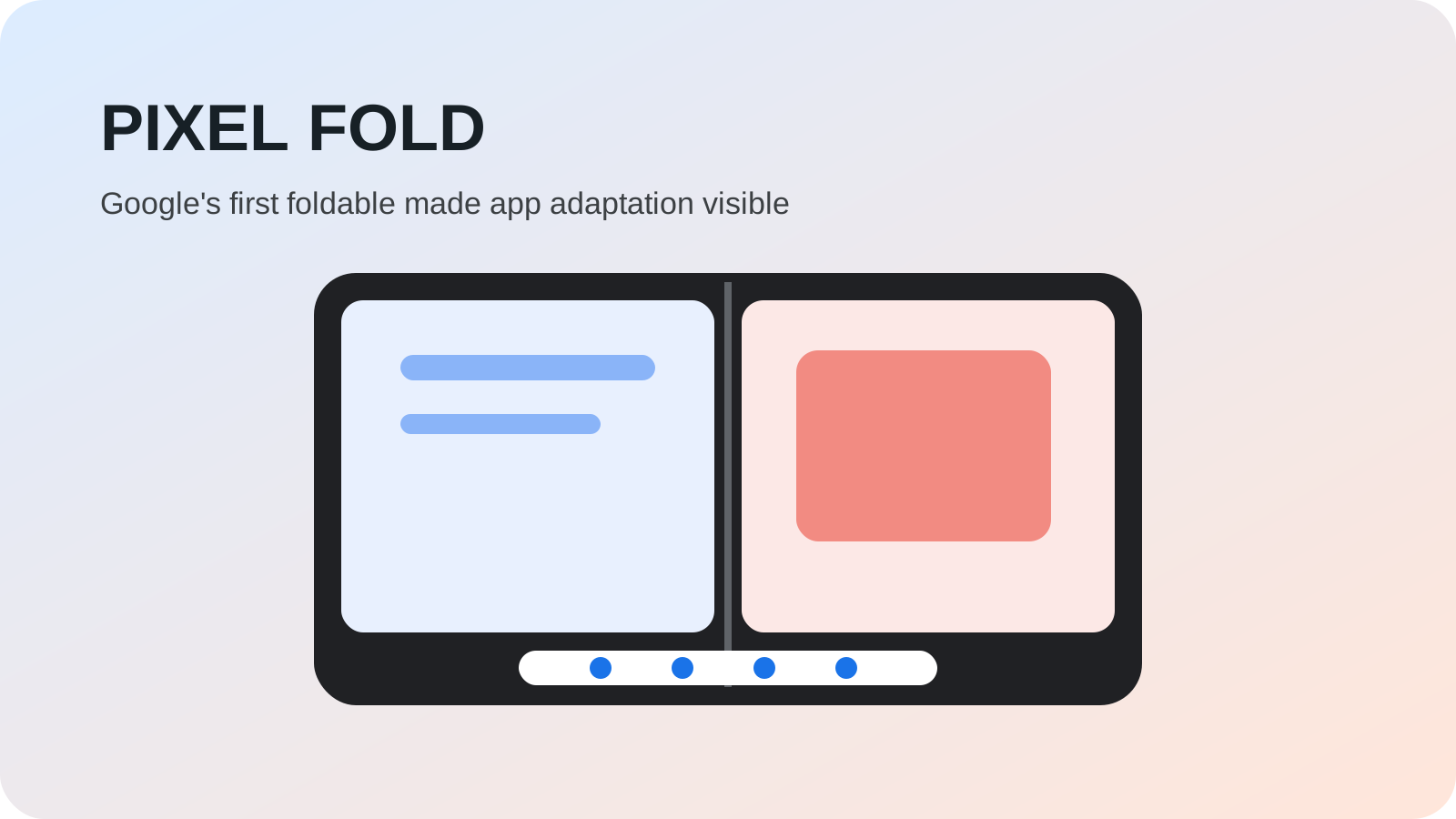
The inner screen was the defining element. When open, it could show two apps in split screen, accept drag and drop between compatible apps and expose a taskbar for switching and launching. A tabletop posture used a partly folded phone as its own stand for video, photography or supported app controls.
Launch specifications and Google’s comparative thinness or hinge claims were manufacturer statements with defined conditions. They document how the product was introduced; they are not a substitute for independent long-term durability testing. Foldables contain moving parts and flexible display layers whose real wear depends on use and environment.
Why did Pixel Fold depend on Android 12L’s earlier work?
In March 2022, Android 12L had introduced large-screen system layouts, a taskbar, broader split-screen behavior and better compatibility treatment. Android 13 continued those features. Pixel Fold could therefore launch on an existing platform direction rather than inventing every large-screen interaction as device-only software.
That continuity matters because a foldable changes its available window while an app may remain open. Software needs to preserve state during the transition, respond to a new aspect ratio and decide whether extra space should reveal more content. A hinge alone cannot solve those problems.
Pixel Fold also made the cover-display question concrete. Closed, it needed to behave like a useful phone rather than a remote control for the inner screen. Opened, it needed to justify the extra size. Google’s design team said keeping a familiar phone silhouette when closed was a central goal, while the custom hinge moved components away from beneath the display to reduce thickness.
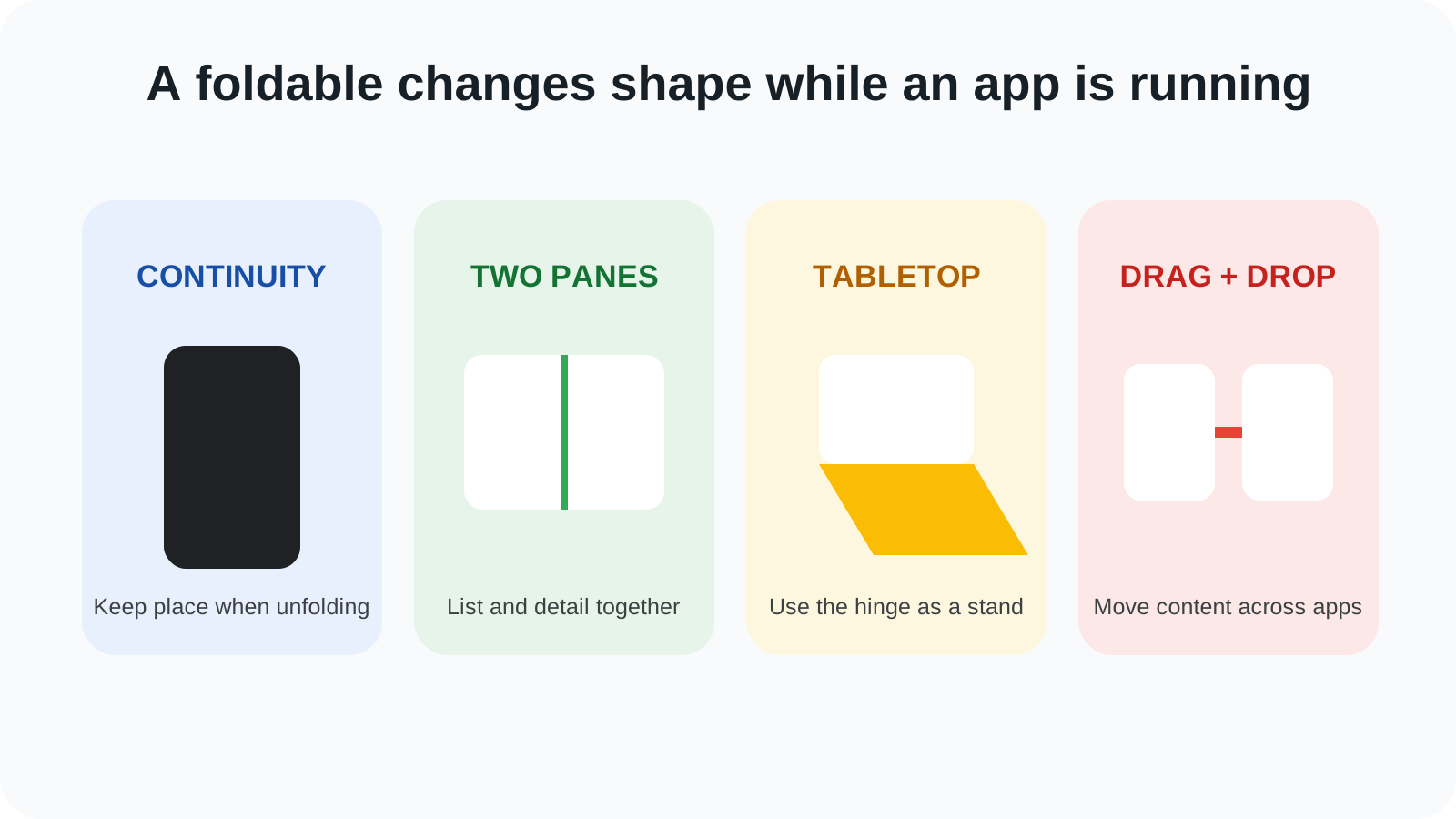
| Foldable pattern | What changes | Practical benefit |
|---|---|---|
| App continuity | Layout responds when the phone opens or closes | User keeps place during the transition |
| Two-pane layout | List and detail appear together | More context with fewer back-and-forth taps |
| Split screen | Two apps share the inner display | Research, messaging and file work can happen together |
| Drag and drop | Content moves between compatible apps | Fewer save-and-reopen steps |
| Tabletop mode | Controls and content use opposite halves | Hinge can act as a stand |
How were apps adapted for the larger inner display?
At I/O, Google said more than 50 of its apps had been optimized for large screens. The company’s app redesign overview showed several recurring patterns. Calendar could place a month beside the selected day’s detail. YouTube Music could show artwork or lyrics beside controls. Google Play could present device-specific reviews and highlight apps that worked well on larger screens.
Third-party examples used the same ideas. A fitness app could place video on one half in tabletop mode and workout information on the other. A messaging app could show conversations beside the active thread. Responsive design meant the interface changed structure rather than merely stretching.
For a practical verification record, use the foldable app layout and continuity test checklist. It covers fold/unfold, rotation and resizing; record the result for each app and device rather than treating the 2023 optimized-app count as proof of compatibility.
Optimization was not universal. A phone-only app could be letterboxed or use a compatibility treatment, and a developer could make different choices about orientation and resizing. Google’s app count showed momentum, not a completed catalog.
What new uses came from having two displays?
Some foldable features used the outer and inner displays together. Rear Camera Selfie let the high-quality rear camera use the cover screen as a viewfinder. Dual Screen Preview could show a person how they appeared while someone else framed the shot. With Android 14 later in 2023, Dual Screen Interpreter displayed translated conversation information on both sides of the device.
These were genuine form-factor features because a conventional phone normally has only one large display facing its user. Yet usefulness depended on context. Dual-screen translation supported selected languages and was not instantaneous, while camera previews consumed power and did not remove normal photographic limits.
Tabletop mode similarly converted the hinge into a stand, but only apps designed for the posture could place content and controls intelligently. A half-folded phone is not automatically a miniature laptop; software must recognize the posture and choose a useful layout.
Did Google’s first foldable prove the category was mature?
It proved that Google was willing to ship and support a foldable under its own brand. It did not prove that price, durability, thickness, repairability or app quality had stopped being concerns. Flexible displays remain more complex than conventional glass-covered panels, and Google’s IPX8 rating concerned water resistance rather than a dust-resistance claim.
The inner crease and wider body were physical trade-offs, while running two apps could place additional demands on battery and memory. Buyers also had to decide whether the inner screen improved enough daily tasks to justify carrying and paying for the mechanism.
Google’s hinge design story explained engineering goals and internal testing. It remains a primary source for design intent, but manufacturer testing cannot predict every real-world failure. Historical significance and a universal buying recommendation are different judgments.
How did Pixel Fold affect the wider Android ecosystem?
Google now had a first-party device on which to demonstrate adaptive apps and test Android changes. That alignment could make large-screen guidance more visible to developers. It also gave Google’s own application teams a concrete reason to support cover screens, inner displays and posture changes.
The wider ecosystem still remained essential. Samsung and other manufacturers had accumulated years of foldable hardware and software experience, and Android had to support varied shapes rather than optimize only for Pixel Fold. The platform’s value came from reusable window-size and posture principles, not a single hinge geometry.
Later Android versions tightened large-screen behavior and expanded desktop-like windowing. In hindsight, Pixel Fold sits between 12L’s software-first correction and those later platform rules. It made the strategy tangible to consumers.
Why does Pixel Fold still matter today?
Pixel Fold marked the moment Google accepted the full consequences of a foldable phone: it had to design the hardware, make Android adapt and improve the apps that justify the inner screen. The product did not begin foldable Android, but it brought Google’s platform and hardware teams into the same public experiment.
Its enduring lesson is that form factor is a software question. The extra display becomes useful through continuity, responsive panes, multitasking and two-screen interactions. Without those, a foldable is primarily a mechanism and a larger canvas.
The October release of Android 14 added the promised dual-screen interpreter and continued the platform story. Both milestones belong in the broader Android history timeline, where they show hardware and software advancing together but not always on the same date.
Retrospective scope
Originally dated May 15, 2023, this page also covers the later October 2023 Android 14 interpreter update. The May announcement and subsequent software changes are separate milestones. Sources were reviewed on October 8, 2026; the application checks are a current reading aid, not a test performed on the original Pixel Fold.