A one-column notification shade on a large screen fails to place quick settings next to the notifications. On March 7, 2022, Android 12L is the update to Android 12 that Andrei Popescu’s post introduced for tablets and foldables.
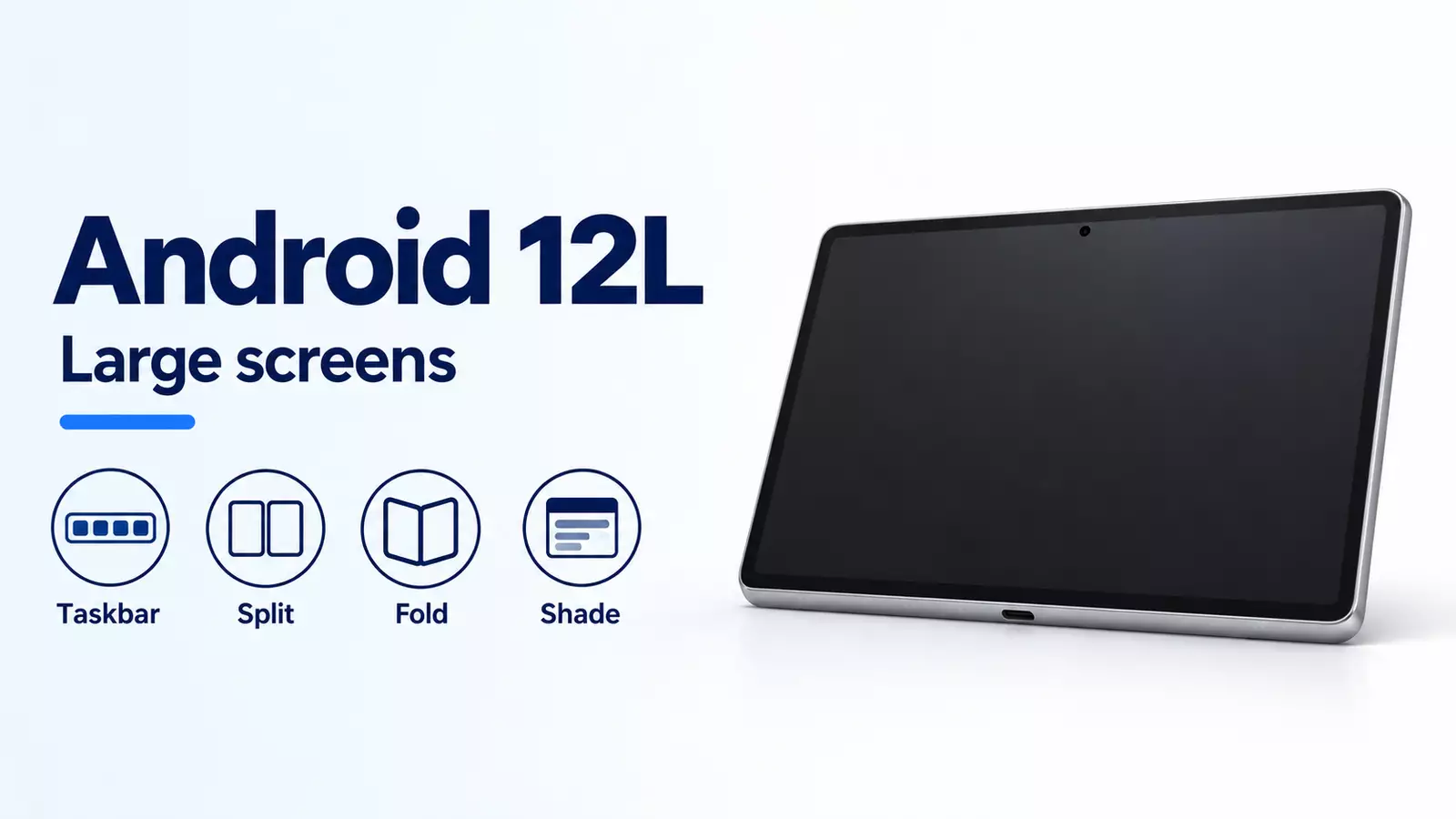
Android 12L is the large-screen feature drop Google published on March 7, 2022 for tablets and foldables. Popescu’s post calls it an update to Android 12, with a taskbar, separate columns for notifications and quick tiles, a two-column setup layout, and a Settings view with Wallpaper & style in the navigation panel and the choice on the side. The developer page captured that day, last updated 2022-03-07 UTC, adds tablet PIN placement, fold-unfold continuity, letterboxing options for device makers, and the 600 dp window lines. The March 9 Android Show post is the page that says the feature drop is in AOSP, that supported Pixel devices get it over the next few weeks, and that there are over 250+ million large screen Android devices. Samsung, Lenovo, and Microsoft are the later-2022 brands in both March posts. Neither page prints a model list for that rollout.
- Popescu moves notifications and quick tiles into dedicated columns. Setup uses a two-column layout. In Settings, Wallpaper & style can be chosen from the navigation panel while the pick stays on the side.
- On large screens, the March 7 developer page puts Quick Settings and notifications in a two-column shade, and it uses a larger two-column lock screen for notifications and the clock. On tablets, the pattern and PIN sit at the side. A tap on the other side brings those controls across.
- For foldables, that page says the home screen grid is optimized and the fold-unfold transition runs from the single exterior screen to the larger unfolded screen while preserving choices. It prints no hinge width.
- The taskbar launches and switches apps. Drag and drop from the taskbar enters split screen. The developer page also lists a swipe up to go home, a long press to show or hide the taskbar, and a Split action in overview.
- Android 12 and higher allows every app into multi-window, whether the app is resizable or not. The same page tests large screens at sw >= 600 dp and small screens at sw < 600 dp.
| Item | What the saved page states | Dominant failure mode and prevention |
|---|---|---|
| Notification columns | March 7 consumer post: notifications and quick tiles in dedicated columns. Developer page: two-column Quick Settings and notifications on large screens. | Reading a phone-width shade as the 12L two-column shade. Keep the two-column claim on large screens. |
| Tablet PIN | Developer page: on tablets, pattern and PIN controls sit at the side. A tap on the other side moves them. | Applying the side keypad to every foldable. The sentence names tablets. |
| Fold-unfold | Developer page: home screen grid, then a move from the single exterior screen to the larger unfolded screen, preserving choices. | Treating that sentence as a hinge width or a device list. The page prints neither. |
| Taskbar split | Consumer post: drag any app from the taskbar into split screen. Developer page: drag and drop, plus a Split action in overview. | Looking for drag-to-split while the taskbar is hidden. A long press shows or hides it. |
| Every app in multi-window | Developer page: Android 12 and higher allows all apps into multi-window, resizable or not. | Expecting a non-resizable app to look finished in the split. Test it. Letterboxing is the compatibility path. |
| 600 dp | Developer page: sw >= 600 dp for the large-screen multi-window row, sw < 600 dp for the small-screen row, and screens larger than 600 dp for portrait and landscape layouts. | Treating those three cuts as one number. 600 dp meets >=. It is not larger than 600 dp. |
| Play notice | Developer page: large-screen users see a notice on the listing when an app is not optimized for large screens. | Reading the notice as a removal from Play. The page calls it a listing notice. |
| Rollout names | March 7 and March 9: Samsung, Lenovo, and Microsoft later in 2022. March 9 only: supported Pixels over the next few weeks, and over 250+ million large screen devices. | Dating the Pixel rollout to March 7, or reading Galaxy Z Fold3 5G and Galaxy Z Flip3 5G as the 12L ship list. Popescu names those two phones before he introduces 12L. |
What did the March 7 pages change on large screens?
Popescu’s March 7, 2022 post says 12L optimizes the home screen, lock screen, notification shade, device set-up screens, settings, and beyond so they look better on tablet and foldable screens. The developer page from the same day, last updated 2022-03-07 UTC, says 12L refines the system UI across notifications, quick settings, the lock screen, overview, and the home screen.
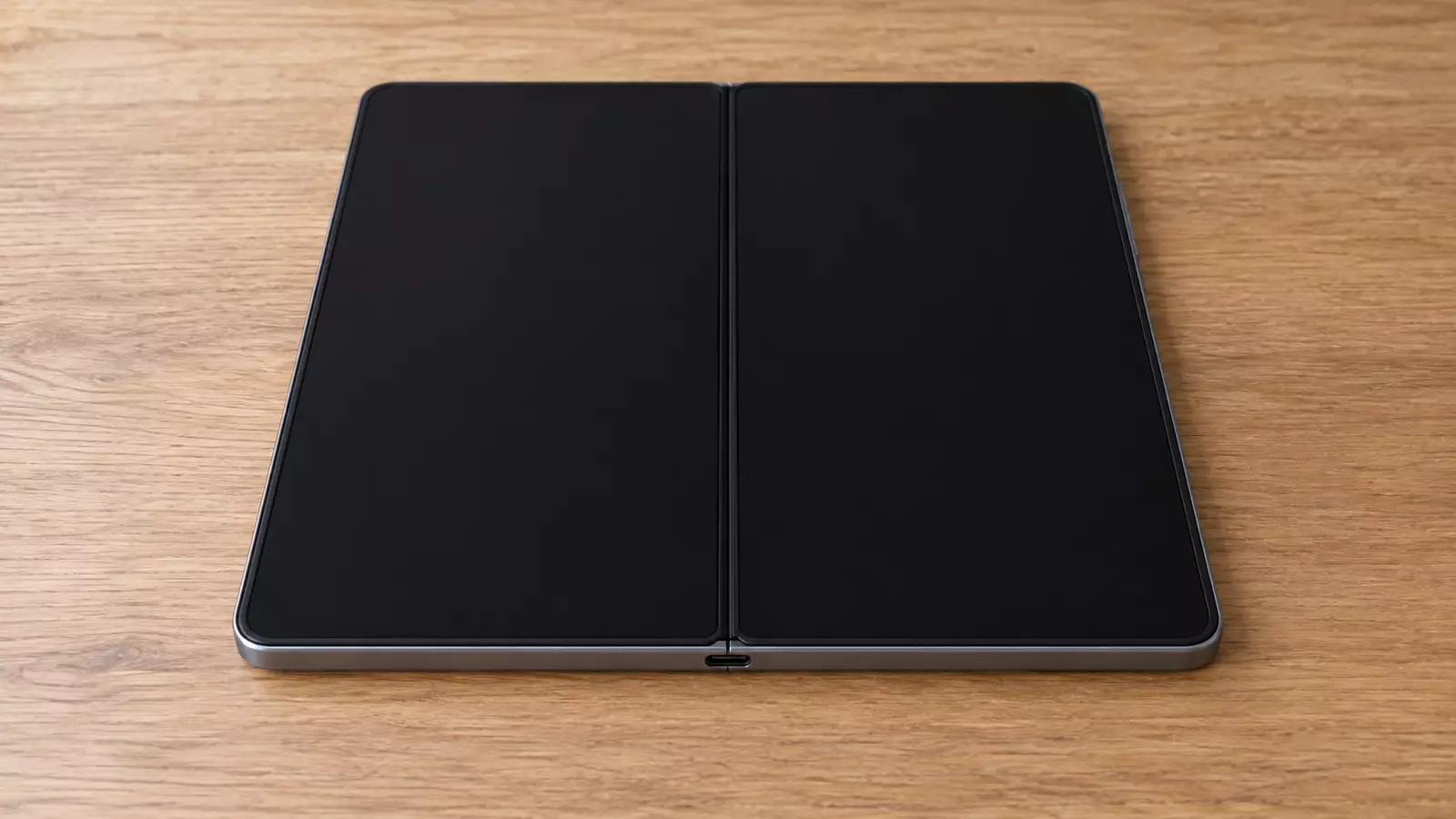
On large screens, that developer page shows Quick Settings and notifications in a two-column shade. The lock screen uses a larger two-column layout to highlight notifications and the clock, and system apps such as Settings are optimized. Popescu’s example in Settings is Wallpaper & style: select it from the navigation panel and make the pick on the side, in one view. His setup sentence is separate: a new device shows more information in a two-column layout.
The tablet keypad sentence is narrower than the foldable sentence. On tablets, the lock screen pattern and PIN controls sit at the side of the screen for easier reach, and a tap on the other side brings the PIN and pattern controls over. The foldable sentence on the same page is about the home screen grid and the fold-unfold transition, from one exterior screen to the larger unfolded screen, preserving the user’s choices. The test list later on that page also names unfolding a foldable and putting a foldable in tabletop mode. It does not give a hinge angle.
The same page changes media projection. Starting in 12L, when the virtual display is rendered on the surface, it is scaled to fit the surface by a process similar to the centerInside option of ImageView. The page says this improves casting to televisions and other large displays by maximizing the surface image while keeping the aspect ratio.
12L updates Android 12. The October 19, 2021 design language is in how Android 12 matched color to the wallpaper.
How does the taskbar open split screen?
Popescu’s post adds a taskbar so you can launch and switch apps on the spot, and drag and drop any app from the taskbar into split screen. His examples are a YouTube video beside the news, and a Chrome search for trip accommodations beside the location in Google Maps.
The developer page adds the gesture details. Drag and drop enters split screen, and a swipe up goes home. In gesture navigation, a quick-switch gesture flips through recent apps. A long press reveals or hides the taskbar at any time. Users can also start split screen with a Split action in overview. The page says users often multitask on the larger screens of tablets, Chromebooks, and foldables.
Split screen is easier to discover in 12L, and the page ties a separate platform change to Android 12 and higher: all apps can enter multi-window, whether or not they are resizable. The taskbar is reported to apps as an inset. The page says 12L does not introduce a new inset API. With gesture navigation the taskbar can hide and show while the app is resumed, so an app that already uses inset information needs setOnApplyWindowInsetsListener and has to handle a change in inset size. The taskbar dimension is available through WindowInsetsCompat.Type.navigationBars() or WindowInsetsCompat.Type.systemBars().
The 12L section of that page links an API diff from API 31 to API 32. The orientation override below is the sentence that names Android 12 (API level 31) and higher.
Where does 600 dp appear on the March 7 developer page?
The March 7, 2022 developer page prints 600 dp in three places, and the cuts are not identical. Multi-window testing on large screens is sw >= 600 dp. Multi-window testing on small screens is sw < 600 dp, and that small-screen check is for an app that sets resizeableActivity="true". The orientation section tells developers to build responsive layouts for portrait and landscape on screens larger than 600 dp.
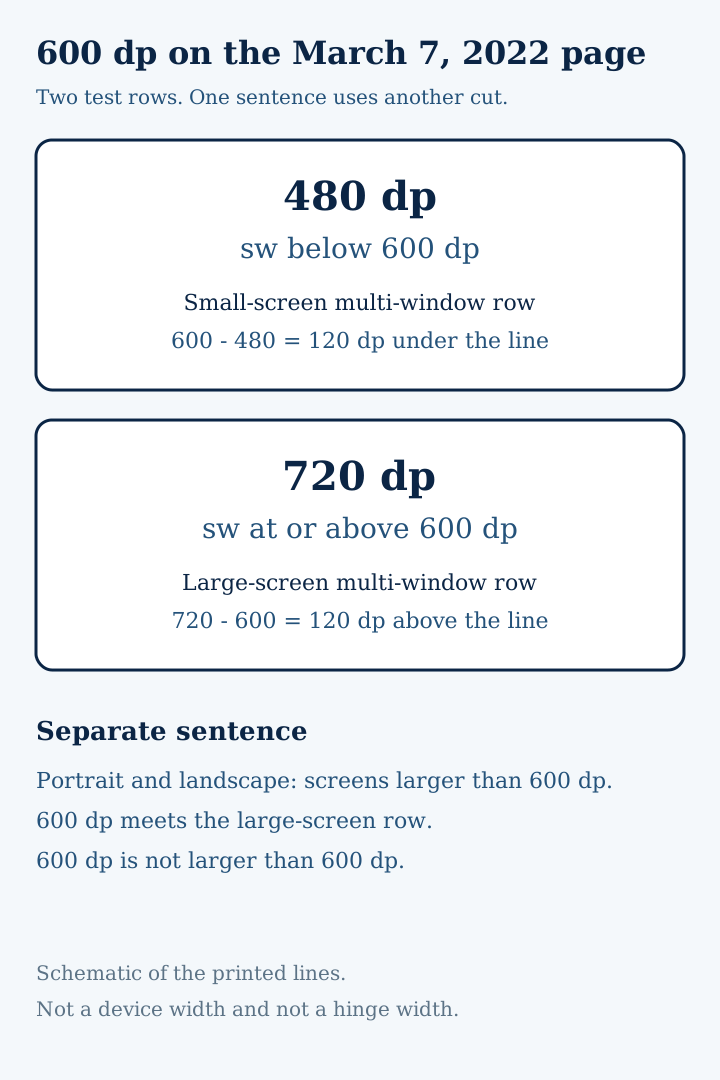
Rule of thumb: If smallest width is under 600 dp, the large-screen multi-window row (sw >= 600 dp) is the wrong row. Use the small-screen row when resizeableActivity is true.
Worked example. gap_above = 720 - 600. A smallest width of 720 dp sits 120 dp above the sw >= 600 dp line, so the large-screen multi-window row applies, and 720 is also larger than 600 dp. gap_below = 600 - 480. A smallest width of 480 dp sits 120 dp under that line, so the large-screen row does not apply. A width of exactly 600 dp meets sw >= 600 dp. It does not meet “larger than 600 dp,” because 601 - 600 = 1 and 600 - 600 = 0.
These lines belong to the March 7, 2022 page. A later large-screen guide is a different document, even when an old 12L address points at it.
What did compatibility mode and Play change?
The developer page says many apps are already optimized for large screens through responsive layouts, multi-window, and continuity across screen size and posture. For apps that are not yet optimized, 12L improves the look and stability of compatibility mode so those apps look better by default. Device makers can configure letterboxing through overlay settings: the app aspect ratio, rounded corners on the app window, and status bar transparency.
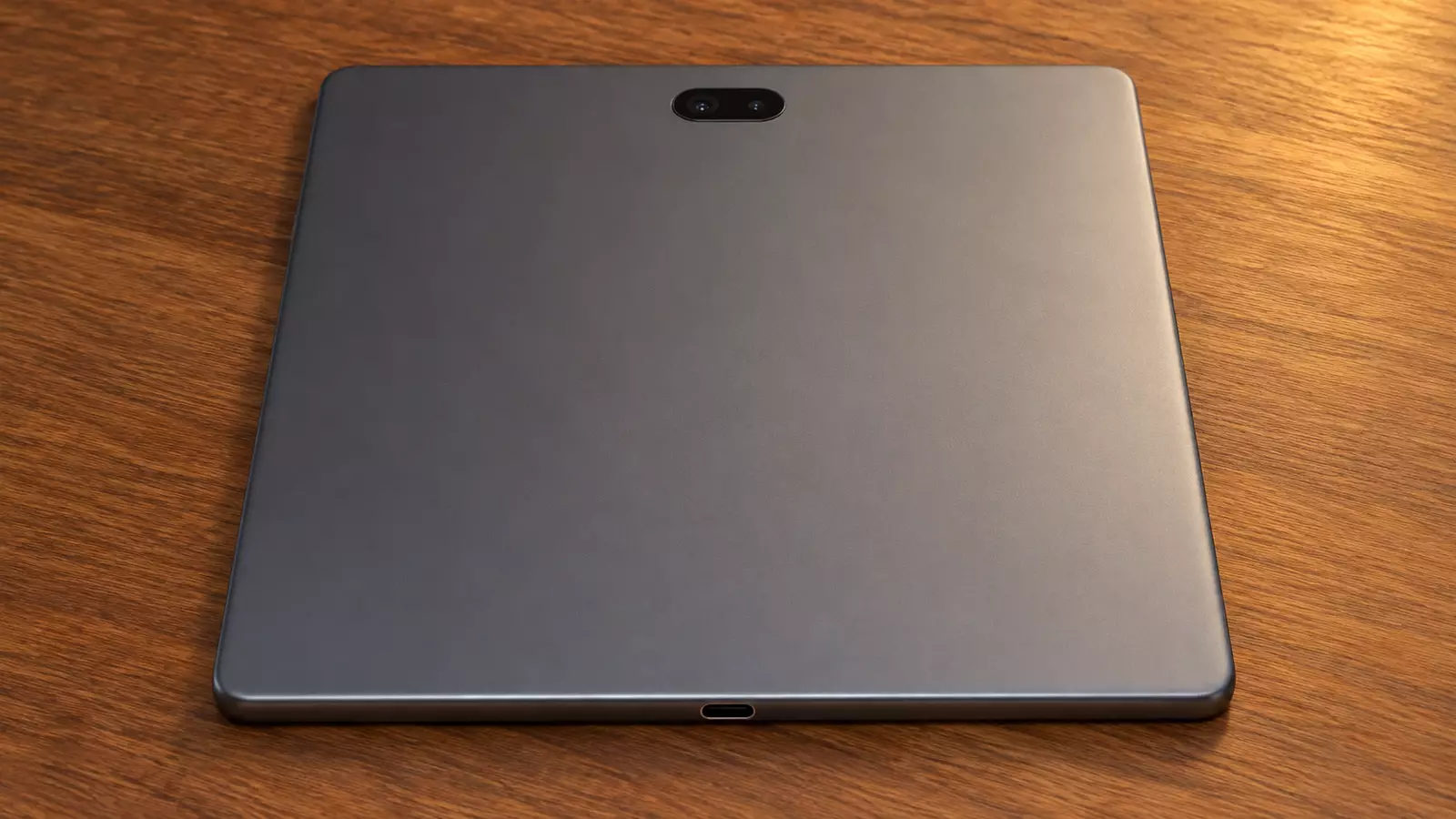
Fixed orientation still works in 12L, and device makers can override it. In Android 12 (API level 31) and higher, a manufacturer can configure an individual screen, such as the tablet-size screen of a foldable, to ignore the orientation request and present a portrait app upright but letterboxed on a landscape display. The page says tablets are often docked in landscape, and foldables can be oriented based on their fold. That is the posture sentence. It is not a hinge measurement.
Activity embedding, through Jetpack WindowManager, shows multiple activities at once, including a list beside its detail. The app supplies an XML configuration or WindowManager API calls. The system decides whether those activities are side by side or stacked. The page recommends it when an app already uses multiple activities.
On Google Play, the same page says listings for tablets, foldables, and Chrome OS devices highlight apps optimized for those devices. New checks compare each app with Google’s large-screen app quality guidelines. When an app is not optimized, large-screen users see a notice on the listing. The page also says Play is introducing large-screen-specific ratings, and it points that announcement to August 2021. The March 7 page does not quote the August text.
If an app calls Display.getRealSize() or Display.getRealMetrics(), the page says to use the WindowMetrics APIs in Jetpack WindowManager instead.
Which device names are on the March 2022 pages?
Popescu’s intro names Kids Space and Entertainment Space as tablet features already introduced, then names Samsung Galaxy Z Fold3 5G and Galaxy Z Flip3 5G as foldables where Google apps had been brought over. The next sentence is the one that introduces 12L. The rollout sentence is later: starting later in 2022, 12L comes to tablets and foldables through planned updates from Samsung, Lenovo, and Microsoft. He also says more large-screen work continues in Android 13 and beyond.
The March 9, 2022 Android Show post, by Florina Muntenescu and Huyen Tue Dao, says the 12L feature drop was released to AOSP earlier that week and is rolling out to all supported Pixel devices over the next few weeks. It says there are over 250+ million large screen Android devices, and that 12L makes Android 12 even better on tablets, with the taskbar, notification-shade and lock-screen layouts, and compatibility modes. The following paragraph puts 12L on tablets and foldables from Samsung, Lenovo, and Microsoft later in 2022. The post then says the episode turns to Android 13. Android 13’s per-app languages and notification permission is the record of that next release.
The March 7 developer page tells developers to try the 12L emulator or 12L on a partner device, and to use the new resizable device definition for the Android Emulator. It does not name those partner devices. Supported Pixels, and the count of large-screen devices, stay on the March 9 post.
Place this feature drop on the Android history timeline.
Platform event: March 7, 2022. This page’s original publication record: March 10, 2022.