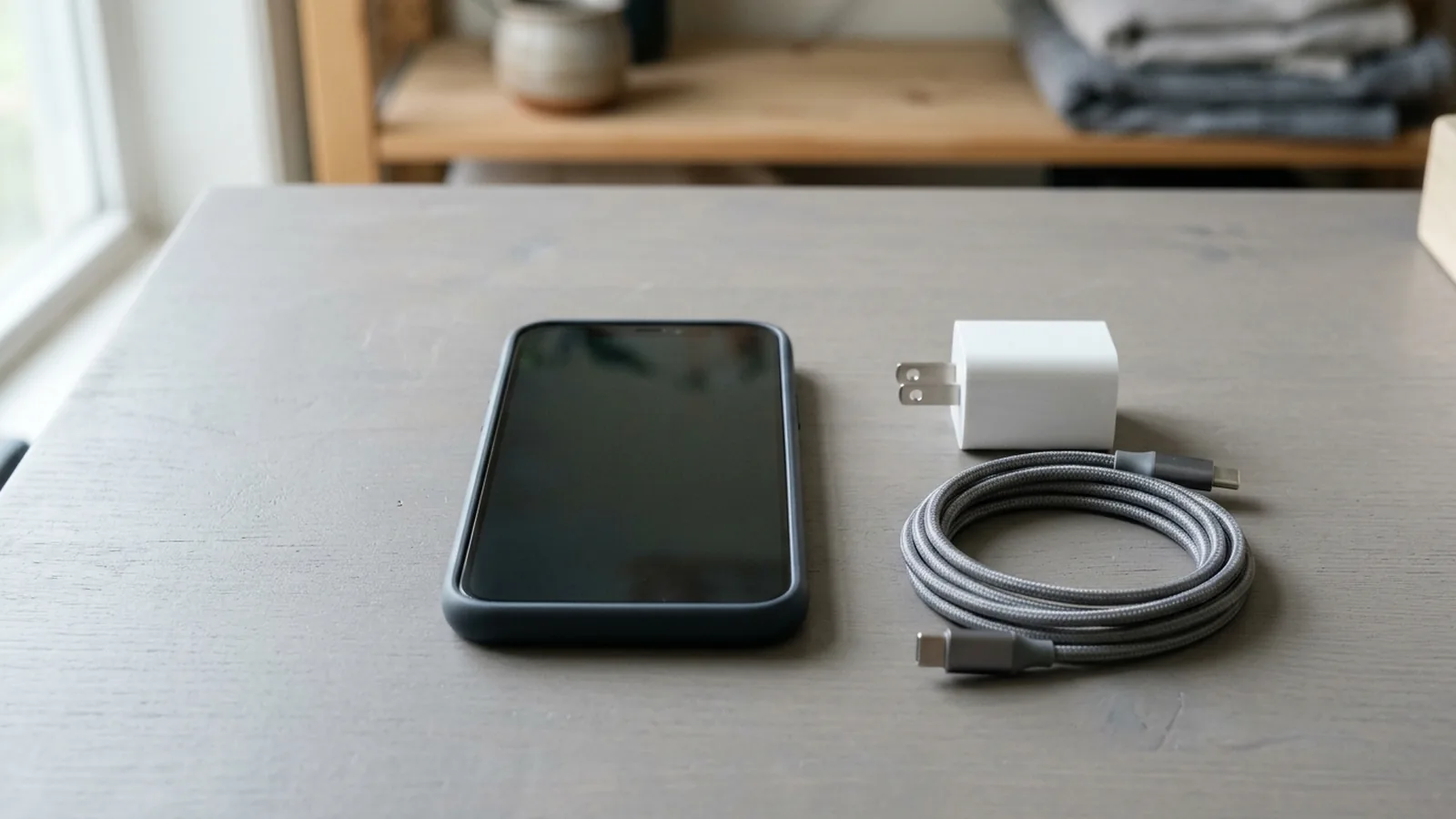
When your Android phone is charging slowly, check the cable, port, power adapter, temperature, and battery settings in order before replacing any hardware. Separating a wrong or failed charging setup from a heat pause or software cap lets you record the exact bottleneck.
On a Pixel phone, if you get a “Check charging accessory” notification, it means your cable or USB power adapter may not be supported or might be broken, which can make your phone charge very slowly or not charge at all.
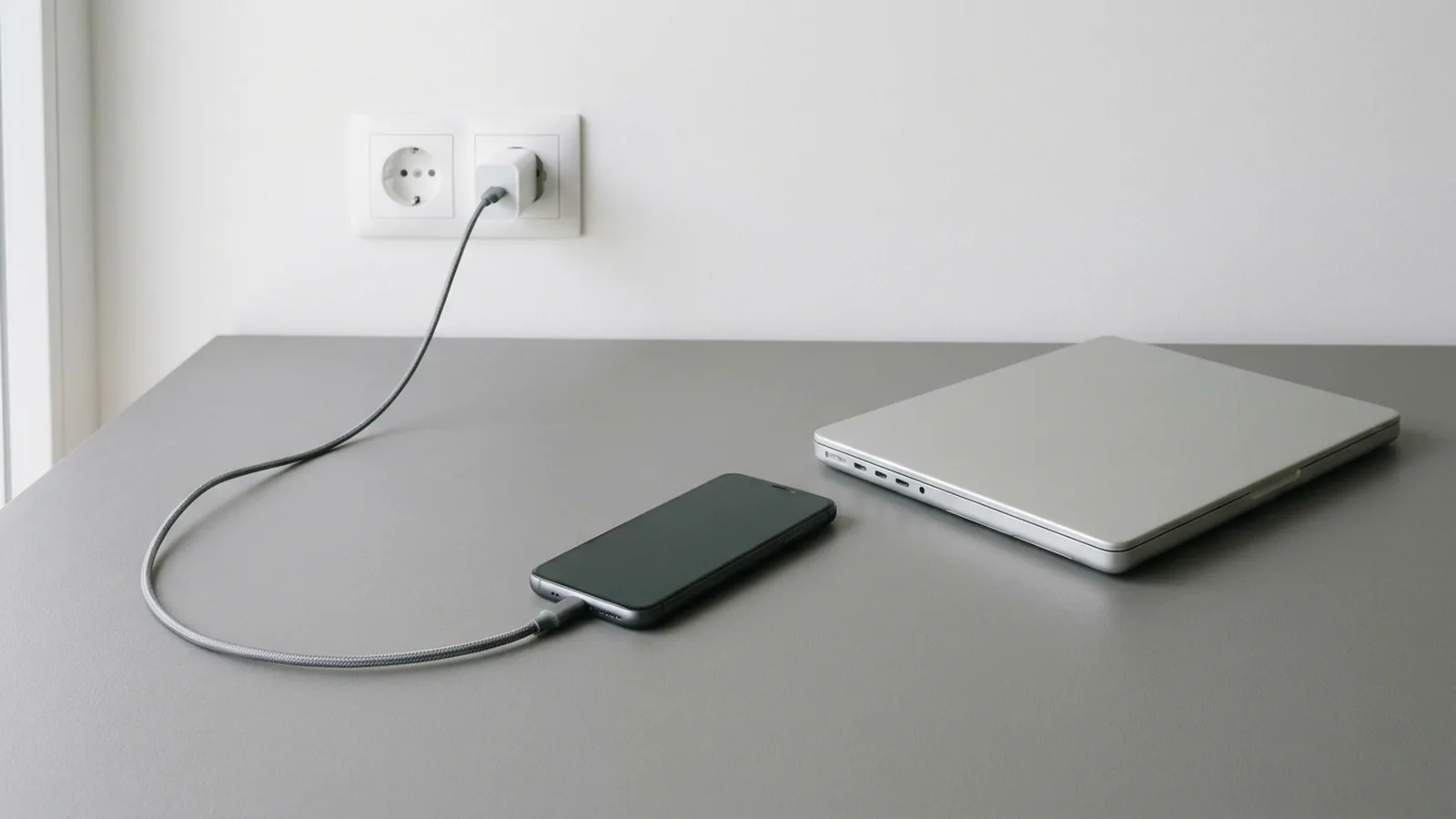
On a Pixel phone, charging with a USB-A to USB-C cable and a USB-A power adapter charges your phone slower than a USB-C power adapter with a USB-C to USB-C cable.
This troubleshooting guide belongs to our Android product guides. If your battery falls rapidly while unplugged rather than while connected to a charger, start with our Android battery drain and performance guide.
Step 1: Is the cable, USB port, or power source limiting current?
Begin by inspecting the physical power source, the USB port, and the cable connecting the adapter to the phone.
To troubleshoot a Pixel phone that will not charge, Google instructs trying to charge another device with your power adapter and cable, checking that there is nothing in the port of your phone like dust or lint, plugging in something else to test the wall outlet, and charging your phone for 10 minutes.
To charge faster on a Pixel phone, Google instructs using a proper power outlet instead of a laptop USB-C port, and names the Google 45W USB-C Power Charger and the Pixel Flex Dual Port 67W USB-C Fast Charger.
Samsung states that if you are charging a Galaxy phone with a USB cable connected to a computer, the voltage will be less than that of an authentic Samsung charger, resulting in a slow charge, and if moisture is detected (water drop icon) you should unplug the charger from your device.
If a Pixel phone battery is completely drained and has not been turned on in a long time, the phone may show no charging icon, no vibration, and no display response for up to 25 minutes when plugged in.
On a Samsung Galaxy phone, if the battery is completely depleted, Samsung instructs letting it charge for a few minutes until it is 1% charged before turning it on.
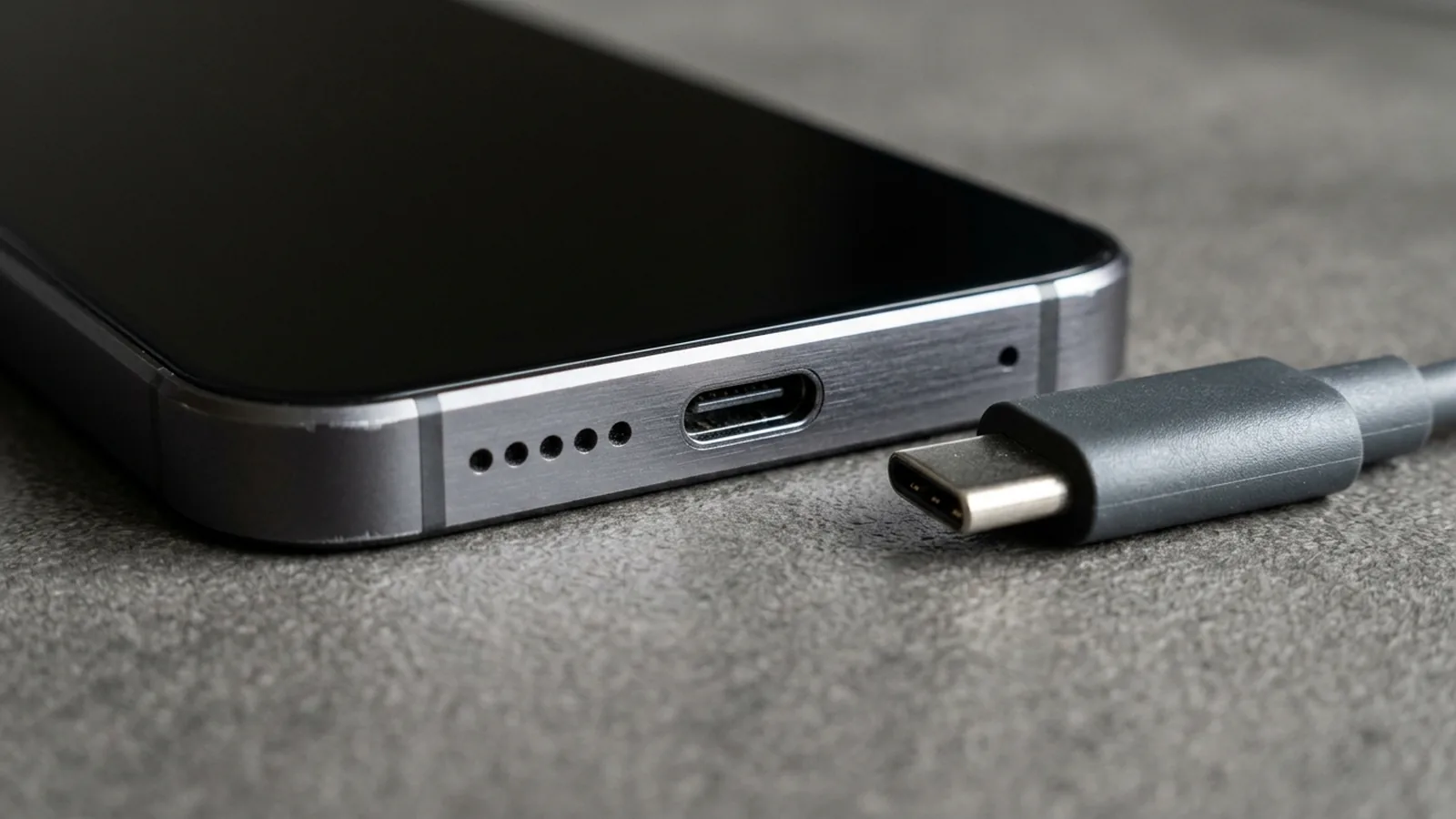
At the USB Type-C protocol layer, the cable and port also advertise explicit current and voltage limits:
In USB Power Delivery Cable VDO definitions (include/linux/usb/pd_vdo.h), Vbus current handling capability bits <6:5> encode 01b == 3A (CABLE_CURR_3A = 1) and 10b == 5A (CABLE_CURR_5A = 2), while CABLE_CURR_DEF = 0 represents default current.
In USB Power Delivery Passive and Active Cable VDO definitions (include/linux/usb/pd_vdo.h), bits <10:9> encode Maximum Vbus voltage as 00b == 20V, 01b == 30V, 10b == 40V, and 11b == 50V alongside bits <6:5> for Vbus current handling capability (01b == 3A, 10b == 5A).
In the Linux USB Type-C ABI (sysfs-class-typec), Electronically Marked Cables will have a device also for one cable plug (eg. /sys/class/typec/port0-plug0), and an additional device when the cable has a SOP Double Prime controller (USB Power Delivery specification ch. 2.4).
On a Linux USB Type-C port (/sys/class/typec/<port>/power_operation_mode), the valid VBUS current operational mode values are default, 1.5A, 3.0A, and usb_power_delivery.
Step 2: How do USB PD Fixed PDOs and PPS affect adapter speed?
A high wattage label on a power brick does not mean the phone and charger negotiated that output. Compare the USB Power Delivery object types and the manufacturer adapter requirements below.
In the USB Power Delivery Specification (sysfs-class-usb_power_delivery), the device “1:fixed_supply” is special because the first PDO (at object position 1), and the only mandatory PDO, is always the vSafe5V Fixed Supply Object.
Under sink-capabilities/1:fixed_supply/higher_capability (valid values 0 and 1), if the bit is set, then the sink needs more than vsafe5V (eg. 12 V) to provide full functionality.
In the Linux kernel USB PD header (include/linux/usb/pd.h), VSAFE5V is defined as 5000 in mv units, while PDO_FIXED_VOLT_SHIFT (10) uses 50mV units and PDO_FIXED_CURR_SHIFT (0) uses 10mA units.
For USB Power Delivery Fixed Supply PDOs (fixed_supply), fixed_supply/voltage reports the voltage the supply supports in millivolts and fixed_supply/maximum_current reports the maximum current of the fixed source supply in milliamperes.
In USB Power Delivery (sysfs-class-usb_power_delivery), a Programmable Power Supply (PPS) Augmented PDO (APDO) exposes Maximum Voltage in millivolts, Minimum Voltage in millivolts, and Maximum Current in milliamperes.
In the Linux kernel USB PD header (include/linux/usb/pd.h), PDO_PPS_APDO_MAX_VOLT_SHIFT (17) and PDO_PPS_APDO_MIN_VOLT_SHIFT (8) use 100mV units, while PDO_PPS_APDO_MAX_CURR_SHIFT (0) uses 50mA units.
When a sink requests Programmable Power Supply output via RDO_PROG (idx, out_mv, op_ma, flags) in include/linux/usb/pd.h, RDO_PROG_VOLT_MV_STEP is 20 and RDO_PROG_CURR_MA_STEP is 50.
Under spr_adjustable_voltage_supply in sysfs-class-usb_power_delivery, the Adjustable Voltage Supply (AVS) Augmented PDO (APDO) reports maximum current for the 9V to 15V range in milliamperes and for the greater than 15V till 20V range in milliamperes.
According to the USB Implementers Forum (USB-IF), prior to the USB PD Revision 3.1 specification announced in 2021, USB PD was limited to 100W using a solution based on 20V using USB Type-C cables rated at 5A.
In the USB PD Revision 3.1 specification and USB Type-C Release 2.1 (240W cable requirements), 28V, 36V, and 48V fixed voltages enable up to 140W, 180W, and 240W power levels, respectively.
According to the USB Implementers Forum, an adjustable voltage supply mode allows the device being powered an ability to request intermediate voltages between 15V and up to the maximum available fixed voltage of the charger.
Check the adapter ratings and settings documented by Google and Samsung for their phones:
For Pixel power adapters, Google states that you can use a Google 30W, 45W, or 67W USB-C Fast Charger, any Programmable Power Supply (PPS) power adapter rated for 30W or more, or other USB Power Delivery (PD) adapters rated for 15W or more.
Google states that the Pixel 9 Pro XL, Pixel 10, Pixel 10 Pro, Pixel 10 Pro XL, Pixel 10 Pro Fold, Pixel 11, Pixel 11 Pro, Pixel 11 Pro XL, and Pixel 11 Pro Fold can charge up to 30W or more.
On Samsung Galaxy phones, you can go to Battery and device care in Settings and tap Battery, then tap More battery settings (step 2) to check the status (step 3) of Fast charging, Super fast charging, and Fast wireless charging.
Samsung notes that the Galaxy Z TriFold supports Super Fast Charging 2.0 (45W), Fast Wireless Charging 2.0 (15W), and Wireless Powershare.
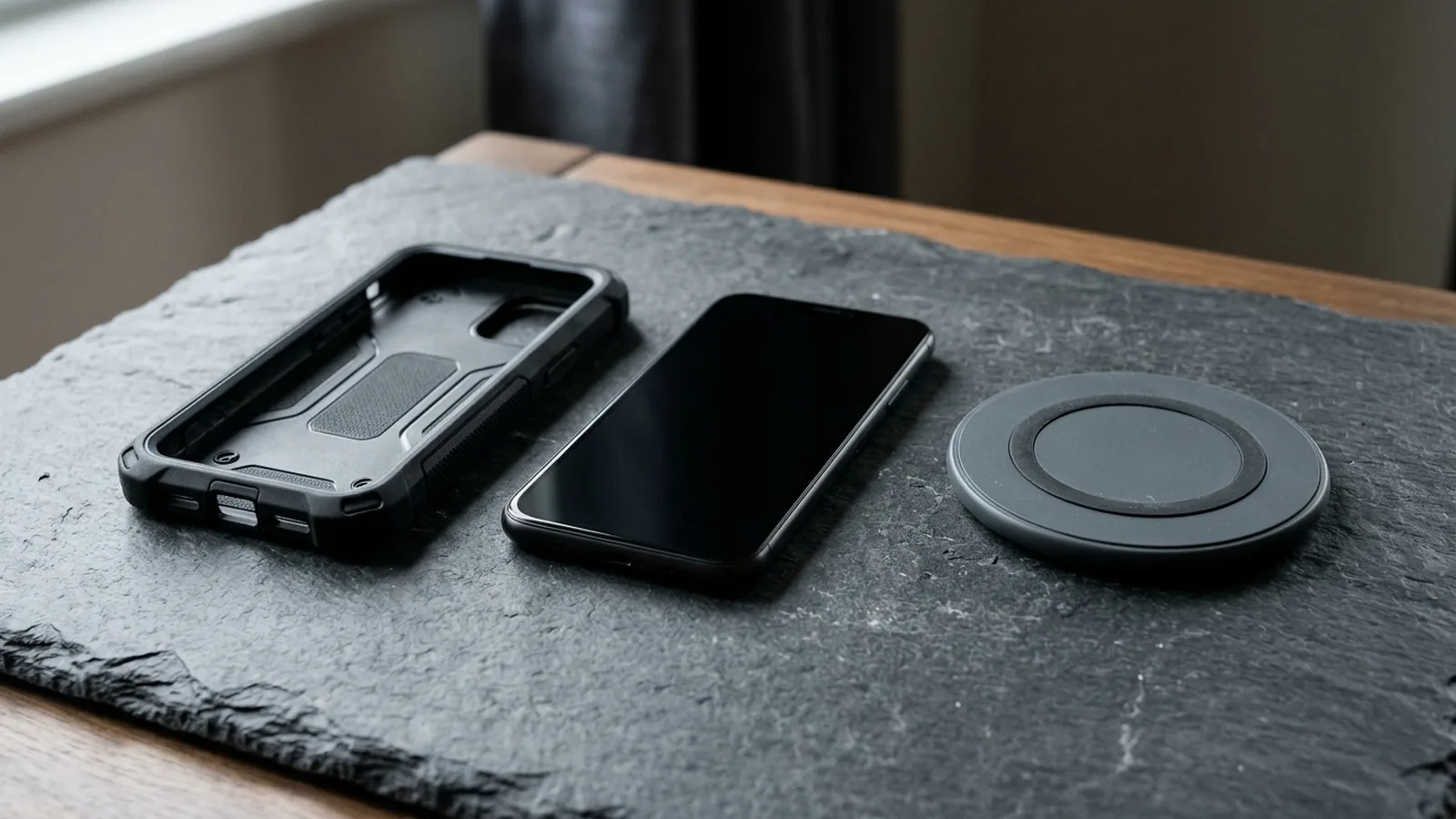
If you are using a wireless charger, verify model compatibility and case interference:
Google states that wireless charging is available on Pixel 3 and later, except Pixel 3a, Pixel 4a, Pixel 4a (5G), Pixel 5a, and Pixel 6a, and that the Pixel 10 and later devices will not charge wirelessly with the Pixel Stand 1st gen or 2nd gen.
On the Pixel 10 and later devices, excluding Pixel 10a, that support Qi2, older Qi chargers like Qi1.x will still work, but they will charge your phone slower at up to 5W.
On Pixel 9a and earlier phones, MagSafe wireless chargers do not work, and if you experience slow or unsteady wireless charging, Google instructs taking off your phone case because thick or metallic cases like those with magnets or ring holders can affect charging.
Step 3: Is heat or a battery setting slowing or pausing the charge?
Both cell chemistry limits and phone thermal controls reduce or pause charging when temperatures rise or fall outside normal bounds. If your phone also drops frames or dims while unplugged, see our guide on Android thermal throttling causes and fixes.
In Battery University Table 1 (BU-410), the permissible Li-ion charge temperature is 0°C to 45°C (32°F to 113°F) and the discharge range is –20°C to 60°C (–4°F to 140°F), with no charge permitted below freezing and best results when you charge between 10°C and 30°C (50°F and 86°F).
Battery University (BU-410) states that Li-ion can be fast charged from 5°C to 45°C (41 to 113°F), that below 5°C the charge current should be reduced, and that consumer-grade lithium-ion batteries cannot be charged below 0°C (32°F) because plating of metallic lithium occurs on the anode.
Battery University (BU-410) notes that lowering peak voltage to 4.00V/cell rather than the customary 4.20V/cell will decrease the energy a Li-ion battery can hold to roughly 80%, and that many chargers prohibit charging above 50°C (122°F).
On a Pixel phone, if your phone gets too warm, it might pause charging to protect your battery, and charging starts again when your phone cools down.
Google advises charging your Pixel phone in a cool place, about 25°C or 78°F, with a compatible USB-C PD or PPS charger, and avoiding prolonged, 6 or more hours, exposure to more than 35°C or 95°F ambient.
When a Pixel phone senses that it is too hot, your phone may reduce CPU performance, reduce charging speeds, turn off your camera’s flash, turn off your camera, or partially or fully turn off mobile data or Wi-Fi, including 5G.
Available on Pixel 6a and later under Battery diagnostics > Phone is very warm, the screen shows the four temperature states of your device—Cold, Normal, Warm, and Elevated—and notes that below 0°C / 32°F it may shut down suddenly.
Samsung states that browsing the web, watching a video, and playing games while your Galaxy phone is charging will lead to a slower charging rate in order to prevent overheating, and battery consumption may be higher than the charging rate if multiple or network apps run simultaneously.
Samsung defines normal operating ambient temperatures for Galaxy devices as between 32 and 95 degrees Fahrenheit, and states that if a device overheats, the screen may get dimmer, the device may slow down, charging may pause, and apps will be automatically closed.
In Android 10 and higher, the framework monitors mitigation signals from Thermal HAL 2.0 (upgraded in Android 14) with integer status codes from 0x00000000 (no throttling) to 0x00000006 (device shutdown), where battery power constraints must be reported through the thermal HAL.
In the AOSP Thermal HAL 2.0 specification, intermediate throttling status constants are THERMAL_STATUS_LIGHT (0x00000001), THERMAL_STATUS_MODERATE (0x00000002), THERMAL_STATUS_SEVERE (0x00000003), and THERMAL_STATUS_CRITICAL (0x00000004).
Built-in battery health and charging-optimization features on Pixel phones also intentionally slow or cap charging. For long-term cycle aging context, read our Android fast charging and battery health guide.
On Pixel 3 and later, including Fold, running Android 11 and later, Protecting your battery automatically limits charging to about 70%-80% during continuous charging for more than a few hours under high temperatures or continuous charging for more than several days.
On Pixel 4a and later, including Fold, Adaptive Charging learns from about 14 days of charging habits and may turn on to charge to 100% one hour before you unplug, whereas on Pixel 4 it requires charging between 9 PM and 4 AM with an active alarm set for 3–10 AM.
Available on Pixel 6a and later devices, the setting to limit charging of your phone to 80% still requires the phone to fully charge at every 10th cycle and stay plugged in for at least 30 minutes after the screen shows 100%.
If your battery percentage jumps or stalls near the top of a charge, see our guide to calibrating the Android battery percentage indicator.
When charged as recommended, Google states that Pixel 3 through Pixel 8 Pro and Pixel Fold should retain up to 80% capacity for about 800 charge cycles, and Pixel 8a and later should retain up to 80% capacity for about 1000 charge cycles.
On Pixel 6a and later, Battery health assistance adjusts the battery’s maximum voltage in stages starting at 200 charge cycles and continuing gradually until 1000 charge cycles, and also tunes the phone’s charging speed.
On Pixel 9a and later, Battery health assistance is on by default and cannot be turned off, whereas turning it on or off in Settings only applies to Pixel 6a through Pixel 9 Pro Fold.
Step 4: How can you verify charging current and plug state in Android?
Beyond the lock screen indicator, the Linux power supply class, Android BatteryManager API, and dumpsys batterystats expose current, voltage, and health properties:
Quoting include/linux/power_supply.h in the Linux power supply class documentation, all voltages, currents, charges, energies, time, and temperatures are reported in µV, µA, µAh, µWh, seconds, and tenths of degree Celsius unless otherwise stated.
In the Linux power supply class documentation, PRECHARGE_CURRENT is the maximum charge current during the precharge phase of a charge cycle (typically 20% of battery capacity), and CHARGE_TERM_CURRENT applies when the charge cycle terminates (typically 10% of battery capacity).
In the Linux power supply class documentation, CONSTANT_CHARGE_CURRENT represents the constant charge current, while INPUT_CURRENT_LIMIT and INPUT_VOLTAGE_LIMIT represent the input current limit and input voltage limit programmed by the charger.
In Android BatteryManager (added in API level 21), BATTERY_PROPERTY_CURRENT_AVERAGE (Constant Value: 3) and BATTERY_PROPERTY_CURRENT_NOW (Constant Value: 2) report battery current in microamperes, where positive values indicate net current entering the battery and negative values indicate net current discharging.
In Android BatteryManager, plug source constants are BATTERY_PLUGGED_AC (1), BATTERY_PLUGGED_USB (2), BATTERY_PLUGGED_WIRELESS (4), and BATTERY_PLUGGED_DOCK (8), while thermal health constants include BATTERY_HEALTH_OVERHEAT (3) and BATTERY_HEALTH_COLD (7).
Android Developers documents running adb shell dumpsys batterystats options and adb shell dumpsys batterystats –charged package-name to inspect the history of battery-related events, global statistics, and approximate power use per UID.
Save your slow-charging diagnostic notes
Use this checklist to record your observations before changing accessories or contacting manufacturer support:
- Phone model and Android version; whether a charging notification or moisture icon appeared.
- Wall outlet test result with another appliance; whether a computer USB port or wall adapter was used.
- Cable type (USB-A to USB-C vs USB-C to USB-C) and whether the port was checked for dust or lint.
- Power adapter rating and whether the phone and charger support USB PD or PPS.
- Wireless charger type, phone case thickness or magnets, and coil alignment if charging wirelessly.
- Device and room temperature state, active apps during charging, and whether charging resumed after cooling.
- Active battery-optimization toggles (Adaptive Charging, Limit to 80%, Protecting your battery, or Samsung fast-charging switches).
Browse our Android product guides for related troubleshooting and device explainers.
Sources
- Google Pixel Help — Charge your Pixel phone
- Google Pixel Help — Fix a Pixel phone that won’t charge or turn on
- Google Pixel Help — Understand your Pixel battery
- Google Pixel Help — Check and understand your Pixel temperature
- Google Pixel Help — Help keep your Pixel phone from feeling too warm or hot
- Google Pixel Help — Get the most life from your Pixel phone battery
- Samsung US Support — Galaxy Battery Charging Tips
- Samsung US Support — Keep your Galaxy device at its normal operating temperature
- USB Implementers Forum — USB Charger and USB Power Delivery
- Linux Kernel ABI Documentation — sysfs-class-usb_power_delivery
- Linux Kernel ABI Documentation — sysfs-class-typec
- Linux Kernel Documentation — Linux power supply class
- Linux Kernel Header — include/linux/usb/pd.h
- Linux Kernel Header — include/linux/usb/pd_vdo.h
- Android Open Source Project — Thermal mitigation
- Android Developers — BatteryManager API Reference
- Android Developers — dumpsys diagnostic tool
- Battery University — Charging at High and Low Temperatures