When unwanted calls keep reaching your Android phone, check your carrier network filter, system dialer blocklist, and default call screening app in order before changing permissions.
Before Android 7.0, Android lacked proper platform APIs for blocking calls and messages; Android 7.0 introduced BlockedNumberProvider to store user-blocked phone numbers and restrict calls, SMS, and MMS from those numbers across the system.
Devices running Android 10 (API level 29) or higher allow an app to identify calls from numbers not in the user’s address book as potential spam; users can choose to have those calls silently rejected, with blocked calls logged in the call log, eliminating the need to request the READ_CALL_LOG permission.
Android CallScreeningService (added in API level 24) must be registered in the manifest with permission android.permission.BIND_SCREENING_SERVICE and intent action android.telecom.CallScreeningService, and Telecom binds to a single app chosen by the user when there are new incoming and outgoing calls.
This troubleshooting guide belongs to our Android product guides. For background on how Android tightened runtime permissions and call notification exemptions, see our Android notification permission and privacy guide.
How do carrier networks authenticate and block spam calls before your phone rings?
Begin at the carrier network edge, where originating and terminating voice service providers exchange cryptographic identity headers and apply network-level call blocking before an incoming call reaches your handset.
IETF Request for Comments: 8224 (which obsoletes RFC 4474) defines a SIP header field for conveying a signature to validate the identity of originators of SIP requests.
Under RFC3261 without cryptographic authentication, a SIP recipient cannot verify the user-populated From header field, leaving SIP vulnerable to impersonation attacks that enable robocalling, voicemail hacking, and swatting as described in RFC7340.
In SIP identity management, an Authentication Service is a logical role played by a SIP entity that adds Identity headers to SIP requests, while a Verification Service (or Verifier) validates Identity headers in a SIP request.
In Step 4 (Check the Freshness of Date), the verifier ensures that the value of the Date header field of the SIP request meets local policy for freshness (sixty seconds is recommended) and falls within the credential’s validity period.
Per Section 6.2, a verification service sends a 428 response when an Identity header field is required by policy but no Identity header field without a “ppt” parameter or with a supported “ppt” value has been received.
In SIP identity verification, the 436 “Bad Identity Info” response code indicates an inability to acquire credentials to validate an Identity header signature, whereas the 437 “Unsupported Credential” response indicates the verifier does not support the credential.
In SIP identity verification, the 438 “Invalid Identity Header” response indicates that no header field with a valid and supported PASSporT object was received, which can also happen when a transit network alters the Date header field.
IETF Request for Comments: 8588 extends the Personal Assertion Token (PASSporT) based on the ATIS/SIP Forum IP-NNI Task Group SHAKEN specification to convey levels of confidence in the originating identity of a SIP call and a unique network origin identifier.
RFC 8588 Section 1 states that SHAKEN (ATIS-1000074) uses STIR protocols (PASSporT RFC8225, SIP Authenticated Identity Management RFC8224, and RFC8226) across networks containing traffic originated from both VoIP and TDM/SS7.
Section 3 of the “shaken” PASSporT extension defines three levels of attestation: a full attestation when the service provider can fully attest to the calling identity, a partial attestation when it originated the call but cannot fully attest to the calling identity, and a gateway attestation when the service provider receives a call from a gateway that does not support PASSporT or STI.
Sections 4 and 5 specify that the PASSporT “attest” claim takes values ‘A’ (‘Full Attestation’), ‘B’ (‘Partial Attestation’), or ‘C’ (‘Gateway Attestation’) per ATIS-1000074, and the “origid” claim is a Universally Unique Identifier (UUID) as defined in RFC4122.
In the Section 6 example “shaken” PASSporT, the Protected Header uses algorithm “ES256”, type “passport”, and extension “ppt”:“shaken”, while the Payload carries “attest”, “dest”, “iat”, “orig”, and “origid” claims.
Under 47 CFR 64.1200(k)(1)-(2), voice service providers may block calls purporting to originate from an inbound-only subscriber number, an invalid North American Numbering Plan (NANP) number, an unallocated NANP number, an allocated but unused NANP number, or a number identified by reasonable analytics as highly likely to be associated with a one-ring scam.
Under 47 CFR 64.1200(o), a voice service provider must block calls purporting to originate from a number on a reasonable do-not-originate list, limited to inbound-only subscriber numbers and invalid, unallocated, or unused North American Numbering Plan numbers.
Under 47 CFR 64.1200(k)(3), a terminating provider may block voice calls without liability on an opt-out basis where blocking uses reasonable analytics that include caller ID authentication information where available, is applied in a non-discriminatory manner, and has no additional line-item charge to consumers.
Under 47 CFR 64.1200(k)(5)-(6), a provider may not block an emergency call placed to 911 and must make all reasonable efforts to ensure calls from public safety answering points and government emergency numbers are not blocked.
Under 47 CFR 64.1200(k)(9), any terminating provider that blocks calls based on an analytics program must immediately return Session Initiation Protocol (SIP) code 603+ (defined in ATIS-1000099, adopted August 16, 2022) on IP networks, or ISDN User Part (ISUP) code 21 with cause location “user” on non-IP networks.
T-Mobile ScamShield lets customers block suspicious calls automatically with Scam Block, and warns that turning on Scam Block might block wanted calls and can be disabled at any time.
T-Mobile ScamShield includes free Scam Likely labeling, Scam Block, personal number blocking, Potential Spam identification, and Callback Protection, and customers can turn on Scam Block in the T-Life app or by dialing #662# from their T-Mobile device.
In T-Mobile ScamShield, Scam Likely is a caller label that warns when T-Mobile identifies an incoming call as a likely scam so the customer can decide whether to answer or block the call.
T-Mobile ScamShield Callback Protection plays an audible warning when a customer dials a number on T-Mobile’s Scam Likely list, while Potential Spam identifies unwanted solicitation calls that differ from Scam Likely calls, which are usually fraudulent.
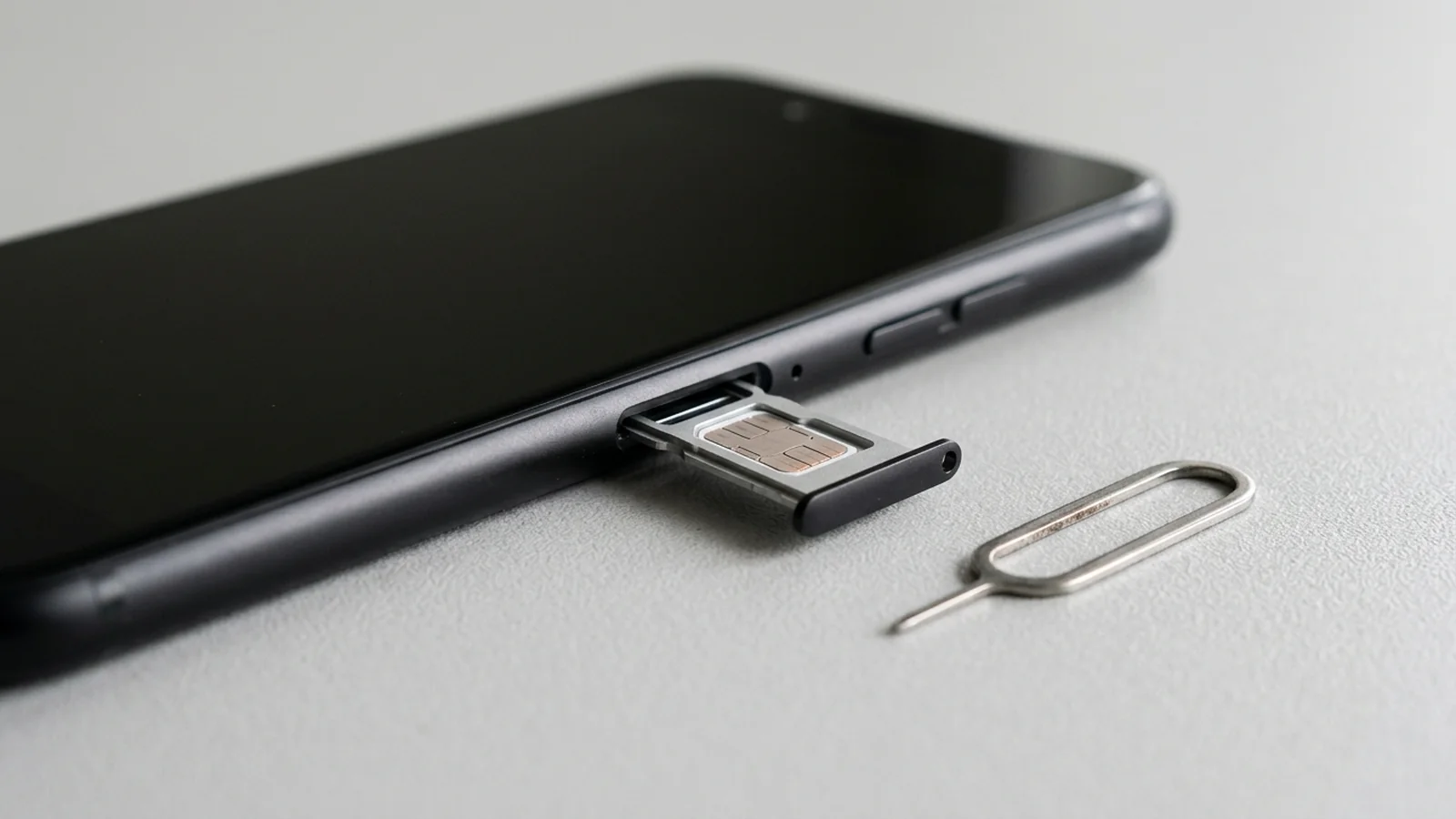
How do Android system blocklists, Phone by Google, and Samsung Smart Call filter calls?
Once a call passes the carrier network, the Android system number blocklist and your default system dialer evaluate the caller number on the device. For platform context on how Android introduced the runtime permission model used by system dialers, read our Android Marshmallow permissions and Doze guide.
In AOSP number blocking, only the default dialer, default messaging client, UICC-privileged app, and apps with the same signature as the system can directly read from and write to the blocked list, which persists across apps and can be restored on a new device regardless of manufacturer.
While default dialer and messenger apps can read and write to BlockedNumberProvider, other apps can launch the system block-list management user interface by calling createManageBlockedNumbersIntent().
AOSP requires device implementers to store all strict-match phone numbers that are blocked in BlockedNumberProvider in compliance with the Android Compatibility Definition Document (CDD).
Under BlockedNumberContract, the Android platform does not block messages and calls from emergency numbers defined by PhoneNumberUtils.isEmergencyNumber(String), and contacting emergency services disables number blocking for a duration defined by CarrierConfigManager.KEY_DURATION_BLOCKING_DISABLED_AFTER_EMERGENCY_INT.
BlockedNumberContract stores blocked numbers in BlockedNumbers.COLUMN_ORIGINAL_NUMBER and a normalized E164 version in BlockedNumbers.COLUMN_E164_NUMBER, blocking calls and messages if an address matches either column.
Under BlockedNumberContract multi-user rules, apps must call canCurrentUserBlockNumbers(Context) before performing any operation on the provider (or fail with a SecurityException), and the platform blocks calls and messages from numbers in the provider independent of the current user.
In Phone by Google, when caller ID and spam protection is on, numbers outside the user’s contact list are sent to Google to identify business Caller ID or spam, while Google does not receive phone numbers from the user’s Contact list.
In Phone by Google, caller ID and spam protection is on by default (requiring Android 6.0 and up for some steps), while Fake call detection requires Android 12 or higher, Phone by Google, Contacts, and Google Messages installed, and RCS turned on in Google Messages.
In Phone by Google, turning on “Filter spam calls” blocks suspected spam calls without missed call or voicemail notifications, while keeping filtered calls in call history and allowing the user to check voicemail.
On devices with automatic Call Screen, there is no “Filter spam calls” option because spam autoblocking is part of automatic Call Screen—equivalent to Basic Protection on Pixel 6 devices and higher, and “Silently decline” for “Spam calls” on Pixel 5 and lower.
In Phone by Google, Call Screen works on the device without using Wi-Fi or mobile data, and automatic Call Screen is available on Pixel phones in Australia, Canada, Ireland, the UK, and the US.
In Phone by Google automatic Call Screen, turn Maximum protection, Medium protection, or Basic protection on or off; for Pixel 6 and below use Unknown call settings, while for Pixel 7 and above use Protection level (Automatically screen calls) covering Spam, Possibly faked numbers, and First-time callers.
Automatic Call Screen on Pixel Watch is available only in the US and requires a Pixel 6 or newer Pixel phone connected over Bluetooth, Phone by Google app version 116 or later, and Phone by Google app on Watch version 50 or later.
During automatic Call Screen, the phone displays a silent “Screening unknown number” or “Screening suspicious call” notification while Call Assist asks who is calling and why; if Call Assist determines it is a spam call, the phone hangs up, and if not a spam call, the phone rings and shows how the caller responded.
Phone by Google Call Screen does not work with third-party call recording and screen recording apps, will not screen calls automatically during roaming, and depending on device model might not automatically screen calls when using headphones or connected to Bluetooth.
On Samsung Galaxy phones, Smart Call (Settings > Caller ID and spam protection > Block spam and scam calls) offers two options—“Block all spam and scam calls” or “Only block high-risk scam calls” (which allows less severe spam calls through)—while blocking voicemails from specific callers requires contacting the carrier directly.
On Samsung Galaxy phones, built-in AI Scam detection (which analyzes incoming calls in real time to detect scam patterns and alerts with a tone or vibration) is only available on Galaxy phones running Android 16 with One UI 8.5 or higher.
How do third-party call screening apps and the Android call screening role work?
Third-party spam blockers operate at the application layer through Android role management and the Telecom call screening service interface. For platform background on how Android reshaped privacy boundaries and role permissions, see our Android gestures and privacy guide and our Android notification permission and privacy guide.
In Android CallScreeningService, onScreenCall() is called for new incoming or outgoing calls when the number is not in the user’s contact list, and Call.Details.getCallerNumberVerificationStatus() reports network provider verification as VERIFICATION_STATUS_FAILED, VERIFICATION_STATUS_PASSED, or VERIFICATION_STATUS_NOT_VERIFIED.
Added in API level 29, Android RoleManager defines ROLE_CALL_SCREENING for the call screening and caller ID role; applications must request user consent via createRequestRoleIntent(String), and when an application loses its role, its role-specific privileges are revoked.
When incoming calls are received prior to ringing, the Android framework binds to the CallScreeningService filling RoleManager.ROLE_CALL_SCREENING, and the service must call respondToCall(Call.Details,CallResponse) within 5 seconds of being bound because the user’s device will not begin ringing until the response is received or the timeout is hit.
In CallScreeningService.CallResponse.Builder (added in API level 24), setDisallowCall(boolean) sets whether the incoming call is blocked, while setRejectCall(boolean) (disconnects as if manually rejected) and setSkipNotification(boolean) (suppresses a missed call notification) should only be set to true if the call is disallowed.
In CallScreeningService.CallResponse.Builder, setSilenceCall(boolean) (added in API level 29) silences the ringtone while still sending the unblocked call to the default dialer app, whereas setSkipCallLog(boolean) (added in API level 24) can only be used by carrier and system call screening apps (ignored otherwise) and still logs calls with CallLog.Calls.BLOCKED_TYPE.
On Android 13 (API 33), newly installed apps cannot send ordinary, non-exempt notifications until the user grants POST_NOTIFICATIONS (even with an older target SDK, such as API 32 or lower), whereas media-session notifications and qualifying self-managed calls are exempt.
Why do legitimate delivery, bank, or clinic calls get blocked, and why do spoofed calls still ring?
Check these regulatory exemptions, redress rules, and dialer settings when diagnosing missed calls or persistent spam:
Under 47 CFR 64.1200(a)(9)(i), package delivery company notifications are exempted when not charged to the recipient, concise (generally one minute or less for voice calls or 160 characters or less for text messages), limited to one notification per package (plus up to two attempts if a signature is required), and opt-out requests are honored within six business days.
Under 47 CFR 64.1200(a)(9)(iii), financial institutions are exempted to send automated voice calls and text messages strictly for fraud or identity theft risks, data security breaches, and pending money transfers, limited to no more than three messages per event over a three-day period.
Under 47 CFR 64.1200(a)(9)(iv), healthcare providers are exempted to send automated appointment confirmations, wellness checkups, pre-operative instructions, lab results, and prescription notifications, limited to one message per day and a maximum of three voice calls or text messages combined per week.
Under 47 CFR 64.1200(k)(8), a terminating provider that blocks calls or uses caller ID authentication to determine call delivery must provide a public-facing website point of contact for blocking error complaints, provide a status update within 24 hours, and promptly cease erroneous blocking without charge to callers acting in good faith.
Under 47 CFR 64.1200(k)(10), a terminating provider blocking calls under an opt-out or opt-in analytics program must provide a subscriber, at no additional charge and within 3 business days of a request, a list of calls blocked to that number within the prior 28 days.
In Phone by Google (Settings > Blocked numbers), turning on “Unknown” blocks calls from private or unidentified numbers while still allowing calls from numbers not stored in contacts; furthermore, blocked callers cannot leave voicemails when visual voicemail is on, and calls received while a number is blocked do not show in call history.
On Samsung Galaxy phones (Phone app > Settings > Block numbers), turning on “Block calls from unknown numbers” blocks incoming calls from numbers that are not saved in contacts or identified by Smart Call, though Smart Call may not be available on all carriers or models.
Phone by Google Call Screen uses contacts stored on the phone to decide whether to screen a call (saving a number as a contact prevents it from being screened), notes that not all spam calls and robocalls can be detected, and warns not to use automatic call screening with call forwarding because screened calls will not be forwarded.
In Phone by Google, if a caller the user knows is mistakenly marked as spam, tapping the call in Recent calls and selecting Not spam reports the mistake so future calls from that number to the phone will not be marked as spam.
Save your call-blocking diagnostic checklist
Use this checklist to record your configuration across all three layers before changing dialer permissions or contacting your carrier:
- Phone model, Android version, and active voice carrier on the line.
- Carrier network spam filter status in your carrier app or account settings, and whether a blocked-call log was requested.
- Default phone dialer app and whether caller identification and spam filtering are enabled in dialer settings.
- Unknown caller toggle state in the system dialer blocklist and whether expected callers are saved in Contacts.
- Active call forwarding rules, roaming state, and connected Bluetooth or headphone audio accessories.
- Default call screening app assigned in system default app settings and its notification permission status.
- Recent call history entries marked as spam that should be reported as not spam.
Browse our Android product guides for related troubleshooting and device explainers.
Sources
- Internet Engineering Task Force — Authenticated Identity Management in the Session Initiation Protocol
- Internet Engineering Task Force — Personal Assertion Token Extension for Signature-based Handling of Asserted information using toKENs
- Legal Information Institute — Electronic Code of Federal Regulations Delivery Restrictions
- T-Mobile — ScamShield Free Scam Call and Robocall Blocker
- Android Open Source Project — Implementing Block Numbers
- Android Developers — BlockedNumberContract API Reference
- Google Phone Help — Use caller ID and spam protection
- Google Phone Help — Screen your calls before you answer them
- Google Phone Help — Block or unblock a phone number
- Samsung US Support — Block spam calls with Smart Call on your Galaxy phone
- Android Developers — Screen calls Telecom guide
- Android Developers — RoleManager API Reference
- Android Developers — CallScreeningService API Reference
- Android Developers — CallScreeningService.CallResponse.Builder API Reference