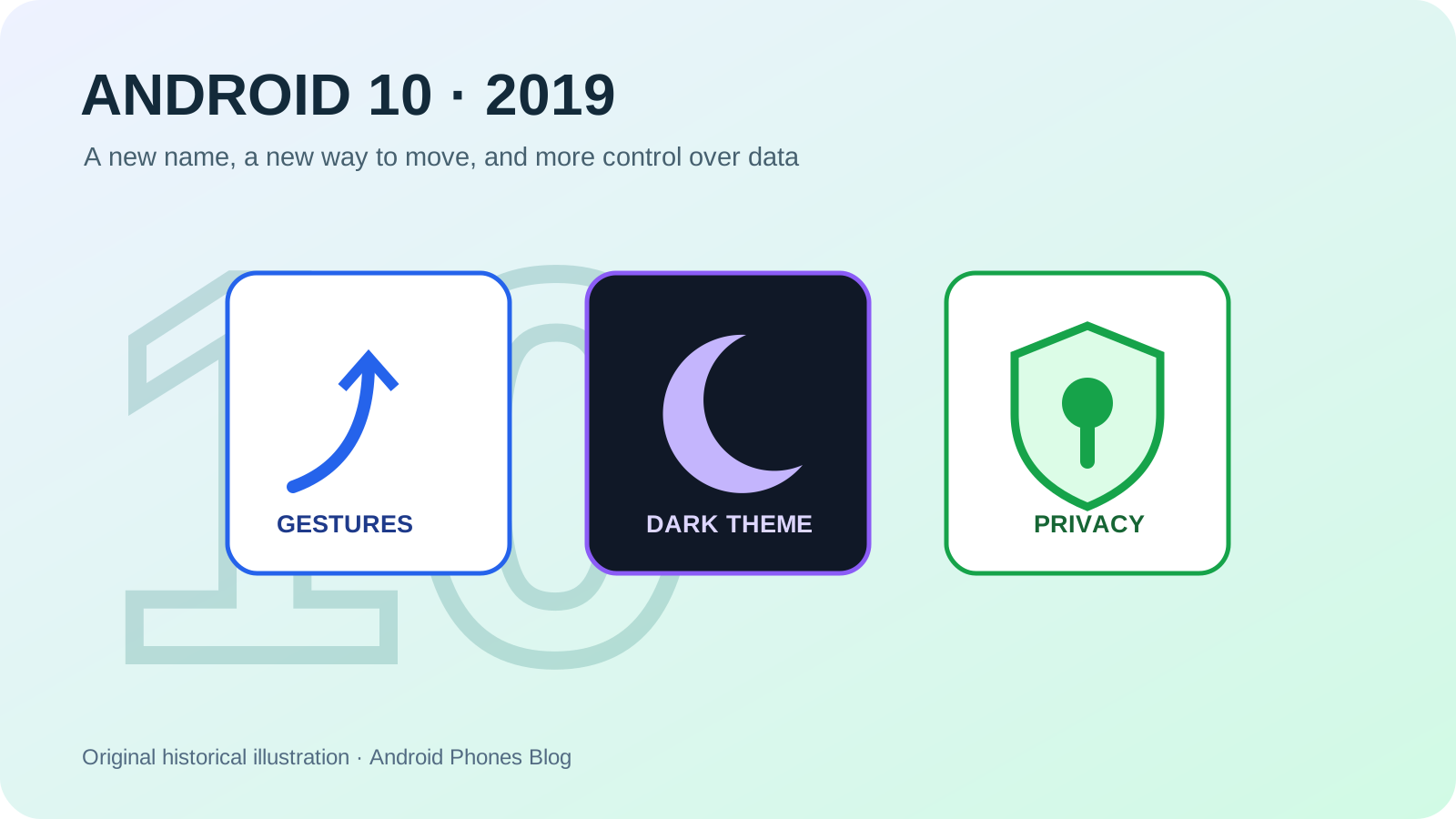
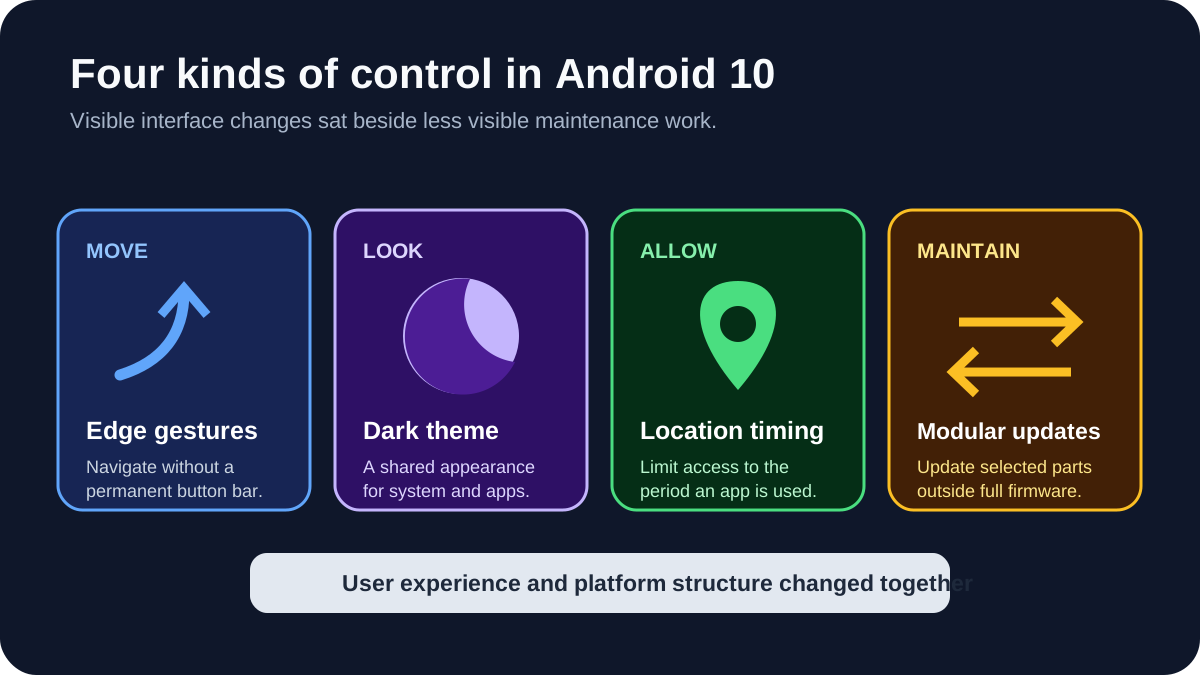
Android 10 began rolling out to Pixel phones on September 3, 2019. It arrived without the public dessert name that had accompanied releases from Cupcake to Pie. More important in daily use, it introduced a fuller gesture-navigation system, a system-wide dark theme, tighter control over location access and a way to deliver selected security and privacy components through Google Play. Google’s consumer release overview also highlighted support for emerging foldable phones and 5G networks.
These changes made Android 10 a useful dividing line. It looked toward taller, edge-to-edge hardware while making data access more visible and some system maintenance less dependent on a complete operating-system update.
Common mistake: A Google Play system update is not proof that the whole phone still receives manufacturer security patches. Check the model’s firmware support separately before relying on it.
| Android 10 change | Immediate purpose | Limit to check |
|---|---|---|
| Edge gestures | Navigate without a permanent button bar | Discoverability and app gesture conflicts |
| Dark theme | Use a darker system and compatible app palette | Consistent theming across many apps |
| Location while in use | Narrow an app’s access window | Clear, contextual permission choices |
| Google Play system updates | Update selected modules separately | Selected modules only; not evidence of full device support |
Why did Android stop using dessert names in public?
Google’s internal development codenames had followed an alphabetical dessert tradition, and those names became part of Android’s public personality. The release known during development as Android Q presented a problem: there was no obvious dessert word that would be equally recognizable worldwide.
In its official branding explanation, Google said some previous names were difficult to distinguish when spoken in certain languages and unfamiliar in some cultures. Numbering the release Android 10 made its place in the sequence more direct. Google also refreshed the logo and adjusted colors for readability.
The change signaled a platform that now served more than 2.5 billion active devices, according to Google’s 2019 announcement. Dessert names had helped give early Android a playful identity; a plain number prioritized global clarity. Internal codenames did not vanish, but they stopped being the main consumer label.
How did gesture navigation change a familiar Android habit?
Android had long organized movement around Back, Home and Overview controls. Pie tested a hybrid system centered on one home button. Android 10 introduced a more complete gesture model: an upward swipe returned Home, an upward swipe and hold opened recent tasks, and an inward swipe from either side acted as Back.
That design reclaimed screen area and matched phones whose displays extended close to their edges. It also created adaptation costs. A gesture is invisible until learned, side swipes can conflict with application interfaces, and accessibility or motor needs vary. Android retained navigation choices on supported devices rather than making every user abandon buttons at once.
The transition that began in Android 9 Pie therefore became a platform-wide design question rather than a Pixel-only experiment.
What did system dark theme do beyond changing colors?
Android 10 could apply a dark palette to the system interface and provided a standard way for compatible apps to follow it. For a user, this meant fewer bright transitions when moving between settings, notifications and supported applications at night. On OLED displays, dark pixels could also reduce power use in relevant content, although the actual saving depended on screen technology, brightness and what an app displayed.
The developer side mattered because an automated inversion cannot reliably understand every interface. Apps needed theme-aware colors and assets that remained legible. The official Android 10 developer resources treated dark theme as both a user feature and an implementation task.
Dark theme later became an expected option across mobile platforms. Android 10 was the release that gave it a coherent system-level foundation rather than leaving every app to invent an unrelated night mode.
How did Android 10 give users more control over location?
The release added the choice to let an app access location only while it was in use. It also surfaced reminders when an app accessed location in the background. The important idea was duration: permission was no longer just a permanent yes-or-no decision detached from what the user was doing.
Android 10 also grouped important privacy settings into a dedicated section. That made controls easier to find, but settings alone were not the full change. The platform imposed new privacy behavior affecting device identifiers, Wi-Fi information and background activity, documented in the official privacy changes.
Not every protection applied identically to every older app on day one. Android uses target API levels and compatibility transitions so developers can update without breaking all software immediately. Historical accounts should therefore distinguish a capability introduced by the platform from the date every app adopted the best available behavior.
Why were Google Play system updates a structural change?
A traditional Android update moves through the phone manufacturer and often a carrier before reaching a device. Android 10 expanded a modular route in which selected security and privacy components could be updated through Google Play, in a process presented to users more like an app update. This work is often associated with Project Mainline.
It did not mean Google could replace an entire manufacturer’s firmware through the Play Store. Kernel changes, device drivers, vendor interfaces and many system features still depended on full releases. Modular updates narrowed the scope of some maintenance, allowing supported components to change without waiting for that larger package.
The distinction remains important. A phone receiving Google Play system updates is not necessarily receiving the newest Android version or every vendor security patch. Android 10 introduced another maintenance channel; it did not erase the need for a clear manufacturer support policy.
How did Android 10 prepare for foldables and 5G?
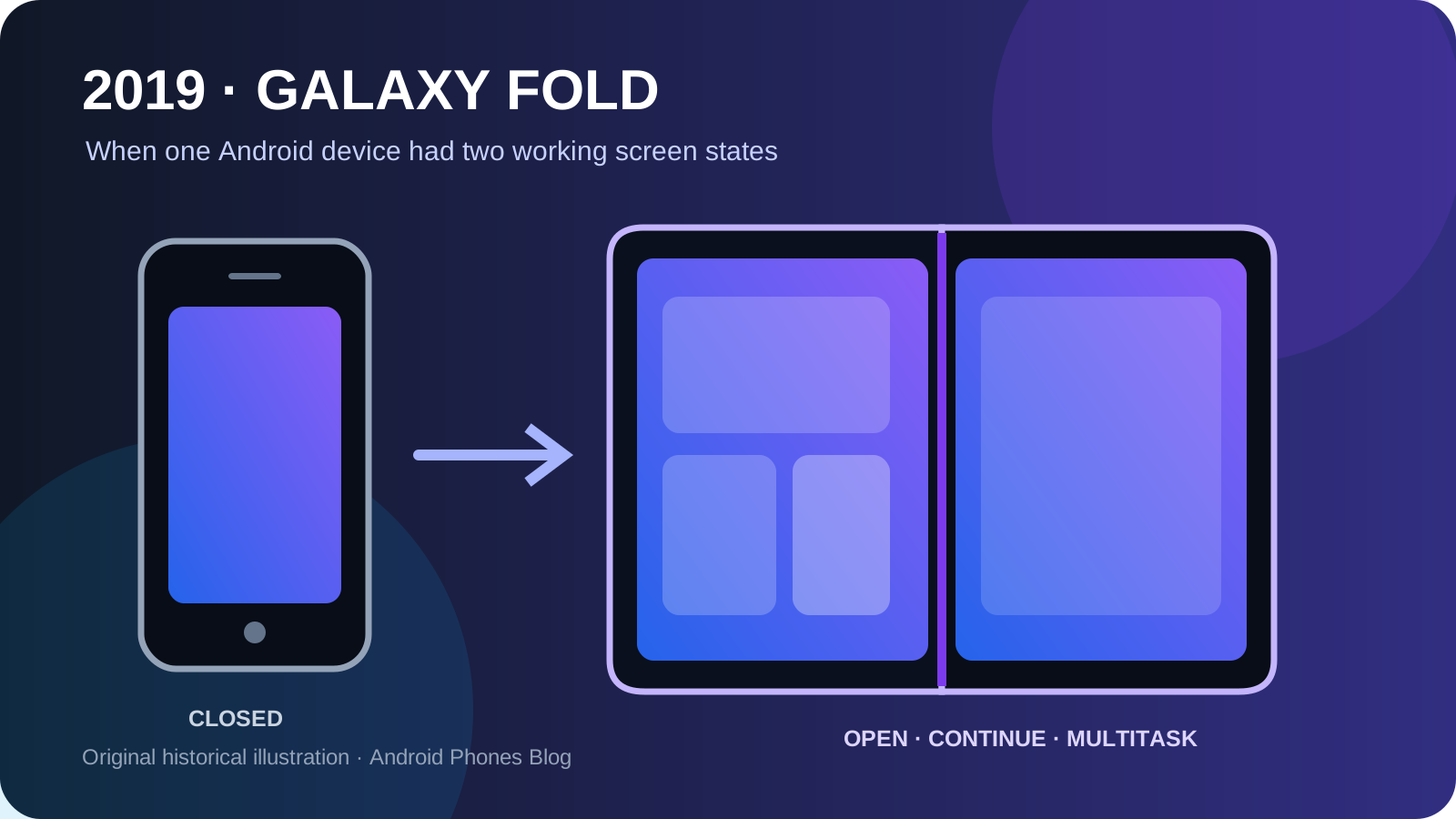
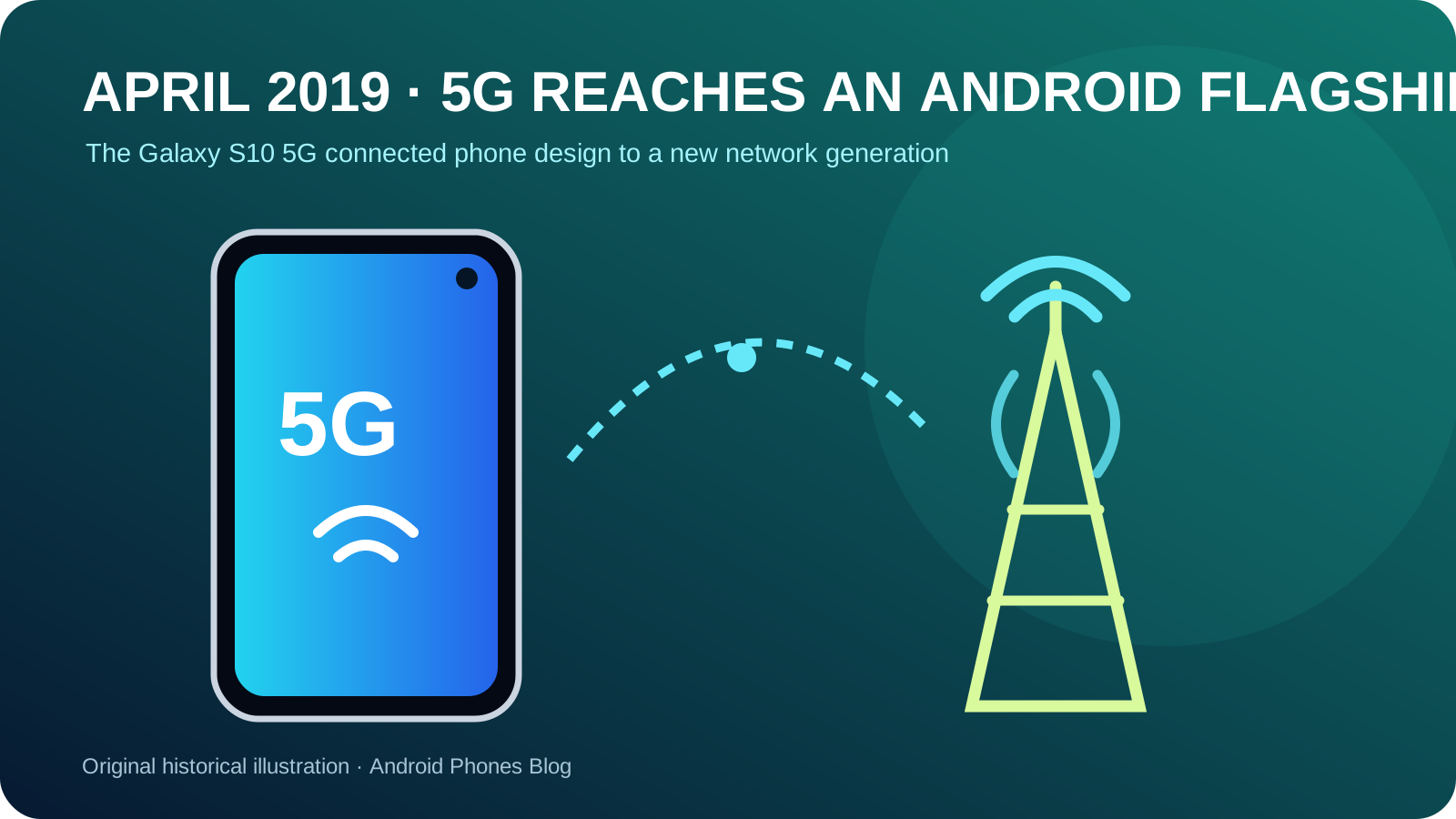
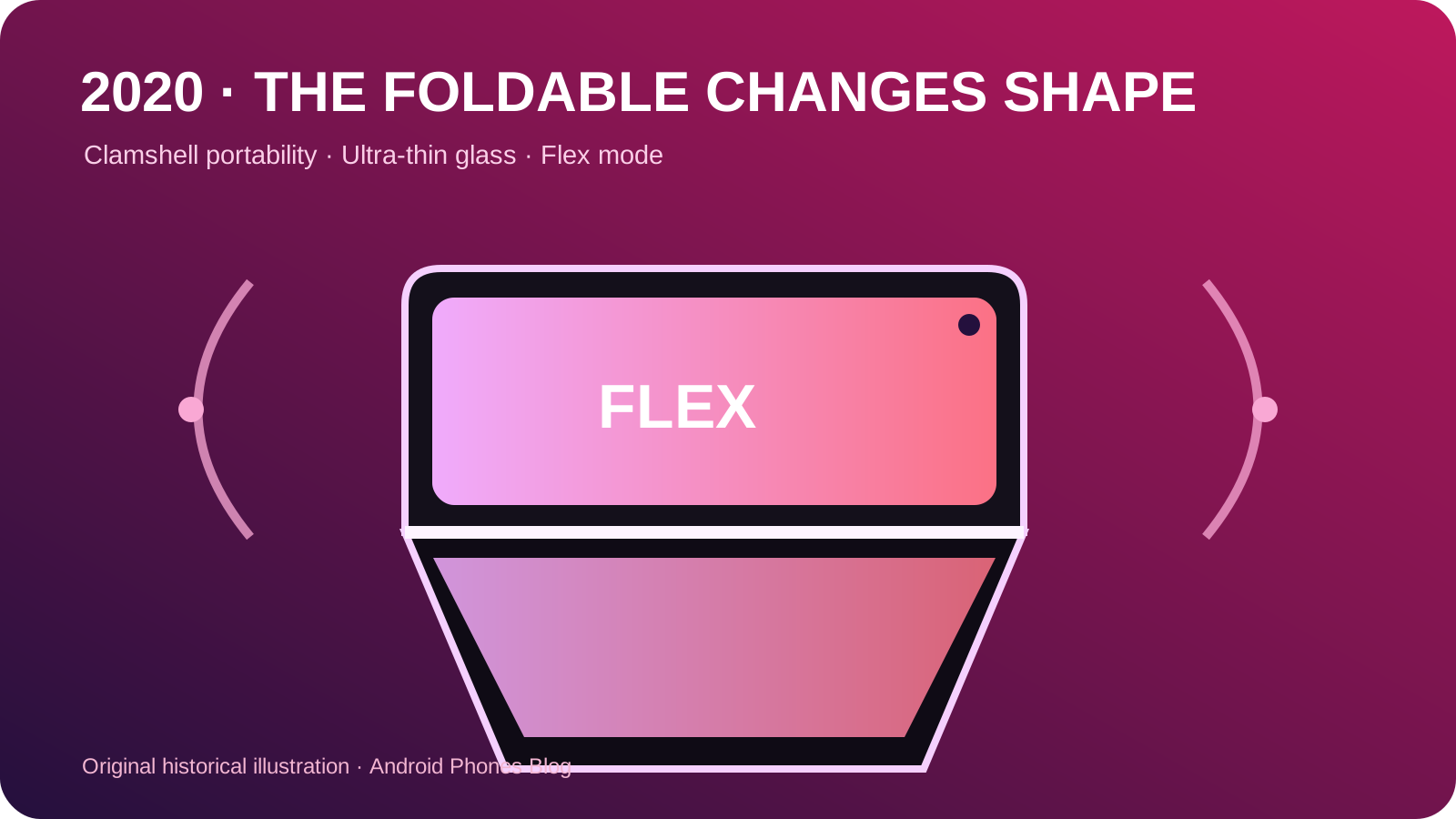
Google explicitly identified foldables and 5G as technologies supported by the release. Foldables required apps to handle changing window sizes, multiple resumed activities and transitions between displays. 5G required the platform to expose network capabilities so apps could adapt without treating every fast connection as identical.
The timing connected the operating system to 2019 hardware. The Galaxy Fold reached stores in September with app continuity and multi-window behavior, while the Galaxy S10 5G had brought a commercial 5G phone to South Korea in April. Android 10’s role was not to create their hinges or radios, but to make the shared application platform aware of the new conditions.
Supporting future hardware in the platform reduces the need for every manufacturer and app developer to improvise independently. It also shows why a major Android release includes work that may not be immediately visible on a standard phone.
Why does Android 10 still matter today?
Several Android 10 ideas now feel normal: numbered releases, edge gestures, system dark appearance, contextual permission choices and modular maintenance. Their familiarity is evidence of influence, not proof that the first version was perfect. Gesture behavior continued to be refined, privacy controls became more granular, and the list of updatable system components grew.
For a present-day buyer, check the actual phone:
- Confirm that the navigation option you need is available.
- Check whether your apps follow the system theme.
- Review location access and background permissions.
- Check manufacturer firmware support separately from Google Play system updates.
The Android history collection places those questions in sequence. Android 10 matters because it aligned a mature global identity with new expectations for how a modern phone should move, look, protect data and stay maintained.
Compare Pie’s transitional navigation with Android 10, then read Android 11’s one-time permissions for the next change to permission duration.
Historical record: Platform event: 2019-09-03; original publication record: 2019-09-08.