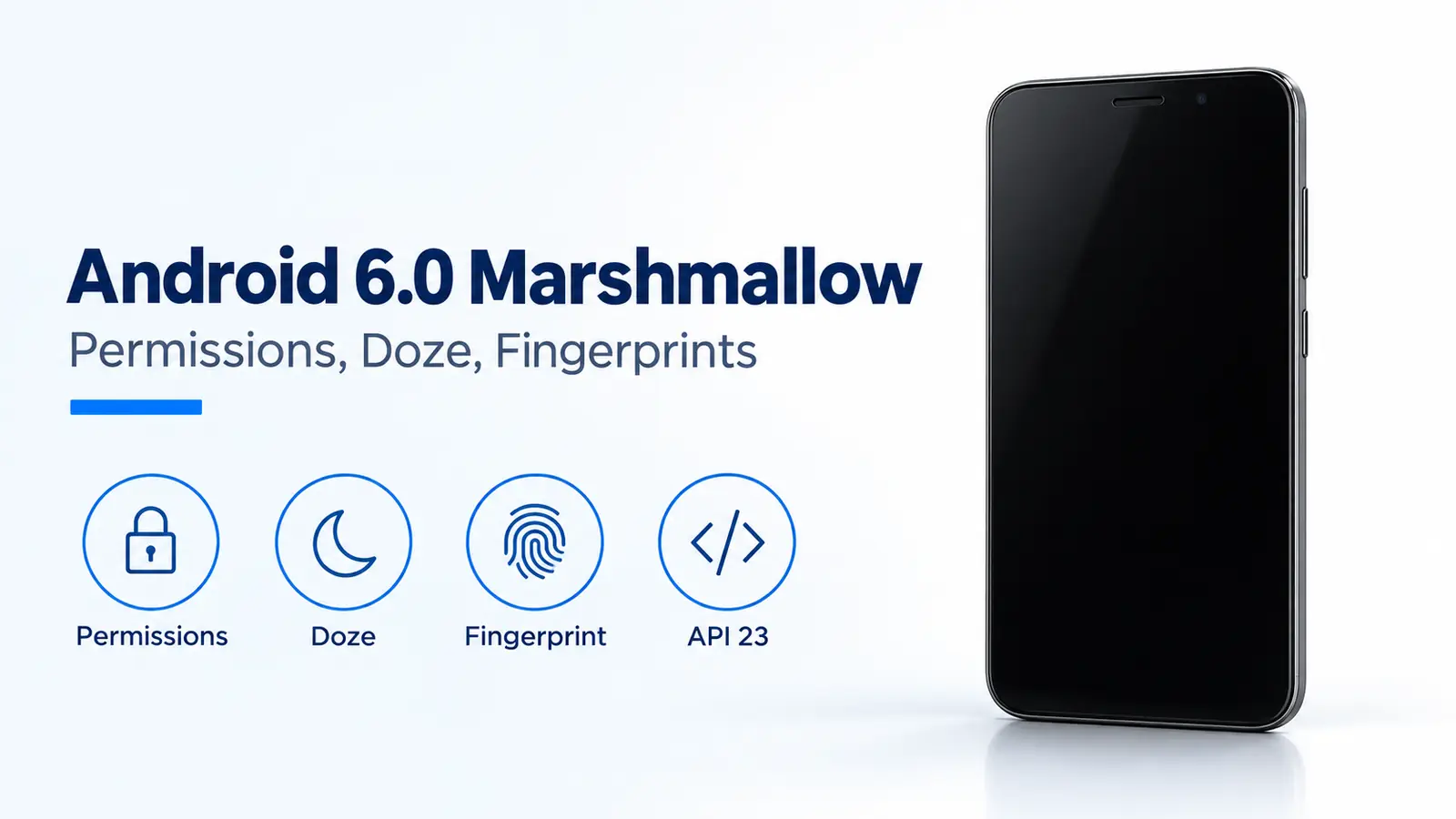
A revoked permission can make an Android 6.0 Marshmallow app fail to open the camera or read contacts. That release, API level 23, also added Doze for idle phones and a fingerprint API that requires a compatible device with a fingerprint sensor. On September 29, 2015, Google scheduled the public rollout for the following week and tied the AOSP source push to that same start.
Android 6.0 Marshmallow is API level 23. An app that targets API 23 on Android 6.0 or higher uses runtime permissions: Google Play does not require a permission list before install, and you can revoke a permission later in system settings. Doze starts after you unplug the phone, leave it stationary, and keep the screen off. The system then tries to hold the device in a sleep state and resumes briefly so apps can sync and finish pending work. App Standby treats an app you have not touched for a period as idle and, while the phone is unplugged, disables its network access and suspends its syncs and jobs. Fingerprint sign-in uses FingerprintManager.authenticate() together with the Android Keystore, and only on a phone that has a sensor. Google named the sensor on the Nexus 5X and Nexus 6P Nexus Imprint.
- Runtime permissions replace install-time prompts when the app targets API 23 and runs on Android 6.0 or higher.
- Doze and App Standby apply to apps on Android 6.0 or higher even when they target an older API.
- The fingerprint API does not create a sensor. The Nexus 5X and Nexus 6P shipped Nexus Imprint.
- These Google pages schedule the consumer rollout for the week after September 29, 2015. They do not name a calendar day for the first OTA.
When do runtime permissions replace the install-time list?
They replace it when the app targets API 23 and is running on Android 6.0 or higher. Ian Lake’s August 27, 2015 post, Building better apps with Runtime Permissions, calls runtime permissions one of the largest changes to the permissions model. On Google Play, that app no longer asks you to accept a permission list before it installs. If a later update adds a permission, the update is not blocked waiting for you to accept it. The app asks when the feature needs the permission.
The Android 6.0 changes page says you can grant or revoke permissions individually for installed apps. Lake’s post says you can revoke them at any time in system settings, so the app has to check on every use. The check in the support library is ContextCompat.checkSelfPermission(). The request is requestPermissions(), which brings up the system dialog. shouldShowRequestPermissionRationale() returns true after you have denied that request at least once and have not chosen “Don’t ask again.” That option appears the second time the dialog shows, or later. The app can then explain the feature before it asks again.
Some features never need the permission. Lake’s post gives ACTION_IMAGE_CAPTURE as the case where the app hands the photo to a camera app you already use, instead of taking camera access itself.
Rule of thumb: If target API is below 23, Marshmallow keeps that app on the install-time permission model. If the target is 23 or higher, the app must call the permission check before the sensitive action, because you can revoke the grant in system settings. The August 17, 2015 SDK post says the app has to behave as expected when you disable a specific permission, which is why targeting API 23 and testing that denial path is part of the release, not an optional extra.
Place this release on the Android history timeline when you want the versions on either side of Marshmallow.
When does Doze defer background work?
Doze defers it after you unplug the phone, leave it stationary, and keep the screen off for a period of time. The Android 6.0 changes page says the device then tries to keep the system in a sleep state, and periodically resumes normal operations for brief periods so apps can sync and the system can run pending work. The current Doze guide, written for Android 6.0 and higher, names those brief resumes maintenance windows and says the system schedules them less often as the idle stretch gets longer.
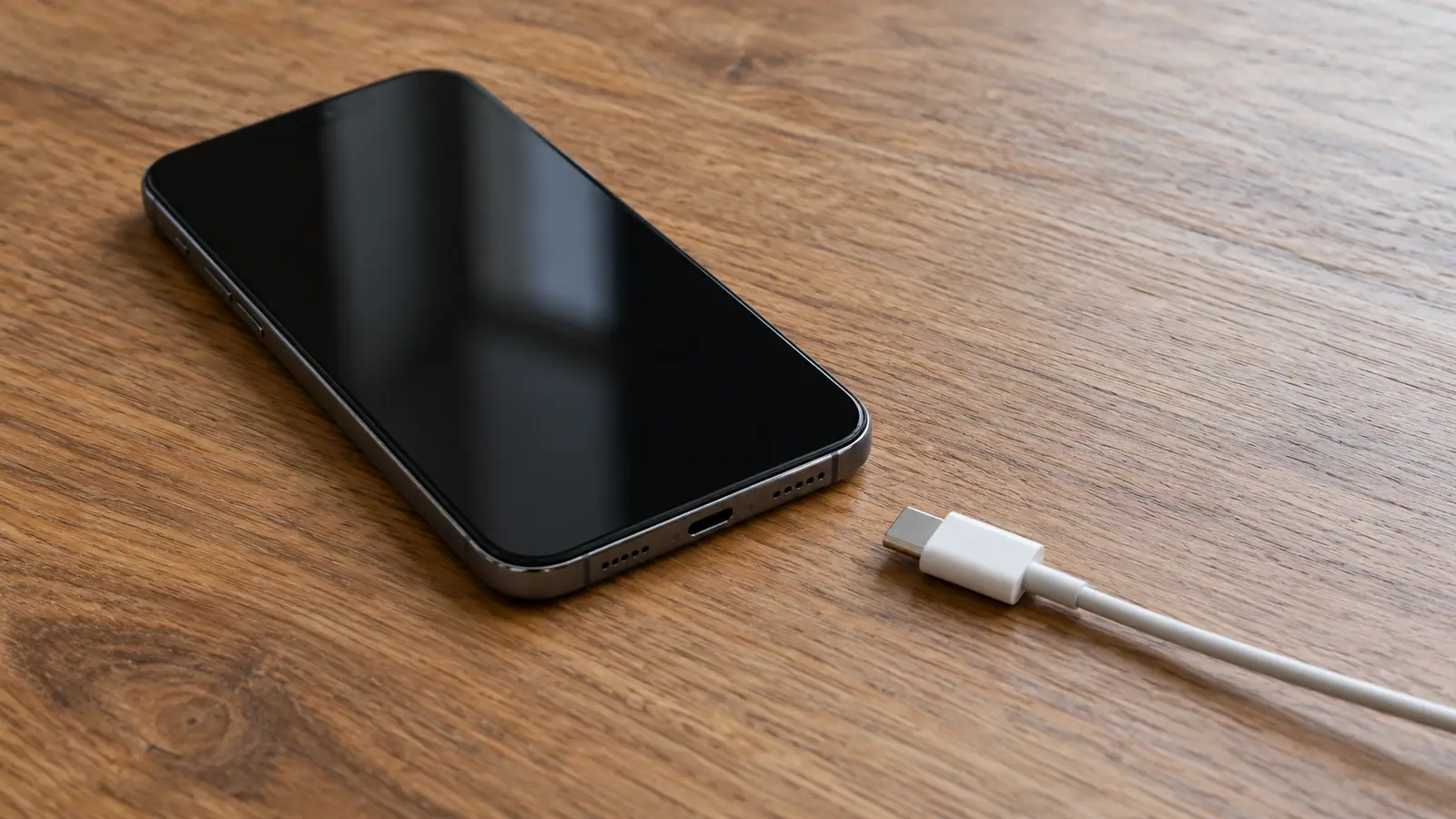
While Doze is active, the current guide says the system suspends network access, ignores wake locks, and defers standard AlarmManager alarms, including setExact() and setWindow(), until the next maintenance window. It also skips Wi-Fi scans, sync adapters, and JobScheduler jobs. setAlarmClock() alarms still fire, and the system leaves Doze shortly before they fire. Moving the phone, turning the screen on, or connecting a charger ends Doze, and apps resume normal activity.
The Android 6.0 changes page calls the wait before Doze “a period of time” and does not publish a minute count for that wait. A separate limit does have a number. The current guide says setAndAllowWhileIdle() and setExactAndAllowWhileIdle() cannot fire more than once per nine minutes, per app.
Worked example. The cap from that guide is:
allow_while_idle_cap = 1 alarm per app per 9 minutes
Take a phone already in Doze. An app schedules one setExactAndAllowWhileIdle() alarm, then asks for another 2 minutes later. The requested gap is below 9 minutes, so the second call does not add another allowed firing inside that 9-minute span. This cap is not the unpublished wait before Doze starts, and it is not the length of a maintenance window.
App Standby is the other idle mode in the same Android 6.0 changes section. The system can treat an app as idle when you do not touch it for a period of time. If the phone is unplugged, the system disables network access for those idle apps and suspends their syncs and jobs. The current guide adds that a long idle period still allows those apps network access about once a day, and that plugging the phone in releases them from standby. The same guide says Doze and App Standby manage every app on Android 6.0 or higher, regardless of target API level.
The May 28, 2015 preview post told chat apps to use a high-priority message if they need to wake while the device is dozing. The current guide still describes that path: a high-priority FCM message is delivered during Doze, the app gets temporary network access and partial wake locks, and the device then returns to idle. Normal-priority messages wait for a maintenance window or until you wake the phone.
You can exempt an app under Settings, Battery, Battery Optimization. The current guide says Google Play policy prohibits an app from requesting a direct exemption from Doze and App Standby on Android 6.0 and above unless the app’s core function is adversely affected.
If a sync is still late after the screen is on, continue with how Android separates light idle from full idle.
| Change | Documented condition | Dominant failure mode | What prevents it |
|---|---|---|---|
| Runtime permissions | App targets API 23 or higher on Android 6.0 or higher | The feature still runs as if the install-time grant remains after you revoke it | Check on every use and request the permission in context |
| Doze | Unplugged, stationary, screen off for a period of time | A standard alarm, sync, or job waits through the idle period | A maintenance window, or you move the phone, turn the screen on, or connect a charger |
| App Standby | You do not touch the app for a period, and the phone is unplugged | That app loses network access, and its syncs and jobs are suspended | Open the app, or plug the phone in |
| Fingerprint API | FingerprintManager.authenticate() on a device with a sensor |
The call is made on a phone that has no fingerprint sensor | Use a phone that already has a sensor, and declare USE_FINGERPRINT |
What does the fingerprint API require?
It requires a compatible device with a fingerprint sensor, the USE_FINGERPRINT permission in the app manifest, and a call to FingerprintManager.authenticate(). The Android 6.0 APIs page says to use those APIs with the Android Keystore system. The app draws its own authentication flow and uses the standard Android fingerprint icon. If several of your apps use the sensor, each app authenticates your fingerprint independently.
The final SDK post on August 17, 2015 says support library v23 makes fingerprint support easier to integrate in a backward-compatible way, and that the preview’s fingerprint API gained better error reporting, a better enrollment experience, and enumeration support. Those are API changes. They do not add a sensor to hardware that lacks one.
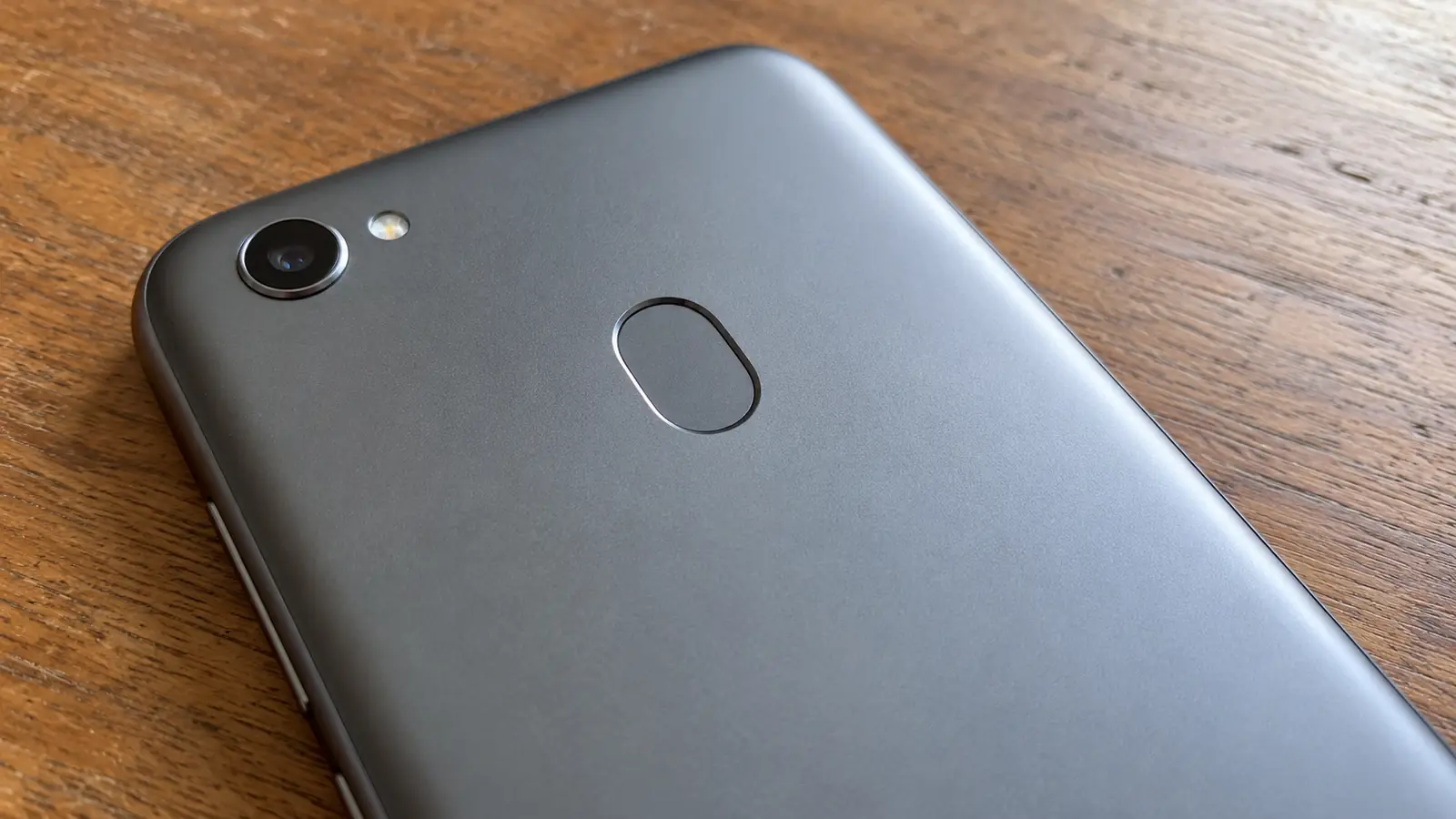
Google’s September 29, 2015 product post says both new Nexus phones include a fingerprint sensor named Nexus Imprint, for quick access to the phone and for Android Pay in the United States. Dave Burke’s developer post the same day says the Nexus 5X and Nexus 6P have fingerprint sensors and USB Type-C ports, and lists them among the first devices to run Marshmallow. The hardware story of those two phones, including the USB-C port, is in how the Nexus 5X and Nexus 6P shipped Nexus Imprint.
Burke’s post also names the first rollout devices: Nexus 5, Nexus 6, Nexus 7 (2013), Nexus 9, Nexus Player, and Android One, starting the week after September 29, 2015. The AOSP push at that same time is what the post calls the official beginning of public availability. Preview 3 images were for testing until early October. A phone flashed with a preview build does not receive the public Android 6.0 update on its own. You have to flash a public image first.
Auto Backup is the other item on that plan list. The Android 6.0 APIs page says full data backup and restore applies when the app targets API 23, and that deleting the Google account deletes the backup data as well.
How this page was checked
Checked on October 17, 2026 against the Android 6.0 APIs page, the Android 6.0 changes page, the current Doze and App Standby guide, and the Google posts dated May 28, August 17, August 27, and September 29, 2015. The nine-minute figure is only the documented cap on two allow-while-idle alarm methods. It is not a published duration for entering Doze. A later Fingerprint HIDL page was fetched and left out of these claims because it documents a newer hardware interface, not FingerprintManager on API 23.