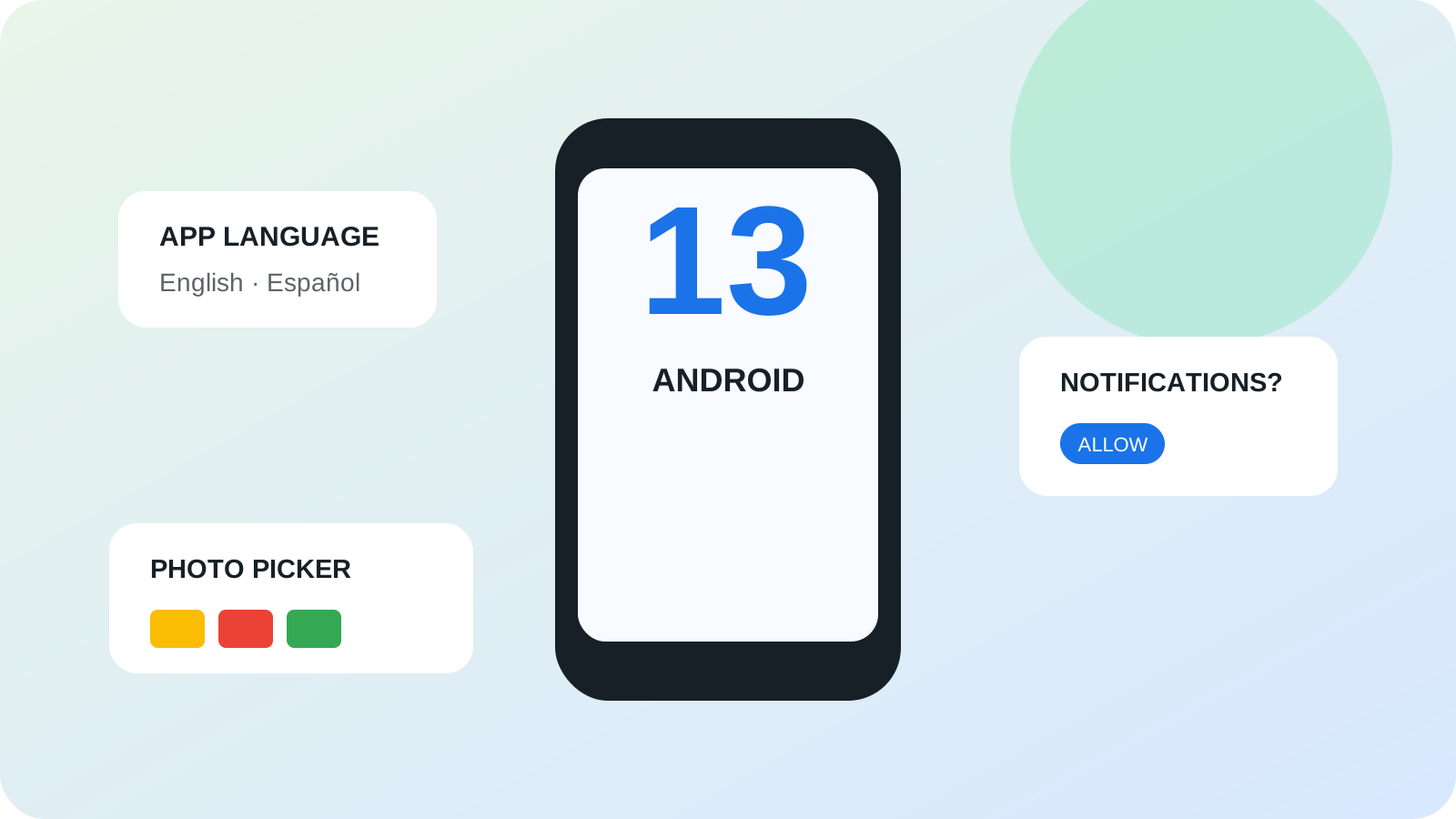
On August 15, 2022, Google began rolling Android 13 out to supported Pixel phones and pushed its source code to the Android Open Source Project. It was a quieter visual change than Android 12, whose Material You redesign had altered the appearance of the whole system; our Android 12 Material You history explains that redesign. Android 13 instead concentrated on the small decisions people make repeatedly: which language an app should use, whether a new app may interrupt them and which photos it may see.
Those changes were not identical on every phone on release day. Manufacturers still had to integrate Android 13, carriers could affect schedules, and apps had to adopt some of its interfaces. The historical importance lies in the platform rules Google released, not in the claim that every user received every feature at once.
| Choice | What the user can do | Prerequisite |
|---|---|---|
| App language | Choose a language for one app | The app supplies that translation and supports the setting |
| Notifications | Allow or deny ordinary notifications | New-install, upgrade and exemption rules differ; see below |
| Photo access | Share selected images or videos | The requesting app uses the system photo picker |
What exactly happened on August 15, 2022?
Google’s consumer announcement presented 13 headline Android 13 features, while the developer announcement confirmed that the Android 13 source had entered AOSP. These were two views of the same milestone. Pixel owners began receiving a finished system update; device makers and developers gained the final platform code and APIs against which to test their work.
Android 13 carried API level 33. Its release completed months of previews and betas, but “final” did not mean static. Google Play system modules, app updates and later manufacturer releases continued to change the experience. That is an important distinction when reading Android history: an AOSP release establishes a platform version, whereas availability on a particular phone is a separate question.
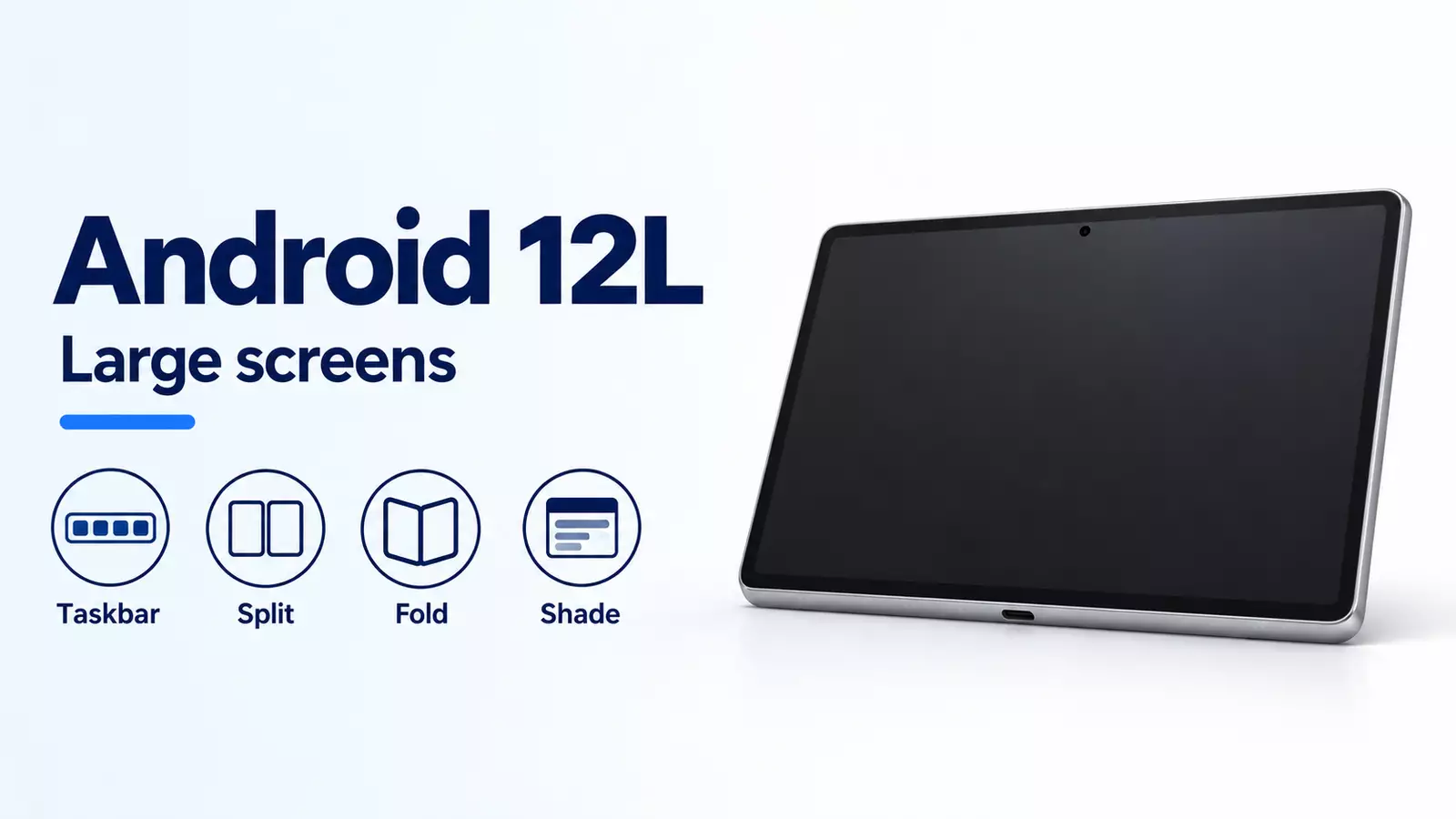
The release also extended work that had begun with Android 12L. Tablets gained the newer taskbar and large-screen multitasking ideas, and compatible devices could separate stylus and palm touches more reliably. Our article on Android 12L’s large-screen turn explains why those features did not begin with Android 13.
How did per-app language choice help multilingual users?
Before Android 13, changing Android’s system language usually changed every app that followed it. Some apps built their own language selector, but each placed it in a different menu. That was awkward for people who used one language for banking, another for family communication and perhaps a third for work or study.
Android 13 added a standard app-language area in Settings and an API for developers. A supported app could therefore use a language different from the rest of the phone. The official Android 13 summary described this as a system-level way to set an application’s preferred locale, not an automatic translation service.
That last point prevents a common misunderstanding. Android could tell an app which supported language the user preferred; it could not create translations that the developer had never supplied. Availability depended on the app’s language resources and adoption of the platform behavior. Even with that limit, the shared setting made a previously fragmented choice easier to find and more consistent.
Why did notifications become a permission?
On Android 13, newly installed apps cannot send ordinary, non-exempt notifications until the user grants POST_NOTIFICATIONS, including apps with an older target SDK. Targeting API 33 or higher lets the app choose when to ask; for API 32 or lower, Android controls the prompt around activity and notification-channel creation.
On an OS upgrade, an existing channel and no previous user block can qualify an app for automatic authorization. A prior block persists. Media-session notifications and qualifying self-managed calls are exempt; a denied foreground-service notification remains visible in Task Manager, not the notification drawer. See Google’s notification permission rules.
Common mistake: treating target SDK 33 as the boundary for notification consent. It changes prompt timing, while the new-install rule also covers older targets.
How did the photo picker reduce unnecessary access?
Many everyday tasks require one image, not an entire photo library. A profile app may need a portrait; a marketplace listing may need three product photos. Android 13 introduced a system photo picker through which a person could select specific photos or videos without granting the requesting app broad access to all media.
The developer release described the picker as a privacy-preserving successor to the long-standing document picker. It could include local and supported cloud media in one system interface. Google also planned to bring the picker to many older devices through Google Play system updates, showing how an Android feature could extend beyond the phones receiving the full operating-system upgrade.
For apps that still needed wider media access, Android 13 split the old storage permission into more granular permissions for images, video and audio. It also added a nearby Wi-Fi device permission so common discovery and connection tasks did not inherently require location permission. These measures did not mean an app could never infer sensitive information; they narrowed routine access and made the request better match the task.
What else changed beyond language and privacy?
Android 13 refined Material You by allowing more app icons to inherit wallpaper colors when developers supplied a compatible monochrome icon. Its redesigned media player used artwork from the current song or podcast, while the playback bar changed as media progressed. Clipboard previews made copied content visible and could automatically clear clipboard history after a period of time.
The release also added platform support for Bluetooth Low Energy Audio and MIDI 2.0 over USB, improved text rendering for several non-Latin scripts and added built-in braille-display support to TalkBack. Compatible third-party camera apps could record HDR video. None of those features alone defined the release, and hardware support still mattered, but together they show that Android 13 was more than a privacy patch.
On tablets, the taskbar enabled drag-and-drop entry into split screen, while cross-device copy and paste was announced for compatible Android phones and tablets. These additions continued the platform’s effort to make a phone part of a larger device environment rather than an isolated screen.
What should not be assumed about the Android 13 rollout?
Google said Pixel rollout began on August 15 and named partner brands expected to follow later in 2022. It did not publish one universal date for every model. A phone’s manufacturer, chipset support, region and carrier certification could all affect whether and when it received the update. An AOSP image also lacks some proprietary services and manufacturer features found on retail phones.
Feature support had similar qualifications. An app needed translations before per-app language selection was useful. Themed icons depended on developer assets. Bluetooth LE Audio required compatible hardware. The photo picker could arrive through a system component on an older version, so its presence alone did not prove that a device ran Android 13.
These qualifications are not footnotes to be ignored. They explain Android’s open, multi-manufacturer model and help separate the date of a platform release from the lived experience of a particular owner.
Why does Android 13 still matter today?
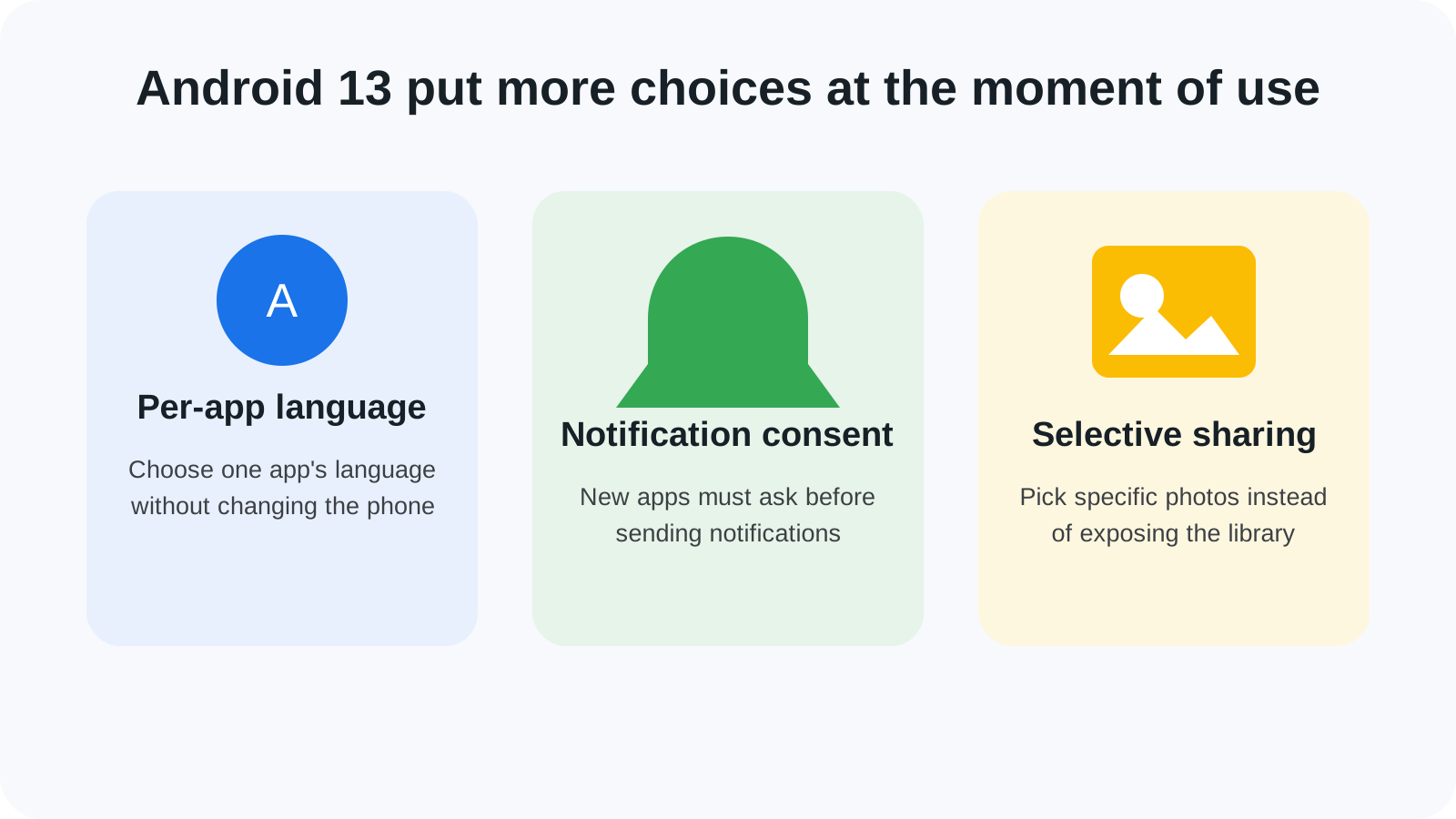
In hindsight, Android 13 helped normalize a more precise kind of consent. Instead of treating installation as permission to interrupt, inspect a whole library or dictate one language everywhere, it inserted smaller choices at the point of use. Later Android releases expanded the same direction with more private spaces, theft protection and stronger security modes. Android 14’s Ultra HDR and Health Connect changes show the next step in data and permission control.
The release also illustrates how Android changes at several speeds: source code enters AOSP, Pixels receive a system image, manufacturers adapt it, developers target new APIs and Google Play components carry selected features backward. That layered process remains essential for understanding any Android update. Android 13’s place in the broader sequence is preserved in our Android history timeline, alongside the large-screen work that preceded it and the privacy releases that followed.
Continue through the versions in order: Android 12’s design and privacy changes explain the starting point; Android 14’s media and health controls show what followed.
Source access note: Official release and permission documentation checked October 8, 2026.