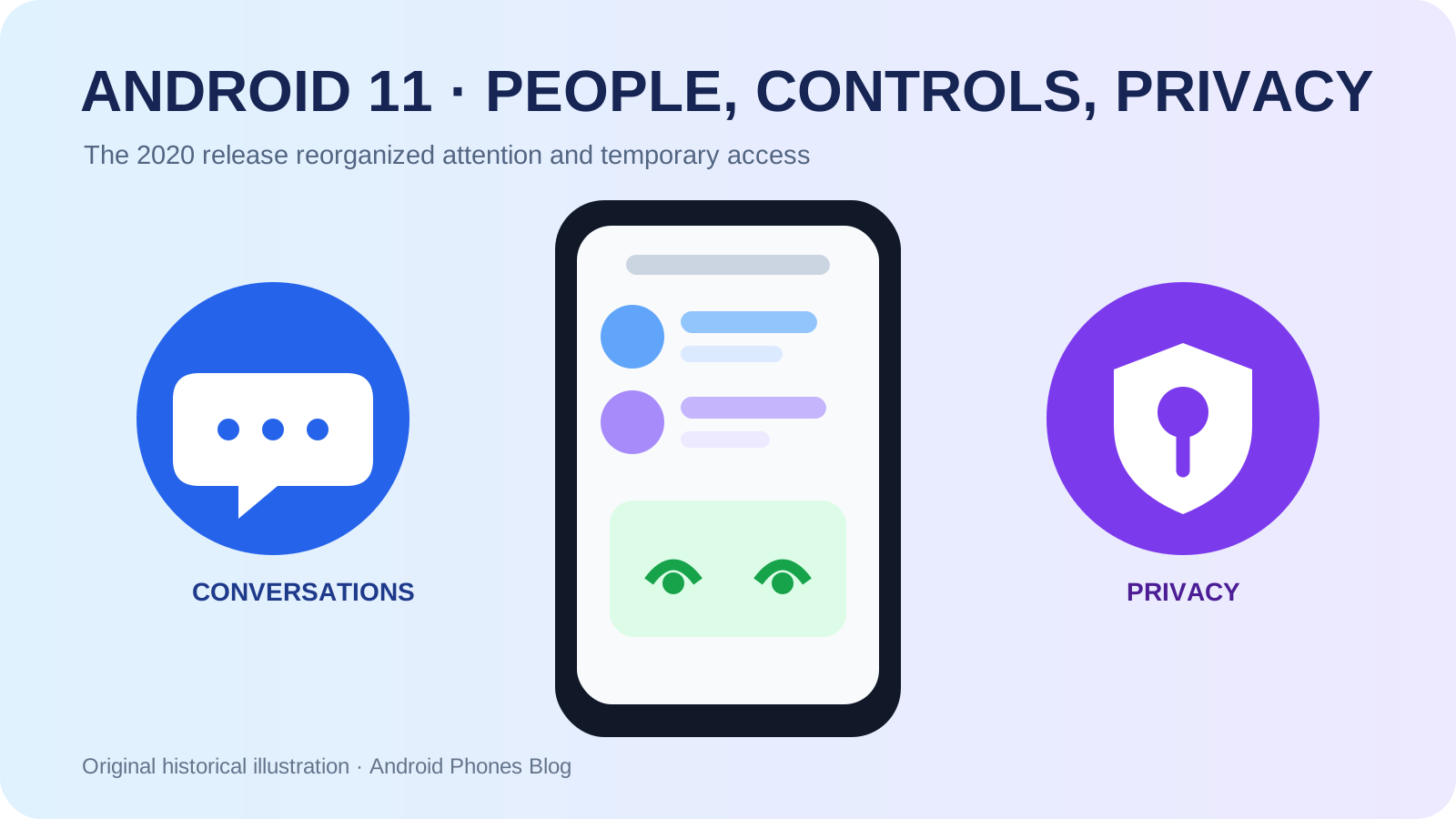
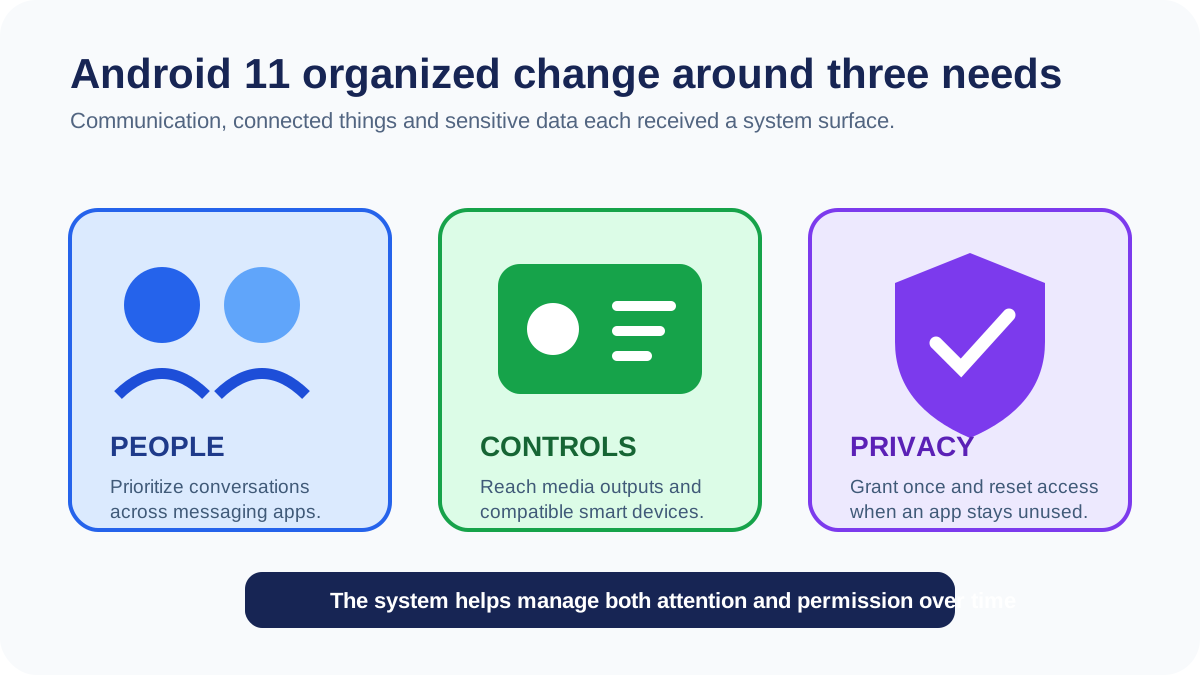
Android 11 was officially released to the Android Open Source Project and began rolling out to selected phones on September 8, 2020. Google organized the release around three themes: people, controls and privacy. In daily use, that meant a dedicated notification area for conversations, chat bubbles, quicker media and smart-device controls, one-time sensor permissions and automatic resetting of permissions for long-unused apps. Google’s official consumer summary also included built-in screen recording and wireless Android Auto support on compatible equipment.
The release did not reinvent the shape of a phone. It reconsidered how a phone should rank interruptions, expose connected devices and limit old grants of sensitive data.
- People: Conversation notifications and bubbles depended on app support and the user’s priority choices.
- Controls: Media and connected-device controls shortened common actions; compatible services and equipment were still needed.
- Privacy: One-time grants narrowed access to a temporary task; unused-app reset had app-target conditions at launch. Assuming every old grant expired automatically could leave access unreviewed.
Manufacturers could present these controls differently; the platform release did not guarantee the same interface or rollout for every phone.
Why did Android separate conversations from other notifications?
A notification shade can mix messages from people with deliveries, promotions, software status and background activity. Android 11 gave supported messaging notifications a dedicated Conversations section. A user could mark an important conversation as a priority so that it appeared more prominently and could bypass selected Do Not Disturb settings.
The underlying idea was that the sender and relationship matter, not only the app. Two alerts from the same messaging service might deserve different attention because one came from a close contact and the other from a large group. Android had already been adding person-aware notification APIs; version 11 turned them into a more visible system structure.
This did not allow Android to understand every message perfectly. Apps needed to use the appropriate conversation and shortcut APIs, and users still decided what to prioritize. The platform supplied a place and controls; it did not make a universal judgment about which person was important.
How were bubbles different from ordinary alerts?
Bubbles allowed a supported conversation to remain available in a floating window above another app. Tapping the bubble opened a compact conversation surface, and dismissing it removed the floating element without necessarily deleting the underlying message. The model was familiar from some messaging apps, but Android 11 provided a platform-level system that different apps could use.
| Android 11 communication tool | What it changed | What still depended on the app or user |
|---|---|---|
| Conversations section | Grouped person-to-person alerts | Correct app implementation |
| Priority status | Raised selected people and threads | The user’s choice of priority |
| Bubbles | Kept a conversation over another task | App support and user preference |
| Notification history | Made recently dismissed alerts easier to review | Feature must be enabled |
Bubbles were useful for quick replies while consulting another screen, but a floating element could also obstruct content or become another distraction. Android therefore treated the feature as a controllable presentation method, not a mandatory replacement for the notification shade.
What did Android 11 put into the power and media controls?
Holding the power button on Google’s implementation could open a space for compatible connected-device controls, such as lights and thermostats. Instead of opening a separate home app for every routine action, a user could reach selected controls from a system surface. Media playback controls also moved toward the Quick Settings area and made switching an output device, such as a speaker or headphones, more direct.
These changes reflected a phone becoming a controller for a wider personal system. Audio could move among devices, and household equipment could respond through apps and standard Android surfaces. The value depended on compatible services, configured devices and a manufacturer’s implementation; Android 11 did not make every appliance interoperable by itself.
The power menu behavior also varied as manufacturers developed their own interfaces in later versions. Its historical importance lies in the platform idea: frequently used external-device actions could belong near core phone controls rather than remain buried inside one app.
How did one-time permissions change consent?
Android 10 had introduced the option to allow location only while an app was in use. Android 11 added one-time access for microphone, camera and location. The grant was intended for a temporary task or session, not one sensor call. The official duration rules allow access while the activity is visible, briefly after it moves to the background, or until a foreground service stops if it began while the activity was visible. Revoking the permission ends that access. Once the grant ends, a later request needs permission again.
That made permission duration more expressive. A person could scan a document, attach a location or record a short clip without making a continuing decision about the app’s future access. The user still needed enough context to judge the request, and an app could ask again, but the default consequence of saying yes could be much narrower.
Android 11 also addressed abandoned permissions. At launch, automatic reset applied to apps targeting Android 11 (API level 30) or higher after a few months without use. It reset granted sensitive runtime permissions, not every kind of access, as documented in the Android 11 permissions reference. Google’s developer release announcement identified both one-time permission and permissions auto-reset as central privacy work.
Why did unused-app permission reset matter?
People accumulate applications and forget why each one once received location, camera or contact access. A permission model based only on the installation moment assumes that an old decision remains relevant indefinitely. Auto-reset introduced the idea that inactivity itself should weaken that assumption.
The design was not the same as uninstalling the app or erasing its stored data. The application remained available, but it would need to ask again when a protected capability was next required. Developers could direct users to an exemption in limited cases where background function genuinely depended on continuing access.
This shifted some privacy maintenance from a manual audit to a system behavior. It also created a better prompt context: when the user returned months later, the app could explain the permission at the moment of need instead of relying on a distant setup decision.
What changed beneath the visible interface?
Android 11 added more system components that could receive updates through Google Play, continuing the modular-maintenance direction introduced with Android 10. Google said additional security and privacy fixes could therefore arrive without waiting for a full OS update. This remained a partial channel, not a substitute for every device firmware or kernel update.
The official Android 11 platform resources also covered scoped-storage enforcement, data-access auditing, better support for waterfall and pinhole displays, 5G APIs and compatibility tools. Those developer-facing changes affected how apps behaved even if they did not produce a new home-screen icon.
The release reached selected Pixel, OnePlus, Xiaomi, Oppo and Realme devices at launch or in the initial period, with more manufacturers following. That wider starting set was meaningful, but it did not guarantee identical timing for all models, regions or carrier variants.
Not every Android 11 phone looked or behaved the same. Android supplies platform capabilities and compatibility requirements, while manufacturers choose interface designs, bundled services and eligible models. A vendor could style the notification shade differently, place device controls elsewhere or add its own privacy tools. Apps also had to adopt newer APIs before every conversation or bubble worked as intended.
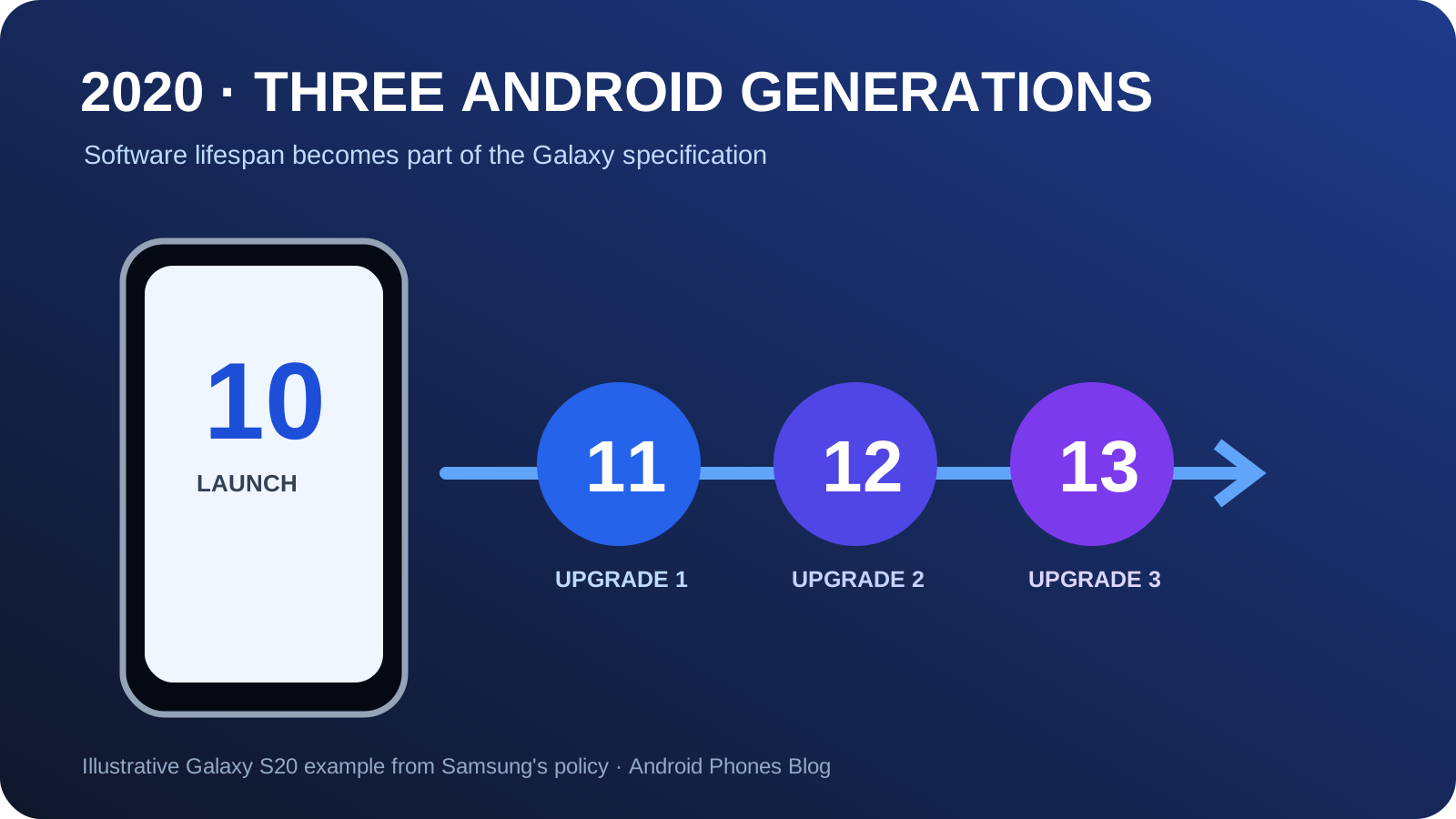
This variation is why Android history should distinguish “introduced in the platform” from “immediately present on every phone.” The Android 11 release date marks source availability and the first rollout, not a simultaneous global upgrade of the installed base. Samsung’s three-generation update commitment from the same year was important partly because users needed clearer expectations for that later delivery.
Why does Android 11 still matter today?
Android 11 framed three continuing responsibilities of a smartphone. It should help people find human communication among automated alerts, provide coherent control over nearby devices and revoke or narrow data access when trust is temporary or stale. Later releases refined the specific interfaces, but those goals remain recognizable.
For current users, check the controls your phone actually offers:
- Review which threads can interrupt Do Not Disturb.
- Close unnecessary bubbles.
- Use one-time or task-limited sensor permissions when available.
- Revisit unused apps rather than assuming every grant has been reset.
The Android history collection places those controls in context. Android 11 matters because it treated attention and permission as resources that the operating system should help a person manage over time.
Read Android 10’s while-in-use location control for the preceding permission step, then Android 12’s privacy indicators and dashboard for the next layer of visibility.
Historical record: Platform event: 2020-09-08; original publication record: 2020-09-09.