Historical context: This article describes the November 2025 launch and its original limitations. For current device conditions, both transfer directions and QR alternatives, use our Android and iPhone file-sharing guide.
- Launch scope: Google’s November 20, 2025 announcement began with the Pixel 10 family, not every Android phone.
- Both directions need consent: Pixel-to-iPhone and iPhone-to-Pixel sharing required receiver approval, according to Google’s security explanation.
- Nearby direct transfer: The original file path was peer-to-peer, without a server relay; the current guide distinguishes it from later QR web downloads.
What changed on November 20, 2025?
Quick Share already transferred files among Android, ChromeOS and Windows devices. AirDrop already handled nearby transfers among Apple devices. The November Android announcement connected those previously separate nearby-sharing experiences on the Pixel 10 family.
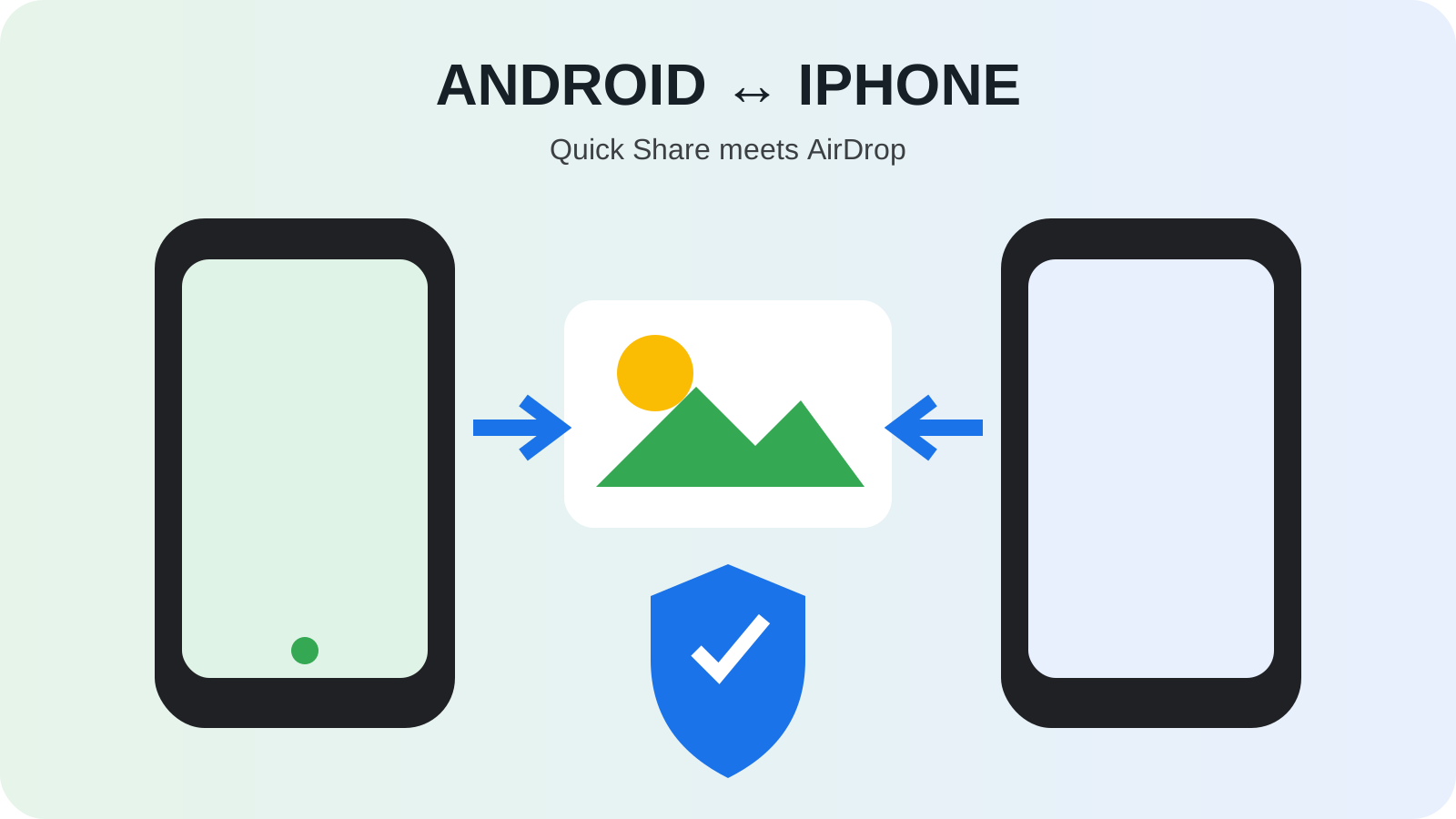
Google described the transfer as two-way. A Pixel could discover an iPhone made temporarily visible through AirDrop, and an iPhone could see the Pixel through the AirDrop interface. Each recipient reviewed and accepted the transfer. The file traveled locally, so the feature worked without internet service.
This was not the same as sending an attachment through email. A nearby transfer avoids creating a cloud copy simply to bridge operating systems and can preserve the original file more directly. It also requires physical proximity and user participation, limiting it to a different set of situations.
How did an Android-to-iPhone transfer work?
For the original launch flow:
- Make the receiver visible: The iPhone recipient selected AirDrop’s “Everyone for 10 Minutes.” For the reverse direction, the Pixel had to be visible to the sender.
- Choose the destination: The Pixel sender selected a file in Quick Share and chose the nearby iPhone; the iPhone sender used AirDrop to select the Pixel.
- Check and approve: Confirm the device name with the other person, then have the receiver accept or decline the request.
- Complete the exchange: Check the send result and received file. The file transfer used the direct nearby connection.
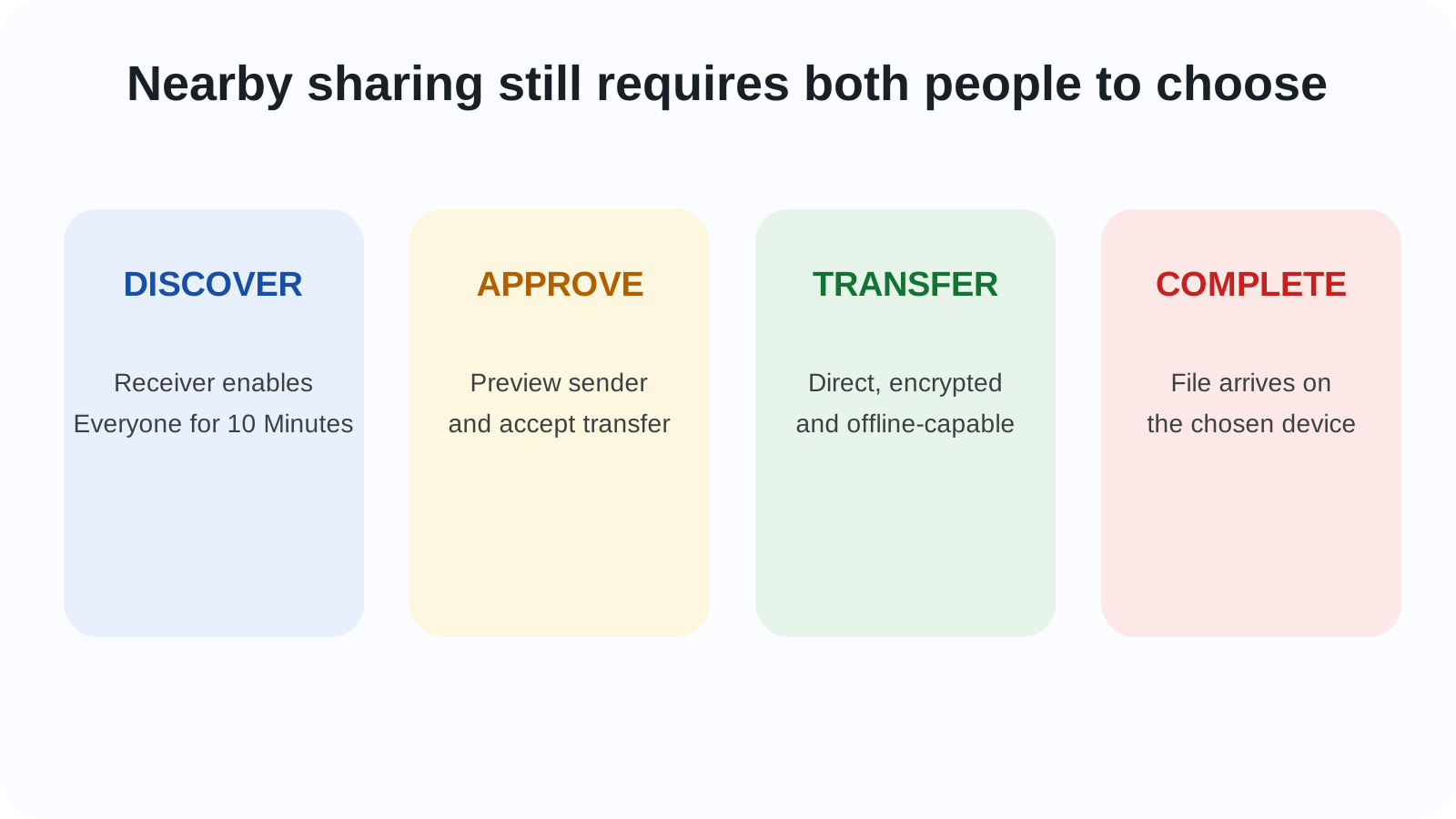
| Stage | Sender action | Receiver action | Security purpose |
|---|---|---|---|
| Discovery | Opens Quick Share or AirDrop | Enables temporary visibility | Limits who appears as a destination |
| Identification | Chooses the nearby device | Reviews sender and file prompt | Reduces accidental acceptance |
| Approval | Waits for consent | Accepts or declines | Keeps transfer user-controlled |
| Transfer | Device sends selected file directly | Device receives selected file | Avoids a cloud relay for the file |
| Completion | Verifies sent status | Opens or stores the file | Gives both sides a visible result |
Interface details could change with updates, and availability depended on supported software. The important pattern was explicit visibility and consent, not silent background exchange.
Was this the same as making Quick Share an Apple feature?
No. Apple continued to present AirDrop on the iPhone, and Google continued to present Quick Share on Android. Interoperability meant the two implementations could discover and exchange with each other under the supported conditions. It did not merge account systems, settings or product ownership.
Google’s announcement did not say Apple had adopted Quick Share, nor should the feature be described as an Apple app for Android. The iPhone user interacted with AirDrop and the Pixel user with Quick Share. The bridge was below those familiar interfaces.
This distinction matters in open ecosystems. Two products do not need identical branding to exchange data, but users need predictable controls on both sides. The experience remained limited by whatever compatibility Google had completed and shipped for named devices.
How did Google describe the security design?
Google published a separate security explanation and said the implementation used strong safeguards tested by independent security experts. It emphasized Rust, a memory-safe programming language, in the interoperability layer and described identity protection, consent prompts and encrypted peer-to-peer transfer.
The receiver still needed to approve a file from someone outside their own account. That is a crucial boundary because nearby-sharing systems have historically attracted spam and unwanted-content concerns. Temporary visibility reduces exposure compared with remaining discoverable to everyone indefinitely.
Encryption protects the transfer path, but it does not make every received file safe. A user can still accept a misleading document or harmful file from an untrusted sender. The practical rule remains to decline unexpected requests and verify the sender in person when possible.
What could people share, and what remained separate?
Google named photos, videos and documents. File size, format support, storage space and application behavior could affect what happened after receipt. A file transfer does not automatically move app data, conversation history, accounts or device settings.
| Shared directly | Not automatically migrated |
|---|---|
| Selected photos and videos | Photo-library organization or cloud albums |
| Selected documents | Editing-app licenses and account access |
| Other supported files | App databases and private app containers |
| Original nearby transfer payload | Message history, contacts or device backup |
For a full phone switch, Android and iPhone migration tools remained the appropriate route. Quick Share and AirDrop interoperability solved the everyday moment when two nearby people wanted to exchange a few files despite owning different phones.
What were the launch limitations?
Pixel 10 support was the largest limitation. Google’s wider Android ecosystem contains many manufacturers and software branches, so expansion required more testing and distribution. An Android phone merely showing a Quick Share icon did not prove that its build could communicate with AirDrop in November 2025.
The iPhone also needed the supported AirDrop visibility mode and compatible software. Managed devices could have organizational policies that disabled nearby sharing. Crowded locations might show multiple devices, requiring care when choosing a recipient.
Google said it intended to expand support; that was a plan, not completed availability. Later expansion should be dated to the update that delivered it, not retroactively included in the November launch.
How did this fit the wider cross-platform trend?
The Android and iPhone ecosystems had already made progress on RCS messaging and unknown Bluetooth tracker alerts. Those efforts addressed communication and safety across platform boundaries. Nearby file transfer addressed another ordinary friction: exchanging full-quality content face to face.
The feature debuted on the Pixel 10 and Tensor G5 generation, but its value was not tied to AI performance. It was an interoperability change made visible through a flagship launch. That contrast is useful: some of the most helpful phone advances come from agreeing on connections, not inventing a new model or sensor.
Why does Quick Share and AirDrop interoperability still matter today?
Phone choice often divides families, classrooms and workplaces into separate sharing habits. The November 2025 release showed that those boundaries were software decisions rather than unavoidable laws of hardware. A photo could move locally and privately without asking both people to install the same third-party app.
Its lasting importance depends on reach and reliability. A bridge limited to a few models is a milestone; a bridge people can expect across devices becomes infrastructure. Google later worked on expansion, but the Pixel 10 launch is the historical starting point.
In the Android history timeline, this event belongs beside RCS and cross-platform tracker alerts. Each reflects the same public-interest idea: basic communication and safety should not fail merely because two people chose different phone brands.