A tap fails when the phone, the card, or the lane sits outside the gates in the September 10, 2015 post. Android Pay’s mobile wallet history starts there: a gradual United States rollout for NFC phones on KitKat 4.4 or later.
This page keeps that record. Fees, radio range, token length, a bank census, and US chain names stay blank where the saved pages leave them blank.
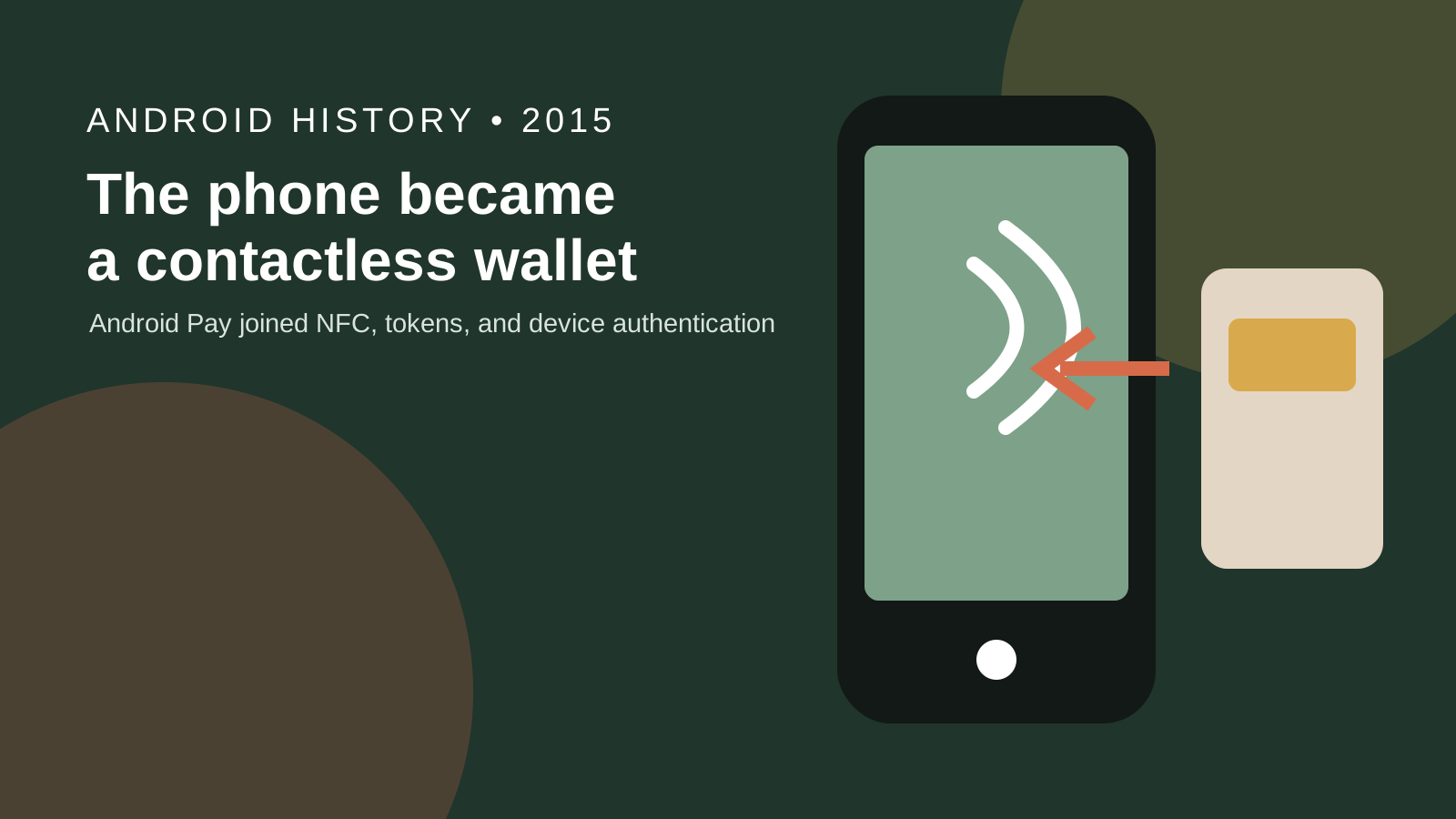
Android Pay in 2015 is the mobile wallet Google began rolling out in the United States on September 10, 2015. Pali Bhat’s Android Blog post says it works on NFC phones running KitKat 4.4 or later, on any mobile carrier, at US tap-and-pay locations. It names American Express, Discover, MasterCard, and Visa, plus an including list of banks, with more banks still being added. A virtual account number goes with the payment, and the real card number stays off that message. In-app checkout is later this year in that post, and a loyalty tap is marked soon. Later names are Google Pay on Jan 08, 2018 and Google Wallet on May 11, 2022. The record is in the Android history hub under Industry Insights. A current card is checked on Google Wallet Help and with the issuing bank.
| Input or item | Value the saved page prints | Why it matters |
|---|---|---|
| US rollout | September 10, 2015, gradual, over the next few days | The post says “beginning to roll out,” at over one million US locations |
| Device floor | NFC-enabled, KitKat 4.4+ | A phone without NFC, or an older Android release, is outside that sentence |
| Carrier, in use | Any mobile carrier | Separate from the preinstall sentence below |
| Preinstall | New NFC phones from AT&T, T-Mobile, and Verizon Wireless | New users otherwise download from Google Play in the next few days |
| Networks, US post | American Express, Discover, MasterCard, Visa | The post calls these the four major payment networks |
| Bank census | “Including” plus “adding new banks all the time.” No total | |
| US chain names | The location sentence ends at “including:” and the names are not in the page text | |
| Fee | Unprinted | |
| NFC range | Unprinted | |
| Token length | The post says “virtual account number” only | |
| UK availability | May 18, 2016 | A later post. It says the UK launch builds on the US launch “last year” |
| Singapore and Australia date | The May 18, 2016 post says “soon.” No day |
Open the cover illustration at full size.
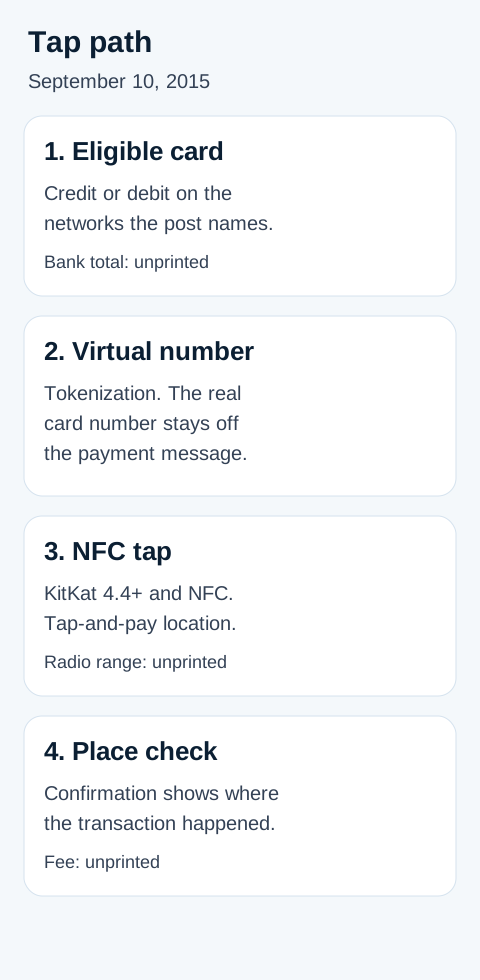
What the September 10, 2015 tap sent
The payment message carries a virtual account number. Bhat calls the mechanism industry-standard tokenization and says the real credit or debit card number is not sent with the payment.
The phone side of that sentence is narrow. Android Pay works, in the post’s words, with all NFC-enabled Android devices running KitKat 4.4 or later, on any mobile carrier, at every tap-and-pay-ready location across the US. The same post says you can use it at over one million locations, “and counting,” everywhere tap-and-pay payments are accepted. It also says more store locations were still to come. Those are three claims in one announcement: a device floor, a million-location scale, and an unfinished store list.
After a purchase, the post says you see a payment confirmation that shows where the transaction happened, so suspicious activity is easier to spot. It does not print a fee, a decline code, or a radio range. Those cells stay blank.
Cards and passes split into “now” and “soon” inside the same post. Android Pay stores gift cards, loyalty cards, and special offers on the phone. Transmitting loyalty cards and offers with a tap is “soon,” and only with select merchants. In-app checkout is “later this year,” so on September 10, 2015 that line is a plan.
People who already had Google Wallet were told they would reach Android Pay through an update to the Wallet app. New users were told the app would be on Google Play in the next few days, and that it would come preinstalled on new NFC-enabled Android phones from AT&T, T-Mobile, and Verizon Wireless. The postscript points people who want to send or receive money to a separate Google Wallet update. This page does not describe that linked page.
If the phone is lost or stolen, the post’s step is Android Device Manager: lock it from anywhere, set a new password, or wipe the personal information. The earlier life of that tool is Android Device Manager and the start of Google’s lost-phone tools.
Fingerprint authentication is absent from the September 10, 2015 post. The platform fingerprint API is a Marshmallow topic, traced in Android 6.0 Marshmallow: permissions, Doze, and fingerprints.
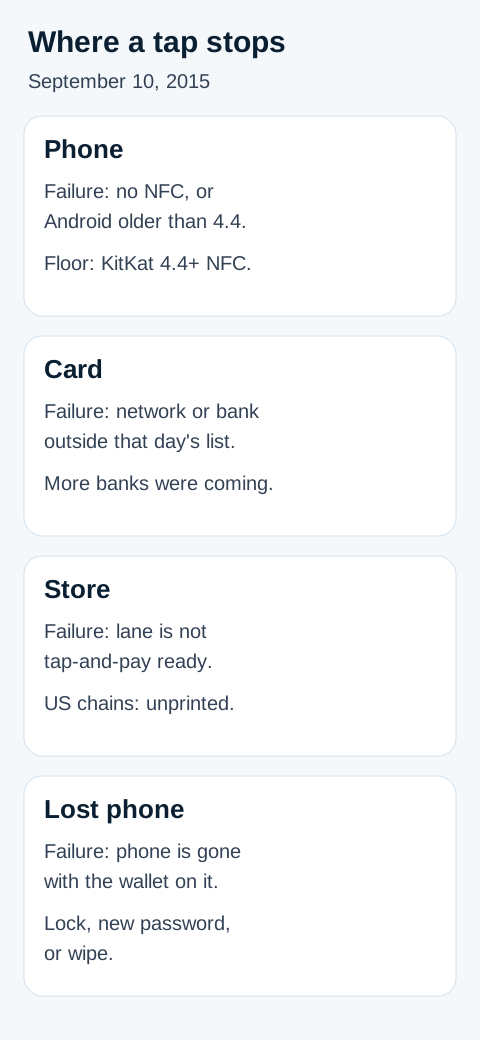
Where a 2015 tap stops
Four gates in the launch post each have a dominant failure mode. The prevention is the sentence Google printed, not a later product.
| Gate | Dominant failure mode | Prevention the September 10, 2015 post prints |
|---|---|---|
| Phone | No NFC radio, or a release below KitKat 4.4 | “All NFC-enabled Android devices (running KitKat 4.4+)” |
| Card | Network or bank outside the set named that day | Four networks, the “including” banks, and a note that more banks were being added |
| Store | The lane is not tap-and-pay ready | “Every tap and pay ready location” and “over one million” US locations. Chain names are unprinted |
| Lost phone | The handset is gone with the wallet still on it | Android Device Manager: lock, a new password, or a wipe |
Rule of thumb: If the OS is below 4.4, the in-store tap described on September 10, 2015 does not start. The same sentence also requires NFC. A KitKat phone without that radio is outside the post as well.
The US bank sentence has two layers, and mixing them invents a census. The networks are American Express, Discover, MasterCard, and Visa. Then: “These cards are issued by many of the most popular US banks and credit unions, including American Express, Bank of America, Discover, Navy Federal Credit Union, PNC, Regions Bank, USAA, and U.S. Bank.” Wells Fargo is “in the next few days.” Capital One is “coming soon.” The body also says Citi is coming soon, and the update line corrects Citi to “rolling out in the coming weeks.” American Express and Discover appear both as networks and inside the “including” clause. That is how the post writes the names.
Worked example, arithmetic on the printed names: the “including” clause contains American Express, Bank of America, Discover, Navy Federal Credit Union, PNC, Regions Bank, USAA, and U.S. Bank. That is 8 names. Count = 8. Wells Fargo, Capital One, and Citi sit in the next sentence, on later schedules, so they are outside the 8. The post also says many banks and credit unions issue the cards, and that new banks were being added all the time. The 8 is a count of one clause. It is not a count of every participating issuer.
What the May 18, 2016 post adds for the UK
Bhat’s May 18, 2016 post says Android Pay is available in the UK starting that day, and that this builds on the US launch the year before, with new countries coming soon. Use is “everywhere contactless payments are accepted,” with Boots, Starbucks, and Waitrose named, plus Tube, bus, and train via Transport for London. The post says businesses in the country that already have contactless terminals do not need to do anything else to accept Android Pay in store. That terminal sentence is in the UK post. It is not a sentence in the September 10, 2015 US post.
The UK card line is narrower than the US network line. You need the Android Pay app from Google Play and an eligible MasterCard or Visa credit or debit card from a supported bank. The examples are Bank of Scotland, First Direct, Halifax, HSBC, Lloyds Bank, M&S Bank, MBNA, and Nationwide Building Society, “with new banks being added all the time.” The post prints no total, so this page does not turn that “such as” list into one. Discover and American Express are in the 2015 US network sentence. They are absent from this UK card sentence.
In-app checkout in that UK post is named for JD Sports, Deliveroo, YPlan, “and many more.” Android Pay Day is described as monthly special offers, with Starbucks UK and Deliveroo among the first. No pound amount is printed, so no offer value appears here.
Security in the UK post is the same design under British spelling: industry-standard tokenisation, and the real card number is not sent to the merchant. The lost-or-stolen line says you can lock the device. It does not name Android Device Manager.
Singapore and Australia are “soon” in that post. The day they opened is unprinted on the page saved here, so the date cells stay blank.
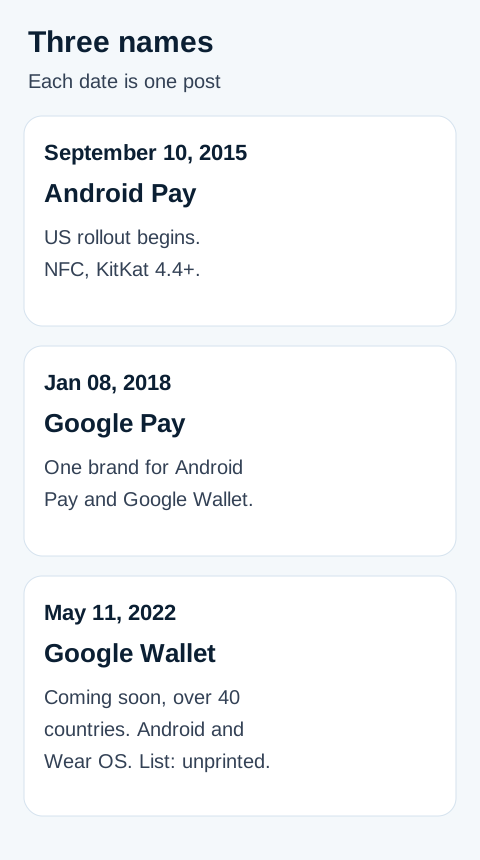
How the names moved in 2018 and 2022
On Jan 08, 2018, Bhat’s post says Google is bringing the ways to pay with Google, including Android Pay and Google Wallet, into one brand: Google Pay. The post says that over the coming weeks people would see Google Pay online, in store, across Google products, and when paying friends. A footnote says those experiences would also come to Tez users in India, and to stay tuned. It says Google Pay is already on Airbnb, Dice, Fandango, HungryHouse, Instacart, and other apps and websites. It mentions current offers and does not print a price. The price cell stays blank.
The May 11, 2022 post, “Ask a Techspert: How do digital wallets work?”, says Google Wallet will be coming soon in over 40 countries and is the new digital wallet for Android and Wear OS devices, without listing the individual countries. The post describes a digital wallet as an app that holds digital versions of items from a physical wallet. It quotes product manager Dong Min Kim on the check before a card is added: the financial institution verifies who you are, and you can set a screen lock. If the device is lost, the post says you can locate, lock, or wipe it from Find My Device. That is the 2022 name. The 2015 post’s name for the lost-phone step is Android Device Manager.
The same 2022 post says a virtual number stays attached to the card, so a lost physical card can still be used in Google Wallet while the replacement is on the way. Sending money is placed in the Google Pay app, “available in markets like the U.S., India and Singapore,” as a companion for payments such as sending and receiving money. The post also says that when a phone cannot use some Wallet features, developers can use QR or barcodes, which more devices can access. Wear OS models, a QR specification, and the list behind “over 40” are unprinted.
Where a card gets checked now
The 2015 gates above are the history of that rollout. A card in 2026 is checked on the current help page.
Google Wallet Help is the current topic index, fetched October 18, 2026. The page that prints the contactless requirement is Find supported payment methods, opened here on the United States view. That page says contactless payments with Google Wallet need an Android phone with near-field communication. It tells you to pick a country in the dropdown. If the country is missing, it says there are no supported payment methods yet in that country. It says the bank decides whether its cards work with Google Wallet, and that a bank can restrict any of its cards from mobile payments. If the bank is absent from the list, or the card cannot be set up, the page says to call the number on the back of the card. It also says you can use the phone to pay wherever Google Pay is accepted.
This archive does not copy that page’s bank table. The table changes, and the 2015 “including” list is a different document. Pick the country on Google’s page, then use the issuer’s own site or app for that card.
How this page was checked
The sentences above were checked against six pages saved on October 18, 2026: the September 10, 2015 Android Blog post, the May 18, 2016 UK post, the Jan 08, 2018 Google Pay post, the May 11, 2022 Wallet post, the Wallet Help index, and the supported-payment-methods page on its United States view. A blank cell means that page does not print the figure. The count of 8 is arithmetic on the names inside one 2015 “including” clause, labeled as that count, and it is not an issuer census. Comment threads on the 2015 post were not used.