Archive update: By late 2010, Amazon had extended Kindle reading beyond its own e-readers to Windows PCs, Macs, iPhone, iPad, BlackBerry and Android. The strategy made the ebook library the product and treated each phone, tablet or computer as another place to continue reading.
What was available across Kindle apps?
The exact feature set varied by platform, but the core experience was consistent: sign in with an Amazon account, access purchased Kindle books and continue from a saved reading position. The apps were free, while books were purchased separately.
Amazon’s Whispersync service was central to the experience. It synchronized reading progress and bookmarks so a customer could read on a Kindle at home, continue on a phone during a commute and return to a computer later.
Why was synchronization more important than another reader app?
A standalone reader can open a book on one device. A synchronized service can make several devices feel like entrances to the same library. That difference changes user behavior. A customer no longer has to predict which screen will be available later or manually remember a page number before leaving home.
The account became the stable layer. Purchased titles, bookmarks and reading position could follow the reader while the local interface adapted to a mouse, touch screen, phone display or electronic-ink device. Each client still needed to store enough local state to open a book and then reconcile changes when it connected again. For the reader, however, the desired result was simple: open the title and continue.
Synchronization also raised expectations. If two devices reported different positions or a bookmark failed to appear, the ecosystem felt less reliable than a single book. Cross-platform products therefore had to manage account identity, network interruptions and conflicts in addition to displaying text. Whispersync was not a decorative feature; it was the service that made the multi-device promise credible.
| Platform in the 2010 ecosystem | Typical use |
|---|---|
| Kindle e-reader | Dedicated long-form reading |
| Android and iPhone | Reading from a phone already in the user’s pocket |
| iPad | Larger color screen for books and illustrated content |
| BlackBerry | Access for business-focused smartphone owners |
| PC and Mac | Reading and library access at a desk or laptop |
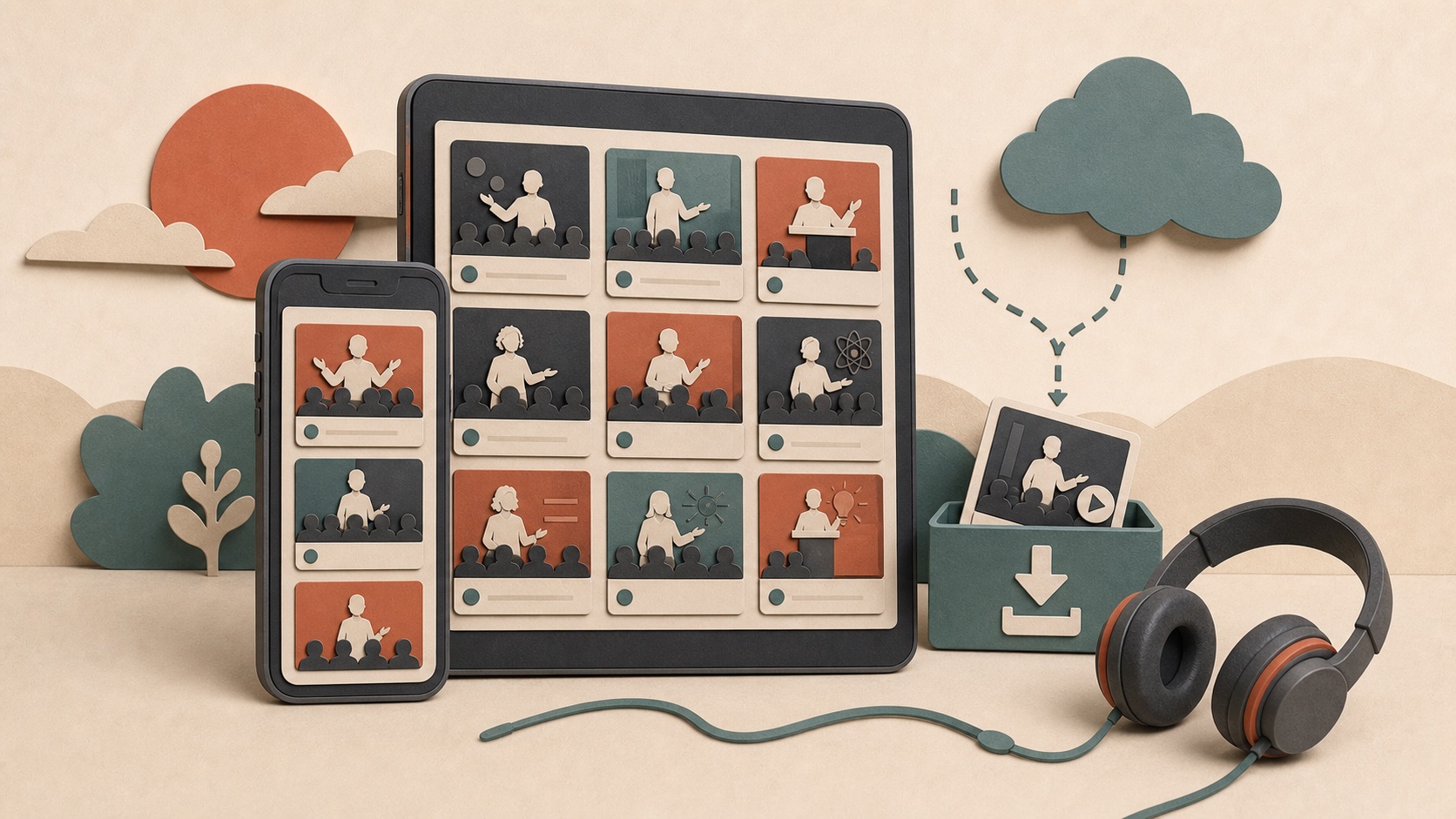
The useful distinction is between library continuity and identical apps. Amazon centralized the customer’s purchases and reading position, then adapted the interface to each device. That same cross-screen logic appeared in a different form when the TED Android app added offline talks for phones and tablets.
How did each screen serve a different reading moment?
The device list was valuable because the products were not interchangeable. A dedicated Kindle prioritized long reading sessions and battery life. A phone was more likely to be nearby during an unexpected wait. A tablet provided a larger touch display, while a work or home computer allowed access without another device in hand.
That variety made the library more useful without requiring Amazon to argue that one form factor was best for every situation. A reader could prefer Kindle hardware and still benefit from an Android app. Someone who had not purchased a Kindle could enter the same book catalog through a phone or computer. Hardware and software expanded one another’s reach.
The approach also lowered the perceived commitment behind an ebook purchase. Buyers could reasonably ask whether a digital title would remain accessible if they changed phones or did not carry an e-reader. Supporting several popular platforms answered part of that concern. The book was associated with an account and service rather than the lifespan of one physical screen.
Why did the cross-platform approach matter?
Many digital-content businesses tried to use exclusive hardware to lock in customers. Amazon took a broader approach: Kindle hardware could remain the specialized reading device, while the purchased library followed the customer to other screens.
That reduced the risk of buying an ebook. A reader did not need to have a Kindle nearby to access a title, and switching phones did not require rebuilding the library from the beginning.
What business advantage did cross-platform access create?
Every free reading app could become a storefront entrance and a reason to keep buying from the same catalog. Amazon did not need to earn hardware revenue from every reader for the Kindle ecosystem to grow. Wider software availability increased the number of people who could use purchased books and made an existing library more convenient for customers who already owned a Kindle.
This is different from simple device lock-in. The customer gained genuine flexibility among supported clients, but the accumulated library and account history also made the service more valuable over time. A competing reader could offer excellent hardware and still face a migration problem: the user cared about previously purchased books, saved positions and habits, not only the specifications of the next screen.
The strategy therefore connected acquisition and retention. Supporting Android, iPhone, BlackBerry, PC and Mac widened initial access. Synchronization and a persistent library encouraged continued use. Kindle hardware remained a premium way to read, while software reduced the chance that a moment without the hardware became a moment outside Amazon’s ecosystem.
Was every app identical?
No. Display technology, store policies and device capabilities produced differences. Some features arrived on one platform before another, and purchasing rules changed over time. The safest historical conclusion is that Amazon was building a shared reading ecosystem, not that every client had perfect feature parity.
Platform differences could come from screen technology, operating-system APIs, store policies and the pace of each application’s development. An electronic-ink reader and a color tablet could not present every visual feature in the same way. A mobile platform might also impose different rules on purchases or background synchronization.
For that reason, “available on six platforms” should not be read as “six exact copies.” The meaningful common layer was access to the Kindle account and core reading workflow. When evaluating any historical compatibility claim, readers should separate the existence of an app from feature parity, minimum software versions and current store availability.
What is the status today?
This article records the 2010 expansion and should not be used as a current compatibility list. Amazon can change minimum operating-system versions, supported devices and in-app purchasing behavior. Check Amazon’s current device and app pages before relying on a particular platform.
The cross-device principle is now common across media services: access and synchronization often matter more than the original playback hardware. Compare the strategy with Android’s expanding device ecosystem in January 2010, or browse the complete Android history archive.